> ## Documentation Index
> Fetch the complete documentation index at: https://help.get-ryze.ai/llms.txt
> Use this file to discover all available pages before exploring further.
# Connect Criteo
> Connect your Criteo API credentials so Ryze can manage your commerce media campaigns and pull performance reporting.
Criteo connects with your **own API credentials** (client ID + client secret). Ryze uses them to read your advertiser portfolio, pull campaign statistics, and manage campaigns, ad sets, audiences, and budgets via the Criteo Marketing Solutions API.
You need access to the **Criteo Developer Portal** with your Criteo account. The credentials are scoped to the advertisers your app is consented to — Ryze can only see and manage what you grant.
## Step 1 — Create an app and generate credentials
Go to [partners.criteo.com](https://partners.criteo.com) and sign in with your Criteo account.
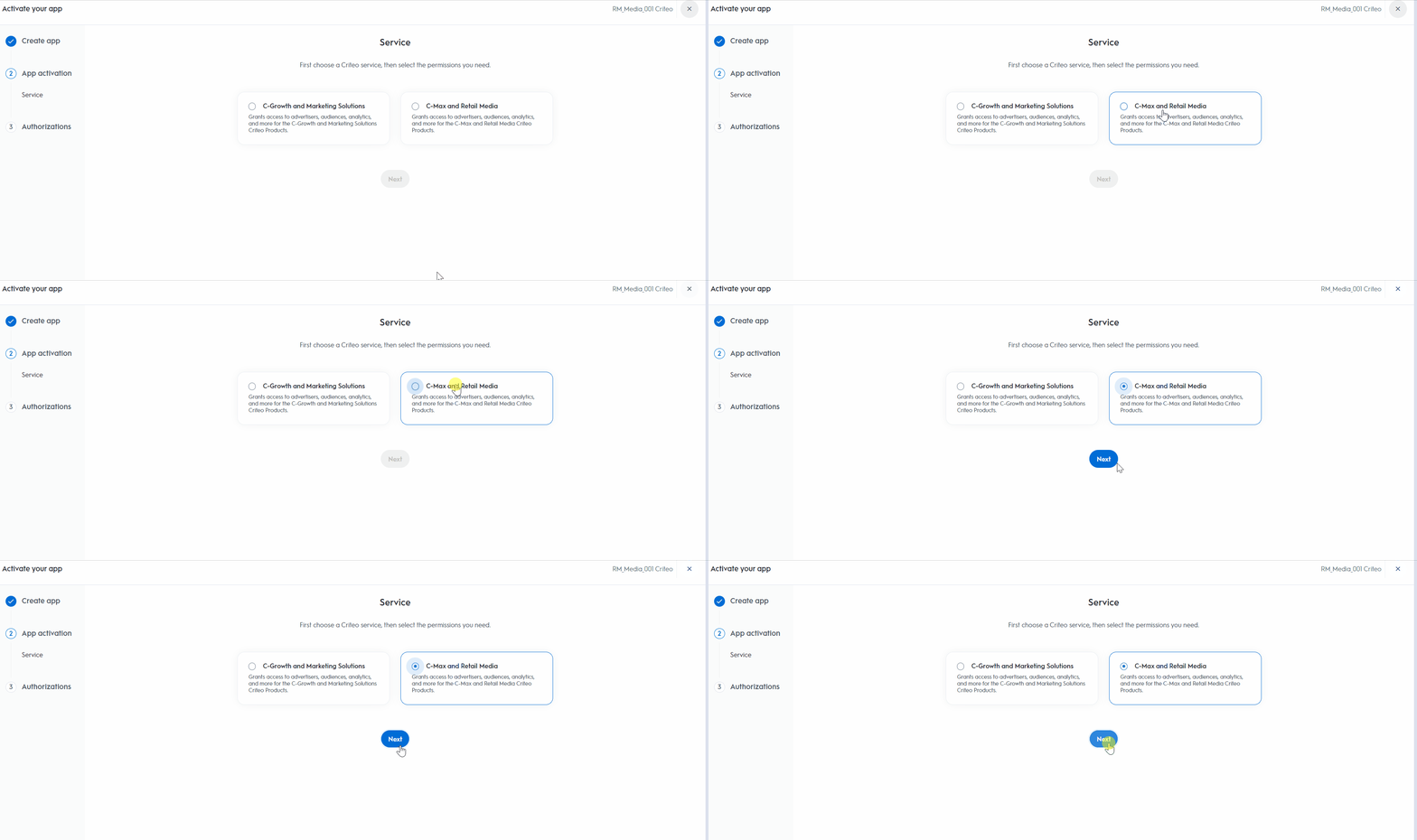
In **My apps**, click **+** to create a new app and name it `Ryze`. During activation, choose the **C-Growth and Marketing Solutions** service and grant read and manage permissions for campaigns and analytics.
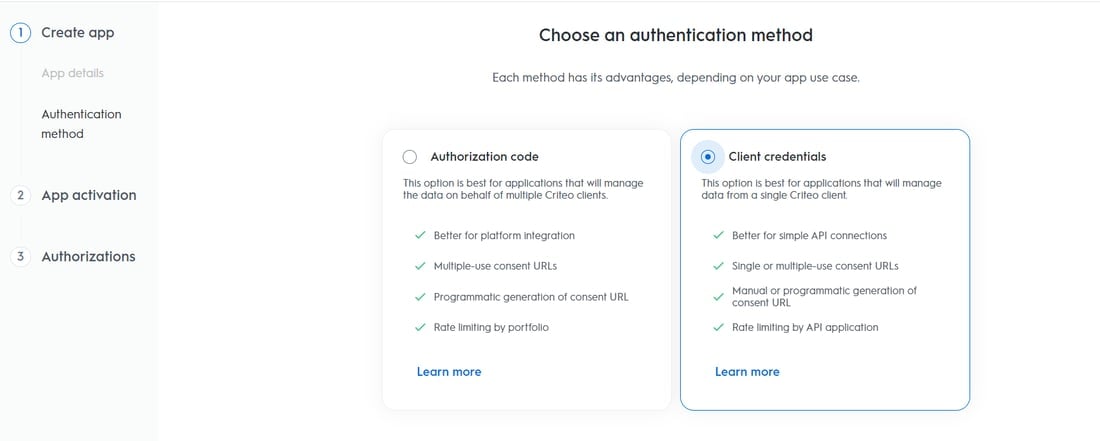
 On the authentication method step, select **Client credentials** — it is built for a single Criteo client connecting its own data.
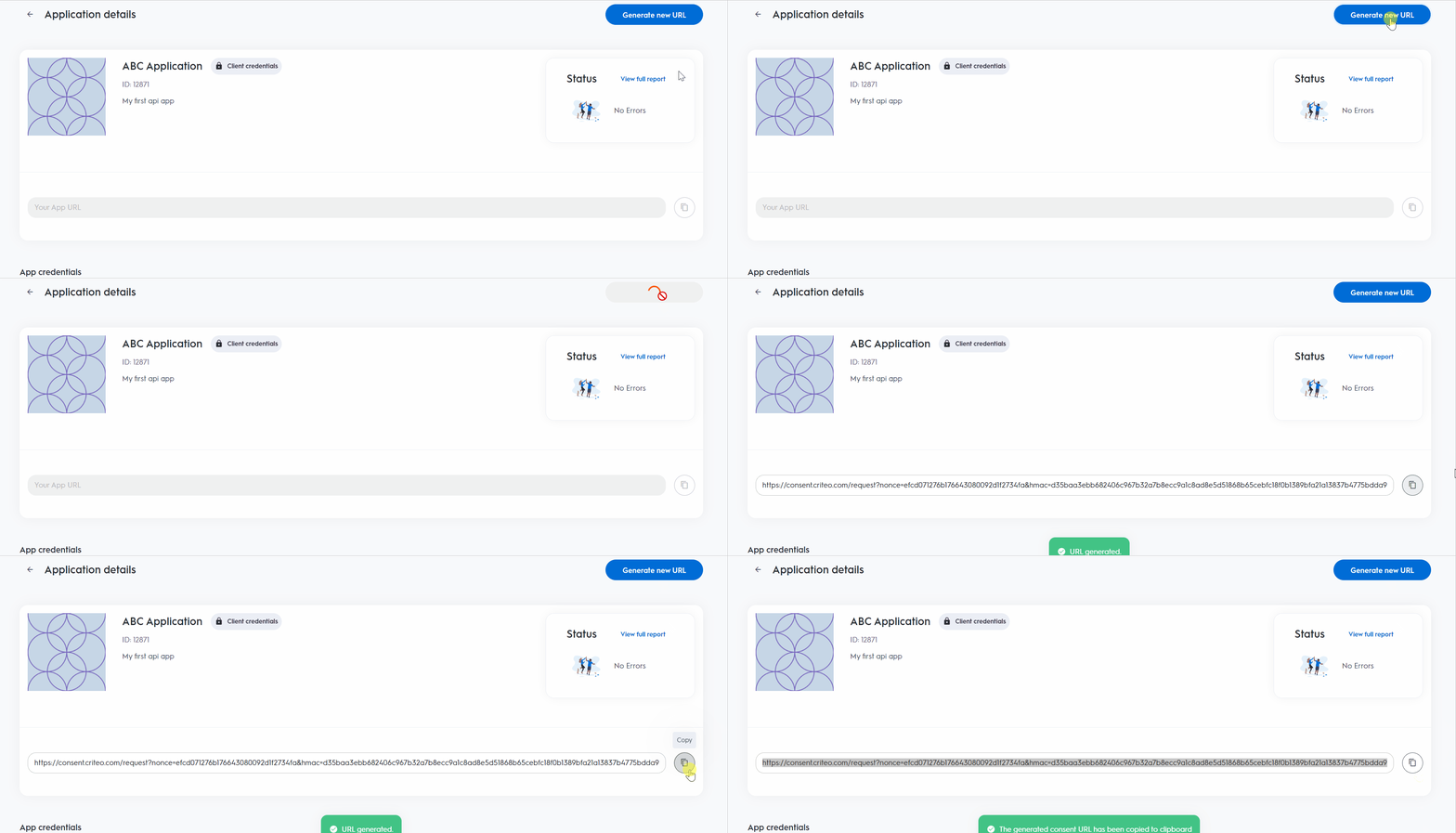
 On the app page, click **Generate new URL** to create a consent link, open it, and approve access for the advertiser accounts you want Ryze to manage.
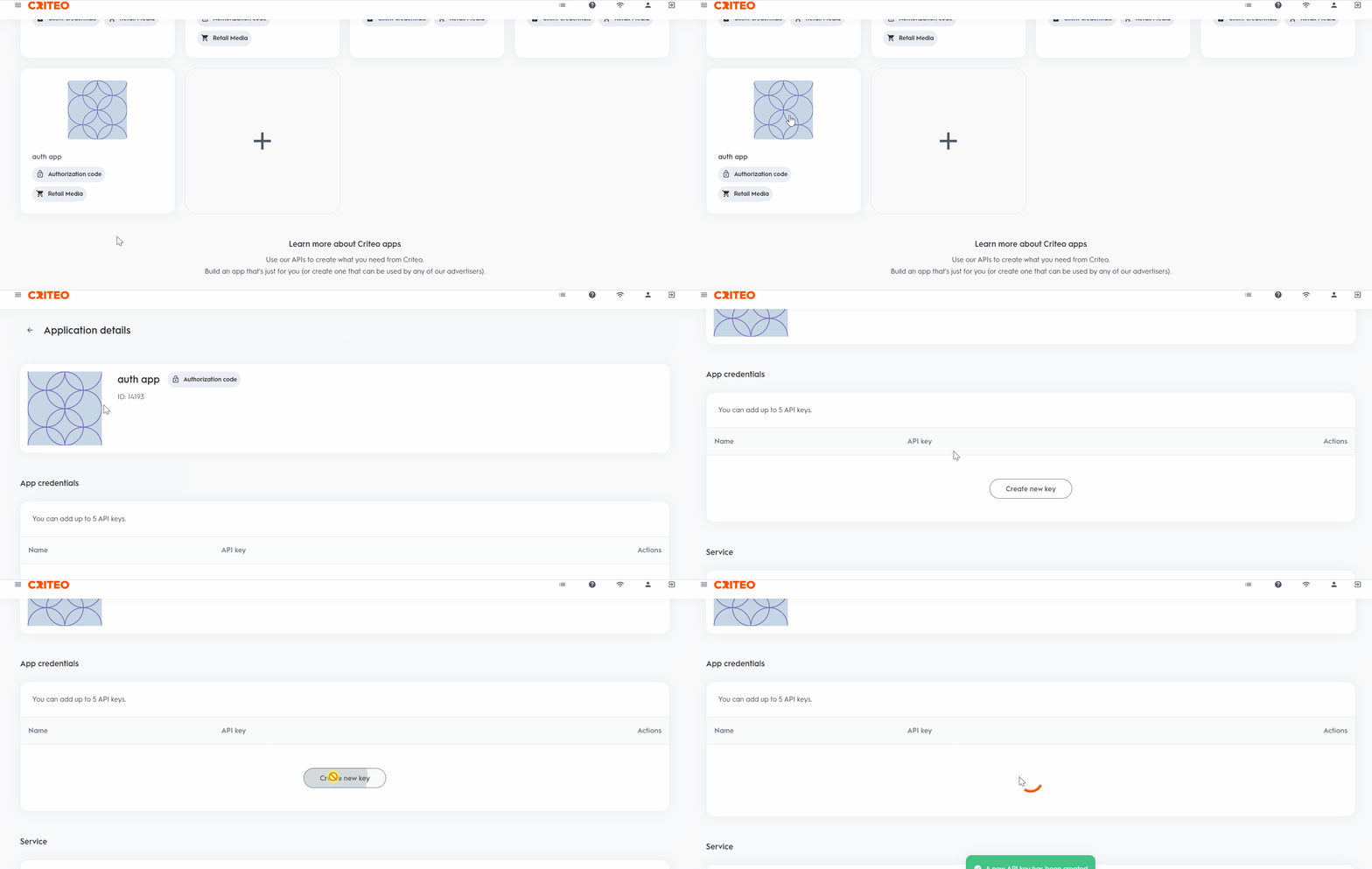
 Under **App credentials**, click **Generate new key**. A file downloads with your **client ID** and **client secret** — the secret is shown only once, so keep the file.
 ## Step 2 — Connect in Ryze
In **Workspace Settings → Integrations**, click **Connect** on the Criteo card, paste the **Client ID** and **Client secret**, and click **Continue**. Ryze validates the credentials against your advertiser portfolio before saving.
## Troubleshooting
* **Credentials rejected** — check both values against the downloaded key file. If the secret is lost, generate a new key in the Developer Portal.
* **Connected but no advertisers** — the app is not consented to any advertiser portfolio yet. Open your app in the Developer Portal and complete the consent flow.
* **Reports look empty** — only advertisers with at least one campaign appear in statistics.
Still stuck? Email [support@get-ryze.ai](mailto:support@get-ryze.ai).
## Step 2 — Connect in Ryze
In **Workspace Settings → Integrations**, click **Connect** on the Criteo card, paste the **Client ID** and **Client secret**, and click **Continue**. Ryze validates the credentials against your advertiser portfolio before saving.
## Troubleshooting
* **Credentials rejected** — check both values against the downloaded key file. If the secret is lost, generate a new key in the Developer Portal.
* **Connected but no advertisers** — the app is not consented to any advertiser portfolio yet. Open your app in the Developer Portal and complete the consent flow.
* **Reports look empty** — only advertisers with at least one campaign appear in statistics.
Still stuck? Email [support@get-ryze.ai](mailto:support@get-ryze.ai).