> ## Documentation Index
> Fetch the complete documentation index at: https://help.get-ryze.ai/llms.txt
> Use this file to discover all available pages before exploring further.
# AI Ad Creatives
> Generate on-brand ad creatives from a short brief, right in chat.
Ryze generates ready-to-run ad creatives from a short brief — on-brand and in multiple directions.
## Generate creatives in chat
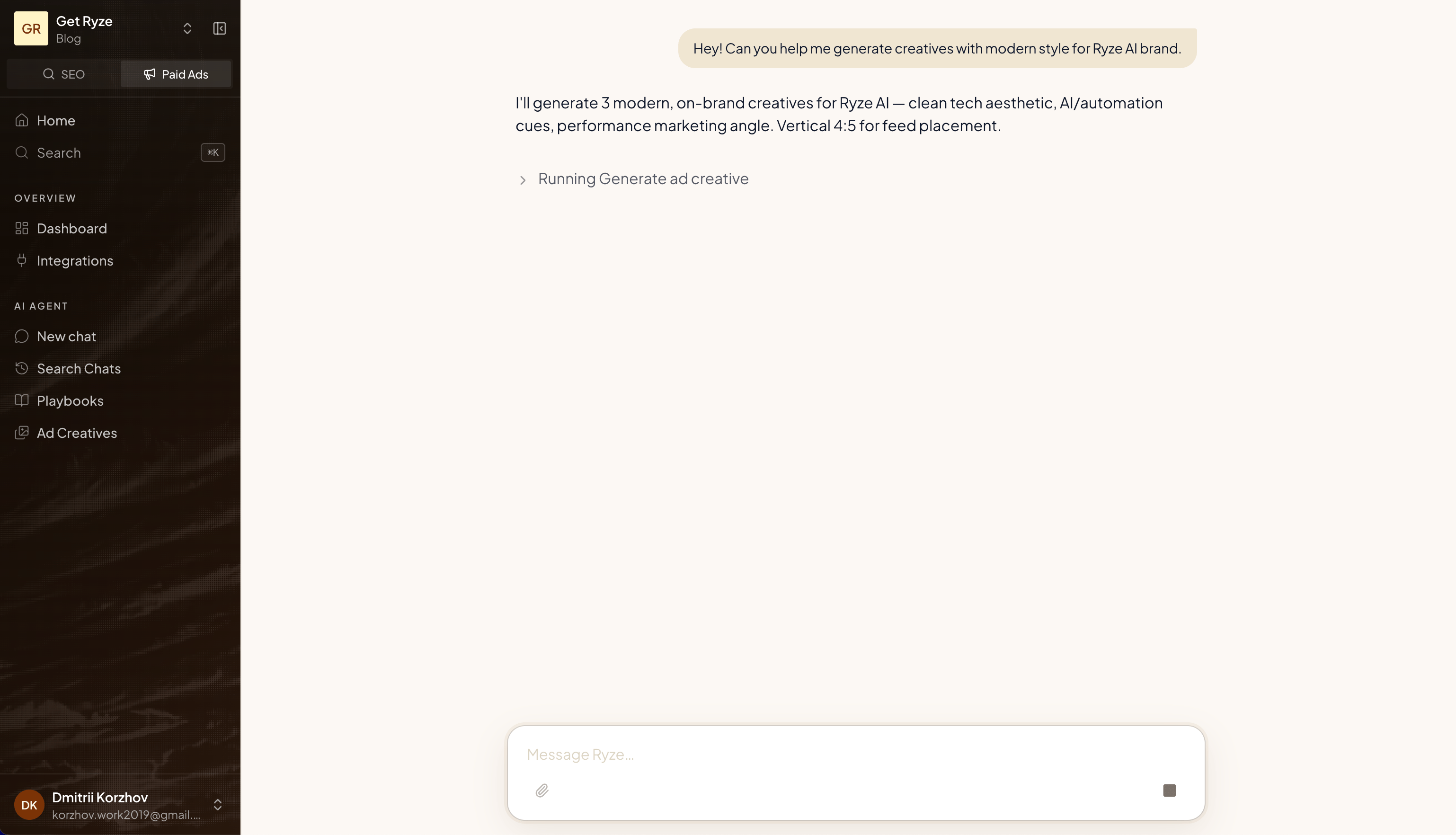
Just describe what you want:
> Can you help me generate creatives with a modern style for the Ryze AI brand?
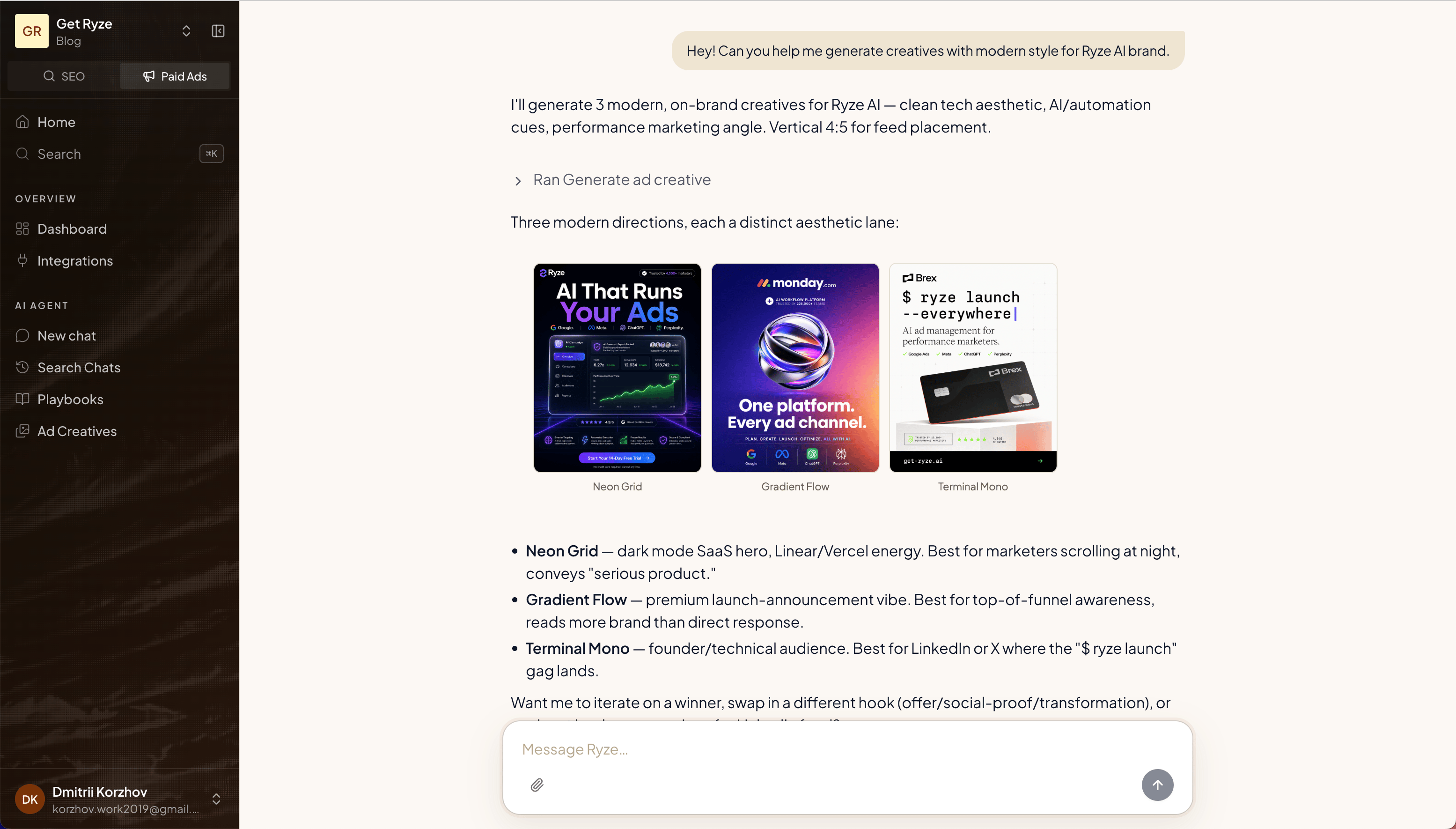
 Ryze returns several distinct directions, each with its own aesthetic — so you can pick the lane that fits.
 ## Write a good brief
The more you give Ryze, the better the output. Include:
* **Brand** — who it's for and the vibe
* **Format** — e.g. vertical 4:5 for feed
* **Angle** — the hook, offer, or message
* **Style** — modern, minimal, bold, etc.
Ask Ryze to iterate: swap a hook, change the angle, or push a direction further. Tell it what to keep and what to change.
## Add your brand assets
Upload your logo and product photos once, and Ryze feeds them into every creative it generates — real logo, real product, on-brand colors, no guessing.
Open **Brand assets** from the top right of the [Ad Creatives](https://reports.get-ryze.ai/paid-ads/creatives) page.
## Write a good brief
The more you give Ryze, the better the output. Include:
* **Brand** — who it's for and the vibe
* **Format** — e.g. vertical 4:5 for feed
* **Angle** — the hook, offer, or message
* **Style** — modern, minimal, bold, etc.
Ask Ryze to iterate: swap a hook, change the angle, or push a direction further. Tell it what to keep and what to change.
## Add your brand assets
Upload your logo and product photos once, and Ryze feeds them into every creative it generates — real logo, real product, on-brand colors, no guessing.
Open **Brand assets** from the top right of the [Ad Creatives](https://reports.get-ryze.ai/paid-ads/creatives) page.
 Drop in up to 5 images — your logo and a few hero product shots work best. They're saved per workspace and used as visual references the next time you generate.
 No assets yet? Ryze still generates from your brief — but adding your logo and product photos is the fastest way to make every creative look unmistakably yours.
## Review, annotate, and iterate
Every creative in chat opens **fullscreen** — click it to inspect the details, download it, or leave feedback right on the image.
No assets yet? Ryze still generates from your brief — but adding your logo and product photos is the fastest way to make every creative look unmistakably yours.
## Review, annotate, and iterate
Every creative in chat opens **fullscreen** — click it to inspect the details, download it, or leave feedback right on the image.
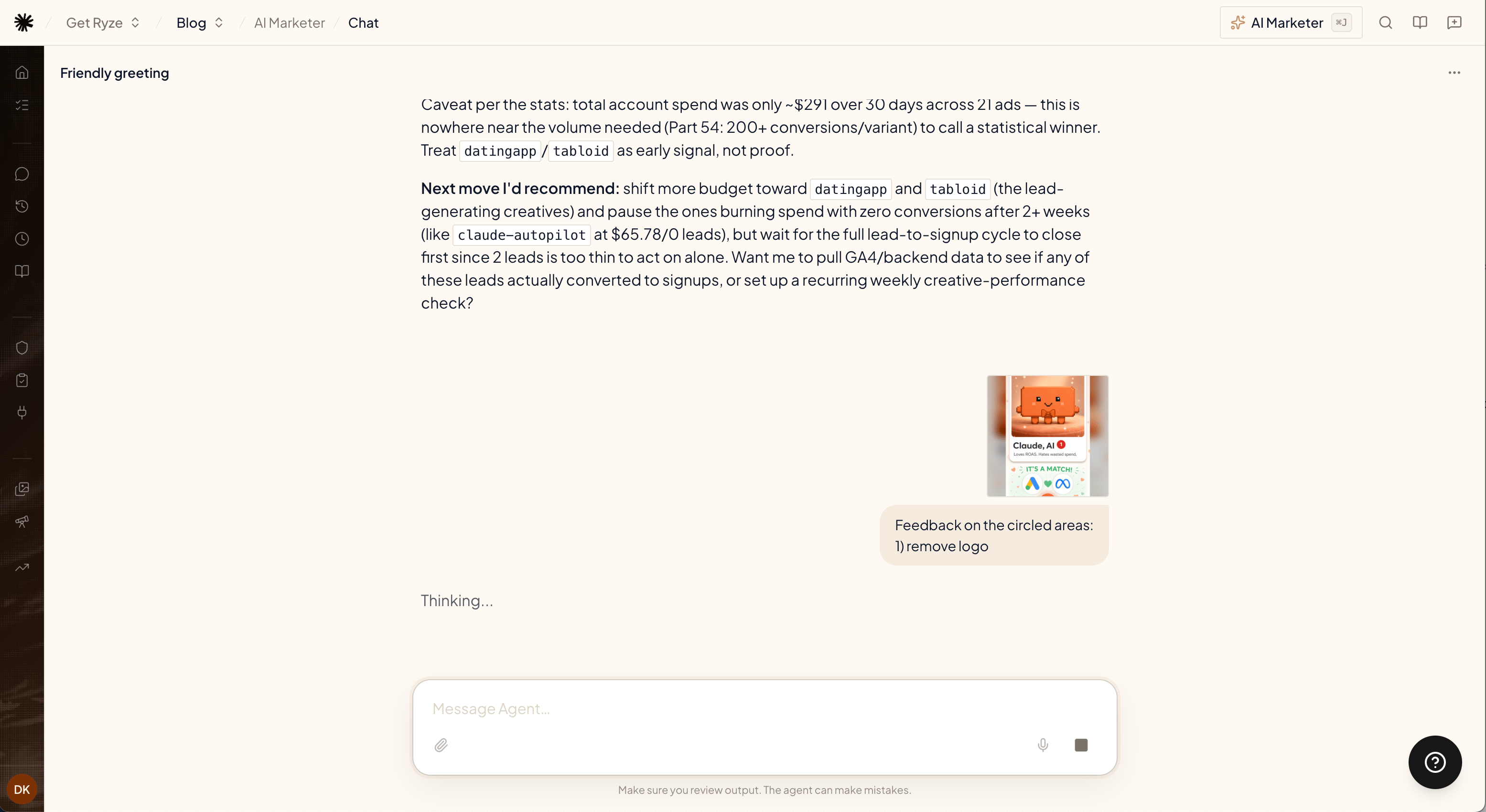
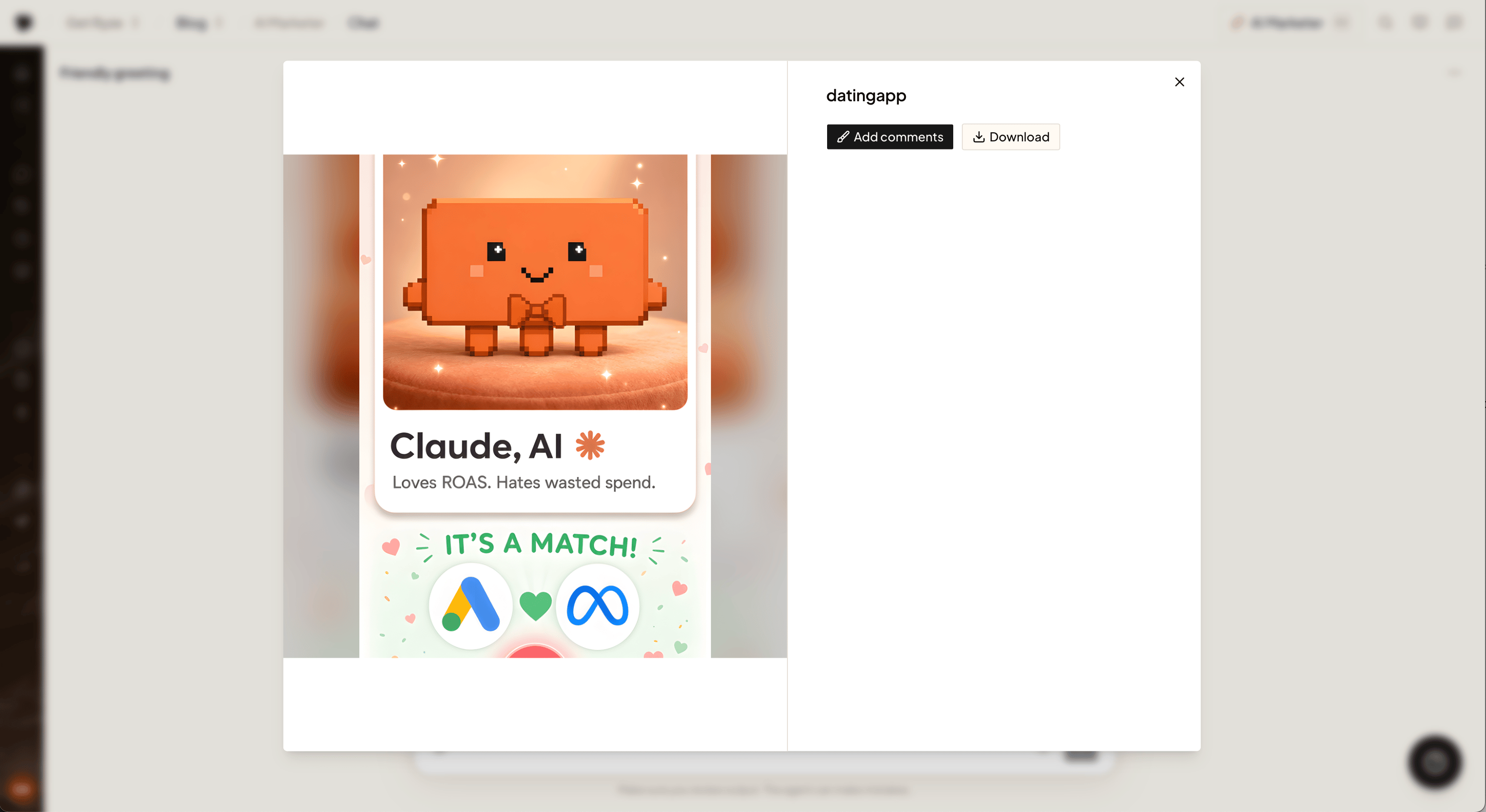 Click **Add comments**, then tap anywhere on the image and describe the change — "remove logo", "make the headline bigger", "different background". Each note is pinned to the exact spot you tapped.
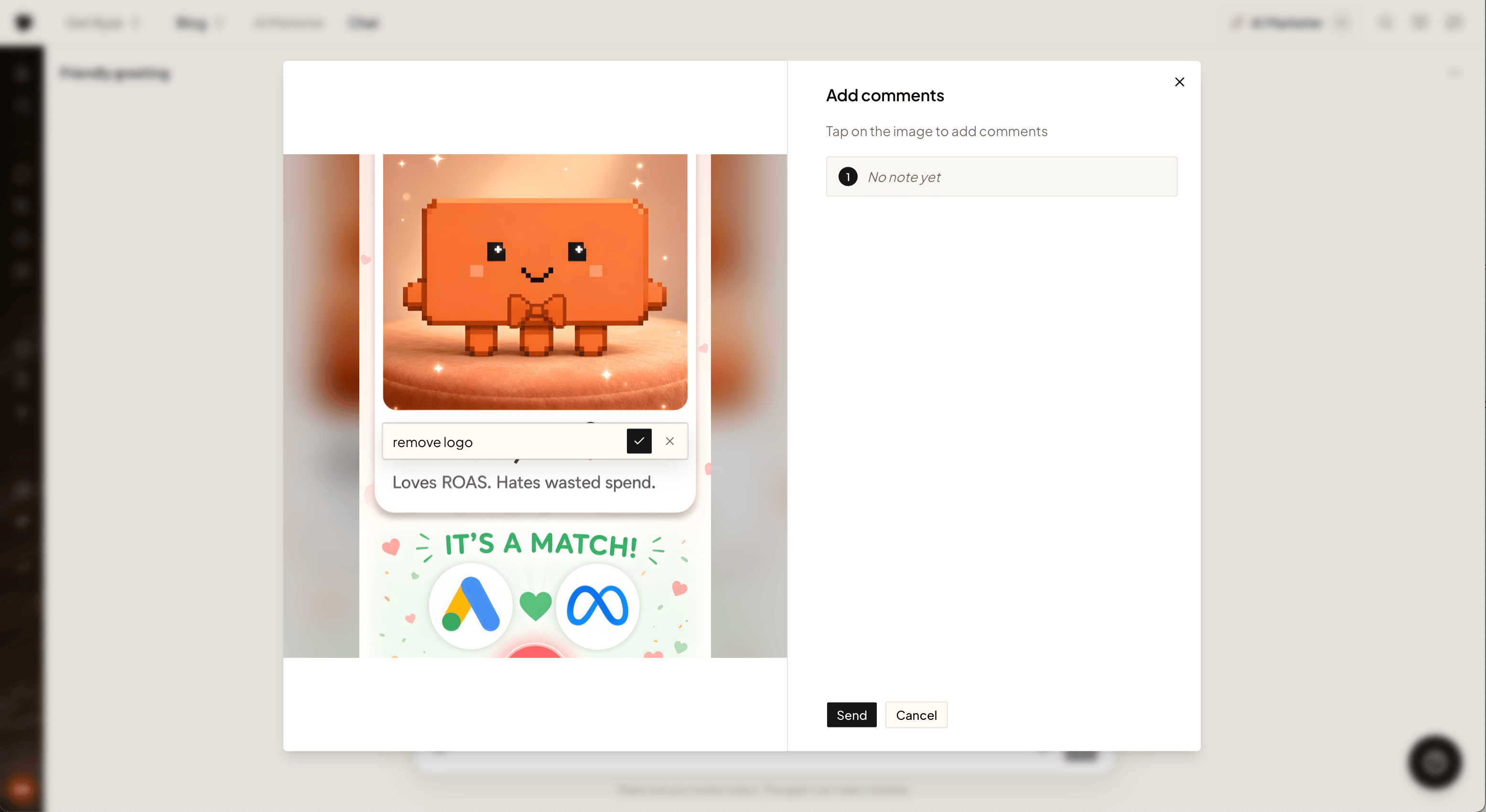 Hit **Send** and your notes go back to the agent as visual feedback — it sees the circled areas and regenerates with your changes applied.
 ## See your live ads in chat
The same widget shows creatives that are already running. Ask about your Meta, LinkedIn, Snapchat, or TikTok ads and the agent pulls the actual images with their performance — spend, clicks, CTR — side by side.
## See your live ads in chat
The same widget shows creatives that are already running. Ask about your Meta, LinkedIn, Snapchat, or TikTok ads and the agent pulls the actual images with their performance — spend, clicks, CTR — side by side.
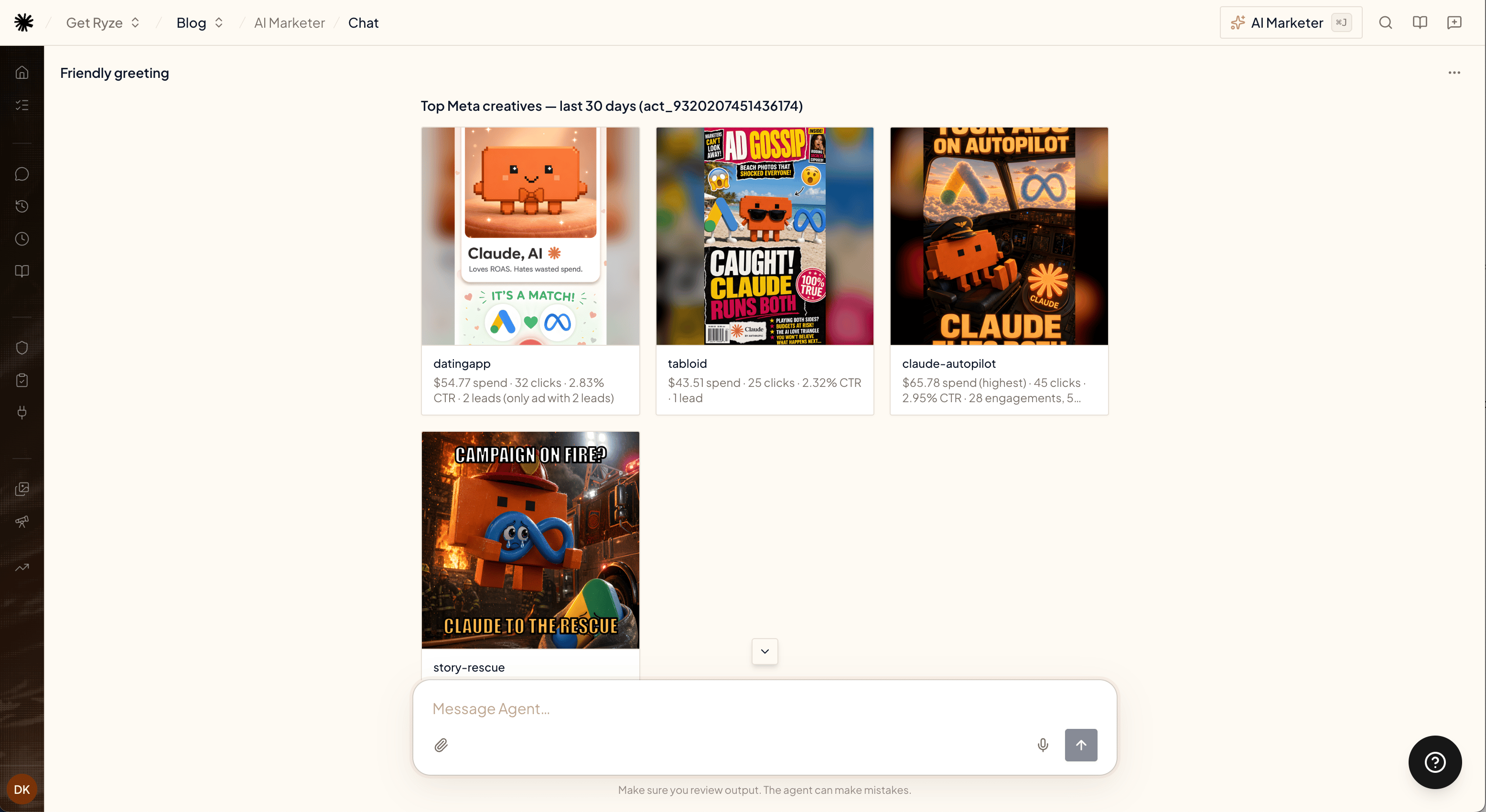 Combined with annotation, this closes the loop: pull a live ad, circle what's tired, and have the agent generate the refresh.
## Browse your creatives
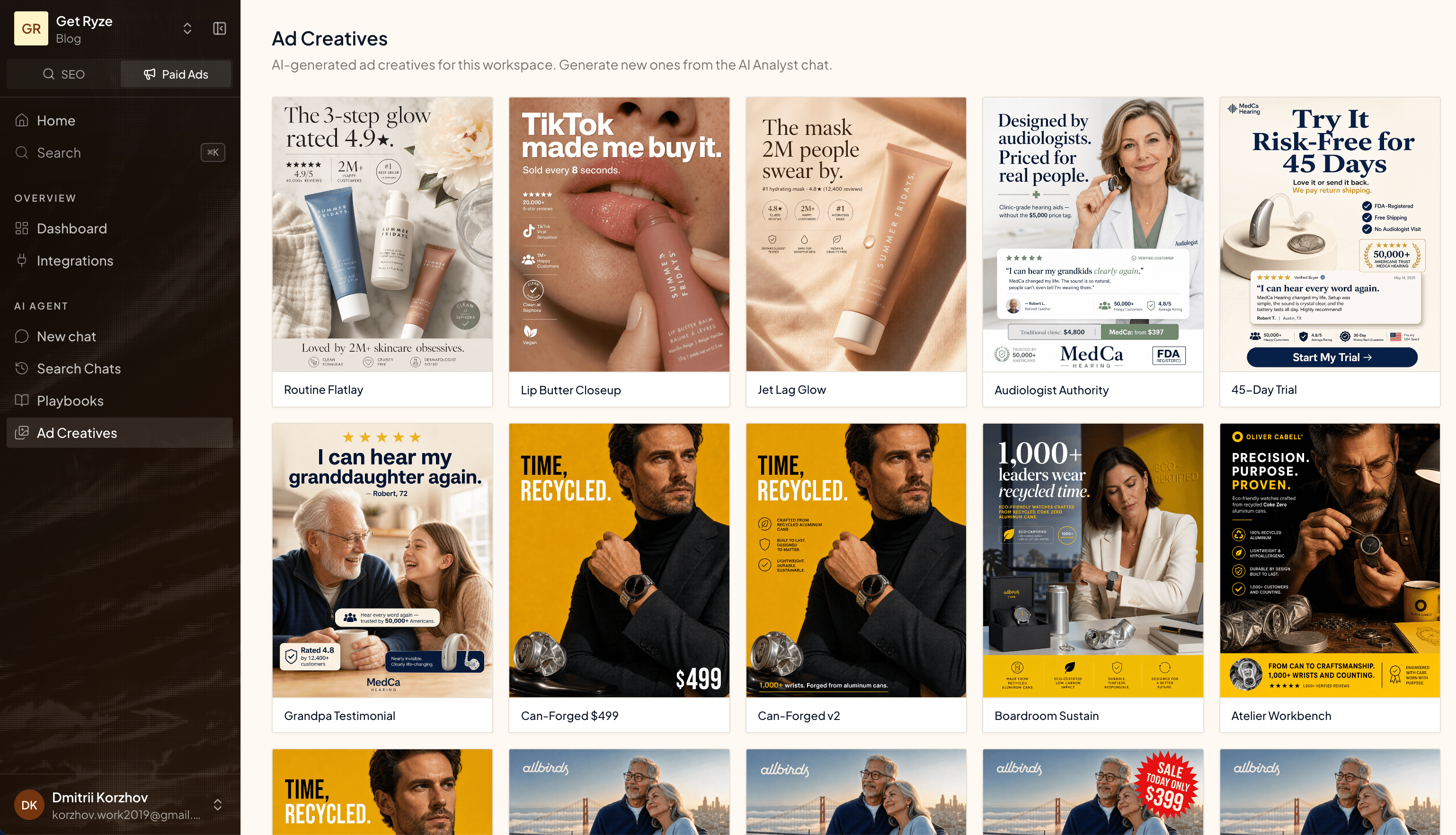
All generated creatives live in [Ad Creatives](https://reports.get-ryze.ai/paid-ads/creatives).
Combined with annotation, this closes the loop: pull a live ad, circle what's tired, and have the agent generate the refresh.
## Browse your creatives
All generated creatives live in [Ad Creatives](https://reports.get-ryze.ai/paid-ads/creatives).