> ## Documentation Index
> Fetch the complete documentation index at: https://help.get-ryze.ai/llms.txt
> Use this file to discover all available pages before exploring further.
# Competitor Ads
> See the live ads your competitors are running, and get an email when they launch something new.
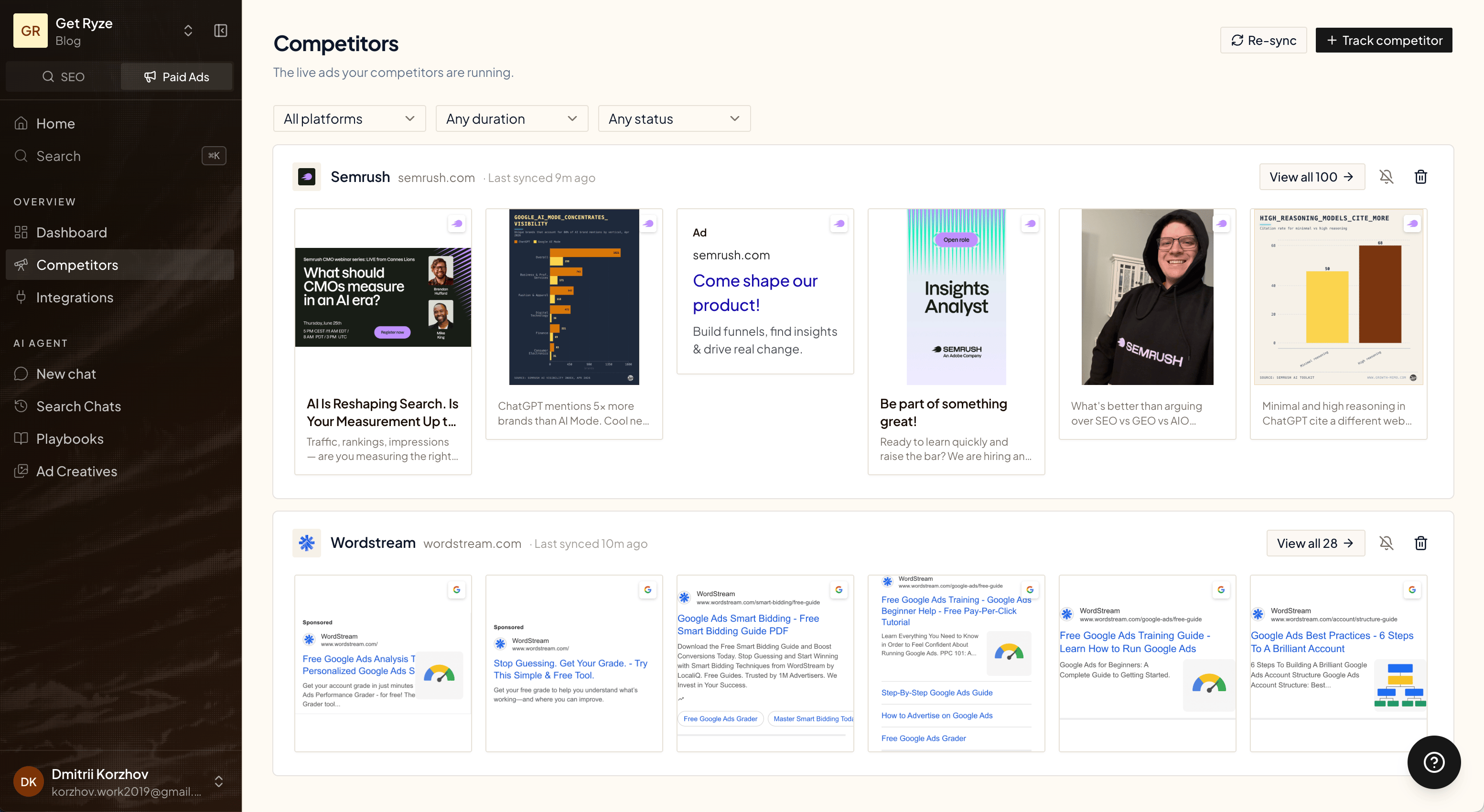
Track any brand and Ryze pulls the ads they're running right now across Google, Meta, and LinkedIn — so you always know what your competitors are putting out.
 ## Track a competitor
Click **Track competitor**, then add a brand name and its website.
## Track a competitor
Click **Track competitor**, then add a brand name and its website.
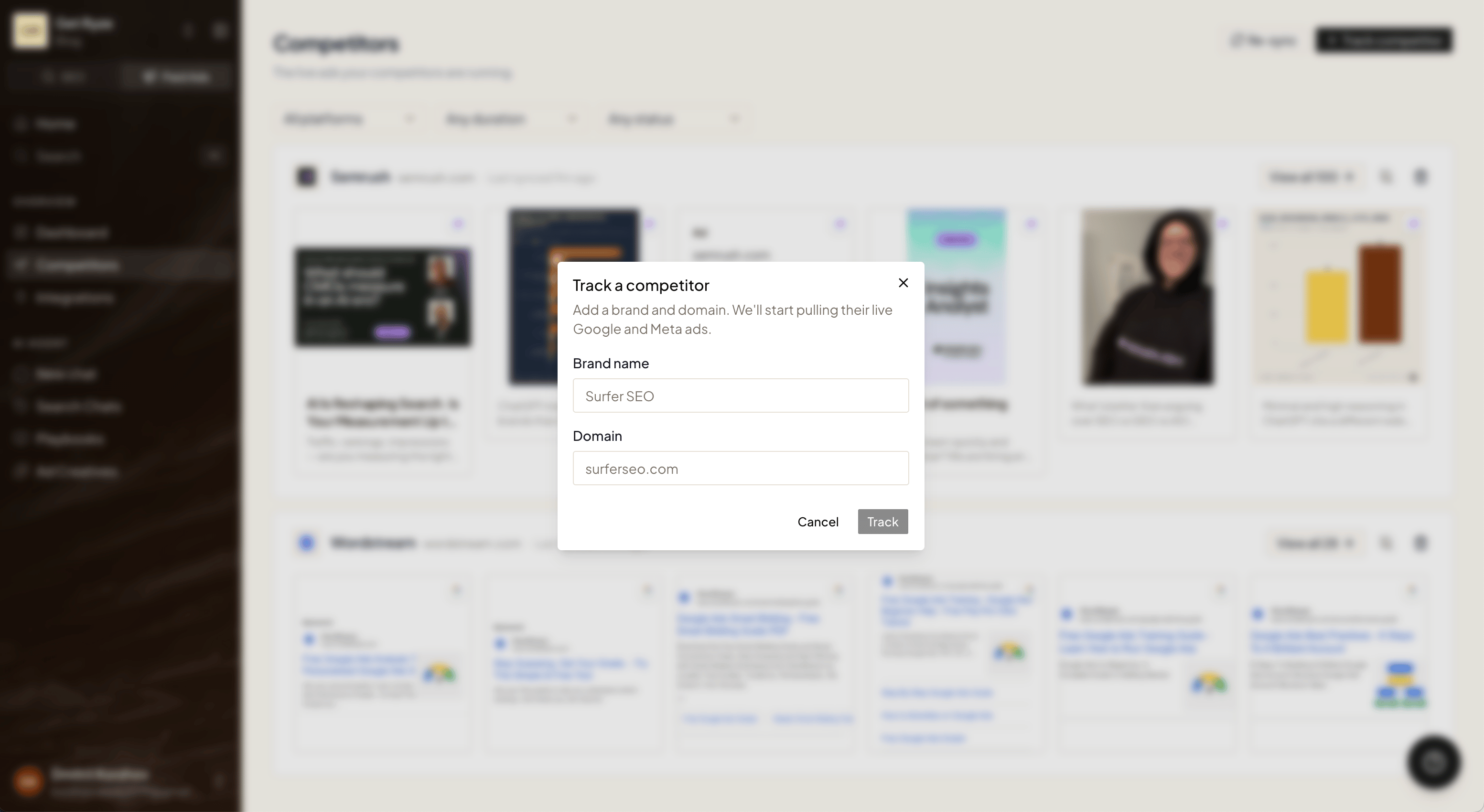 Ryze starts pulling their live Google and Meta ads right away. The first sync takes a couple of minutes — the page updates on its own when it's ready.
You can track up to 5 competitors per workspace. Pick the brands you actually compete with for the most useful view.
## Browse their ads
Each competitor shows a strip of the ads they're currently running. Use the filters at the top to narrow things down:
* **Platform** — Google, Meta, or LinkedIn.
* **Duration** — how long an ad has been running. Ads that run a long time are usually the ones that work.
* **Status** — active or inactive.
Click **View all** on any competitor to see their full ad library.
Ryze starts pulling their live Google and Meta ads right away. The first sync takes a couple of minutes — the page updates on its own when it's ready.
You can track up to 5 competitors per workspace. Pick the brands you actually compete with for the most useful view.
## Browse their ads
Each competitor shows a strip of the ads they're currently running. Use the filters at the top to narrow things down:
* **Platform** — Google, Meta, or LinkedIn.
* **Duration** — how long an ad has been running. Ads that run a long time are usually the ones that work.
* **Status** — active or inactive.
Click **View all** on any competitor to see their full ad library.
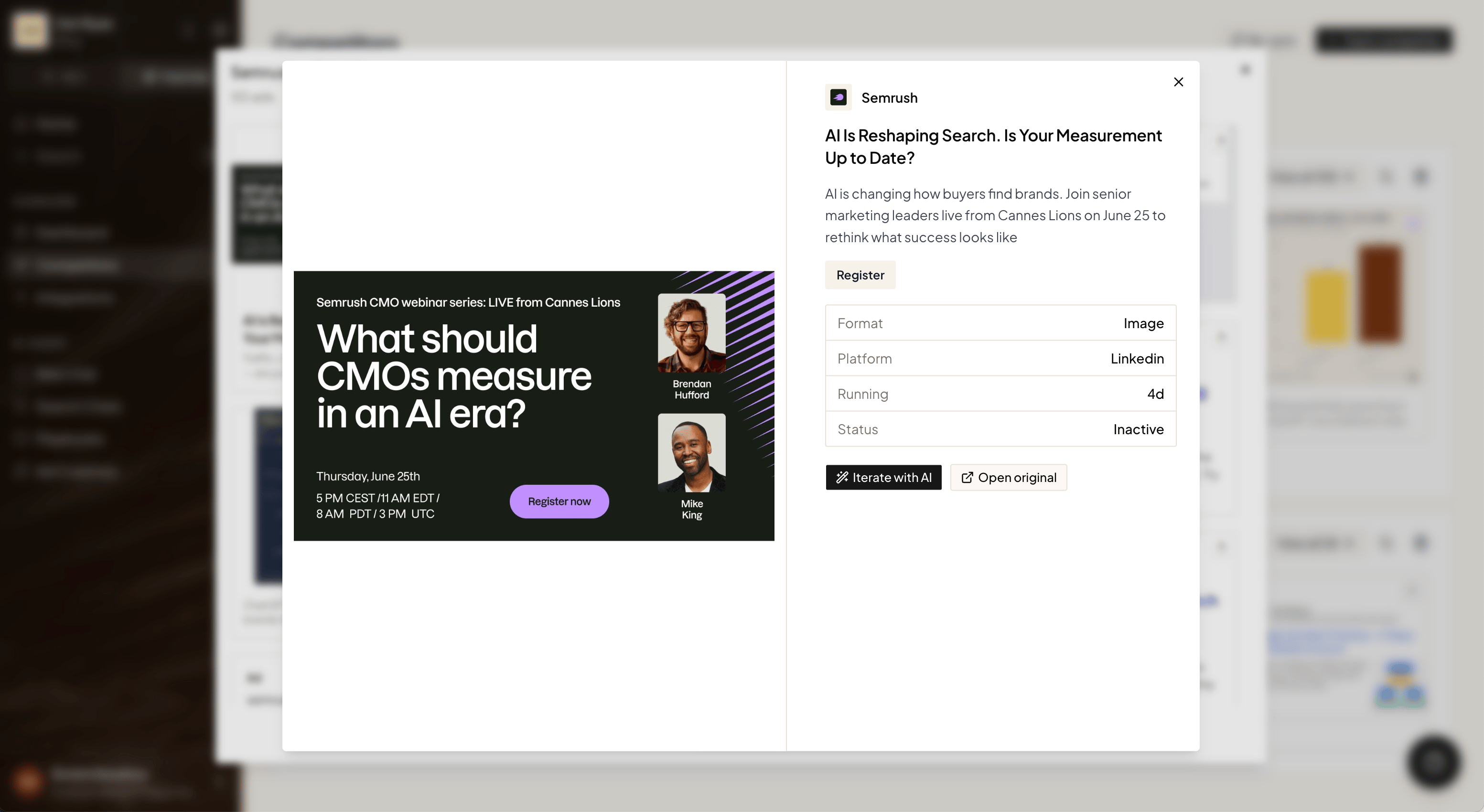
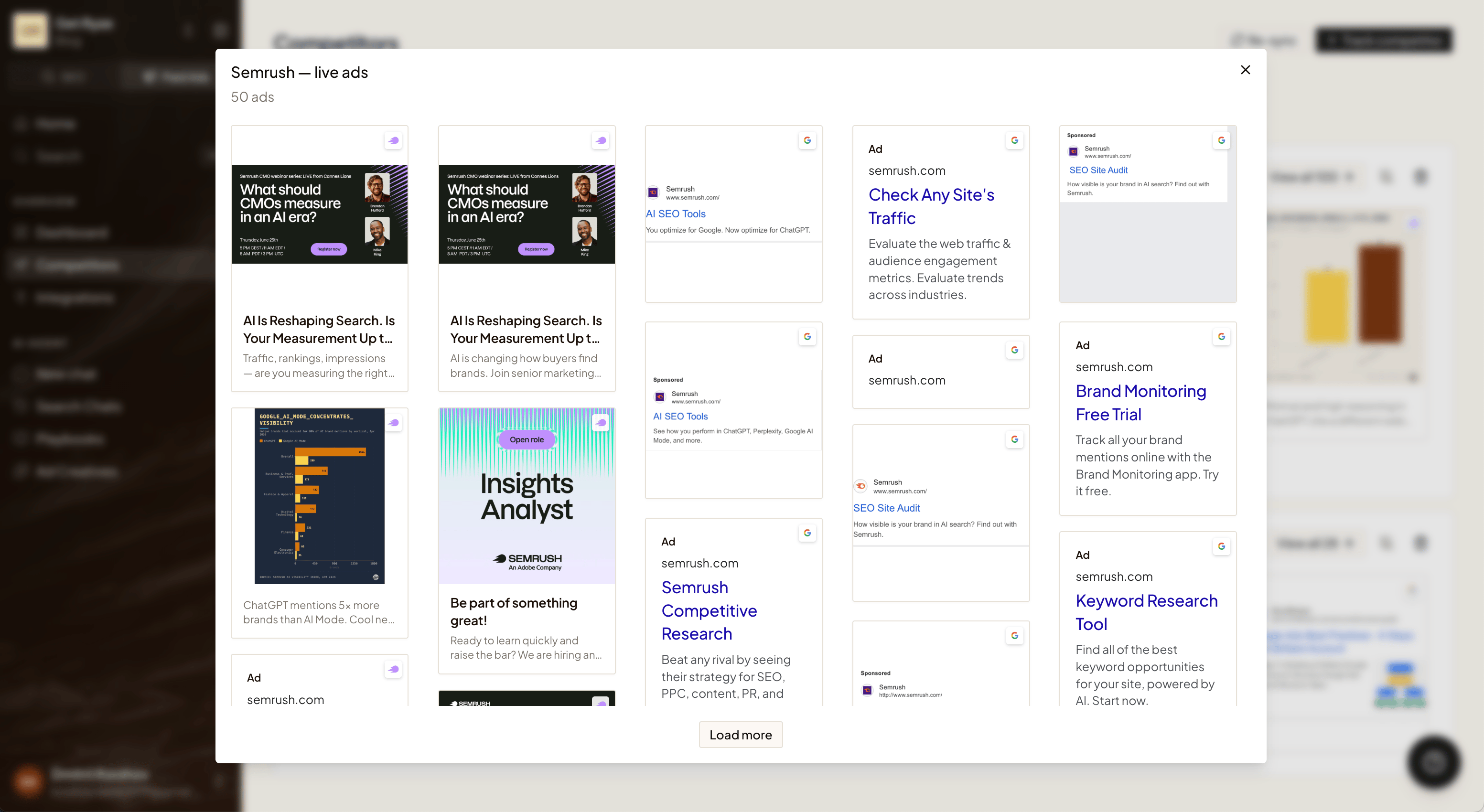 Click any ad to open it. You'll see the format, platform, how long it's been running, and whether it's still active — plus a link to the original.
 ## Get an email when they launch new ads
Turn on alerts for any competitor and Ryze emails you when they ship new ads — so you don't have to keep checking.
## Get an email when they launch new ads
Turn on alerts for any competitor and Ryze emails you when they ship new ads — so you don't have to keep checking.
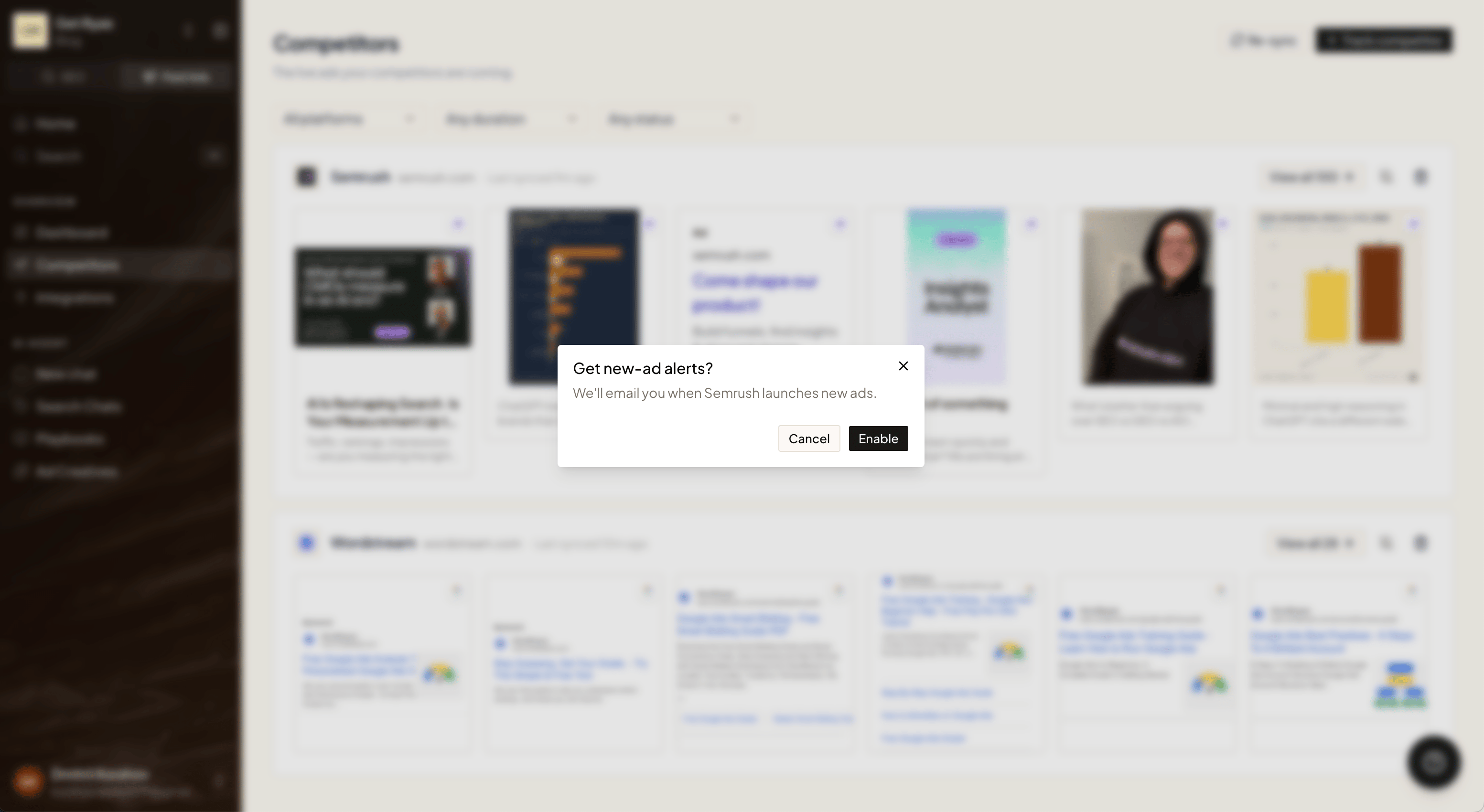 How it works:
* **Ryze refreshes your competitors' ads once a week.** Every Monday it checks each tracked brand for new creatives.
* **If a competitor launched new ads, you get one email** that morning with a summary of who shipped what, and a link back to this page.
* **No new ads, no email.** You only hear from Ryze when there's something new to see.
Alerts are off by default — turn them on per competitor. The alert email goes to your organization's owner.
## Turn an ad into your own
Found an ad worth borrowing? Click **Iterate with AI** to drop its copy straight into chat, then ask Ryze to rework it for your brand.
How it works:
* **Ryze refreshes your competitors' ads once a week.** Every Monday it checks each tracked brand for new creatives.
* **If a competitor launched new ads, you get one email** that morning with a summary of who shipped what, and a link back to this page.
* **No new ads, no email.** You only hear from Ryze when there's something new to see.
Alerts are off by default — turn them on per competitor. The alert email goes to your organization's owner.
## Turn an ad into your own
Found an ad worth borrowing? Click **Iterate with AI** to drop its copy straight into chat, then ask Ryze to rework it for your brand.
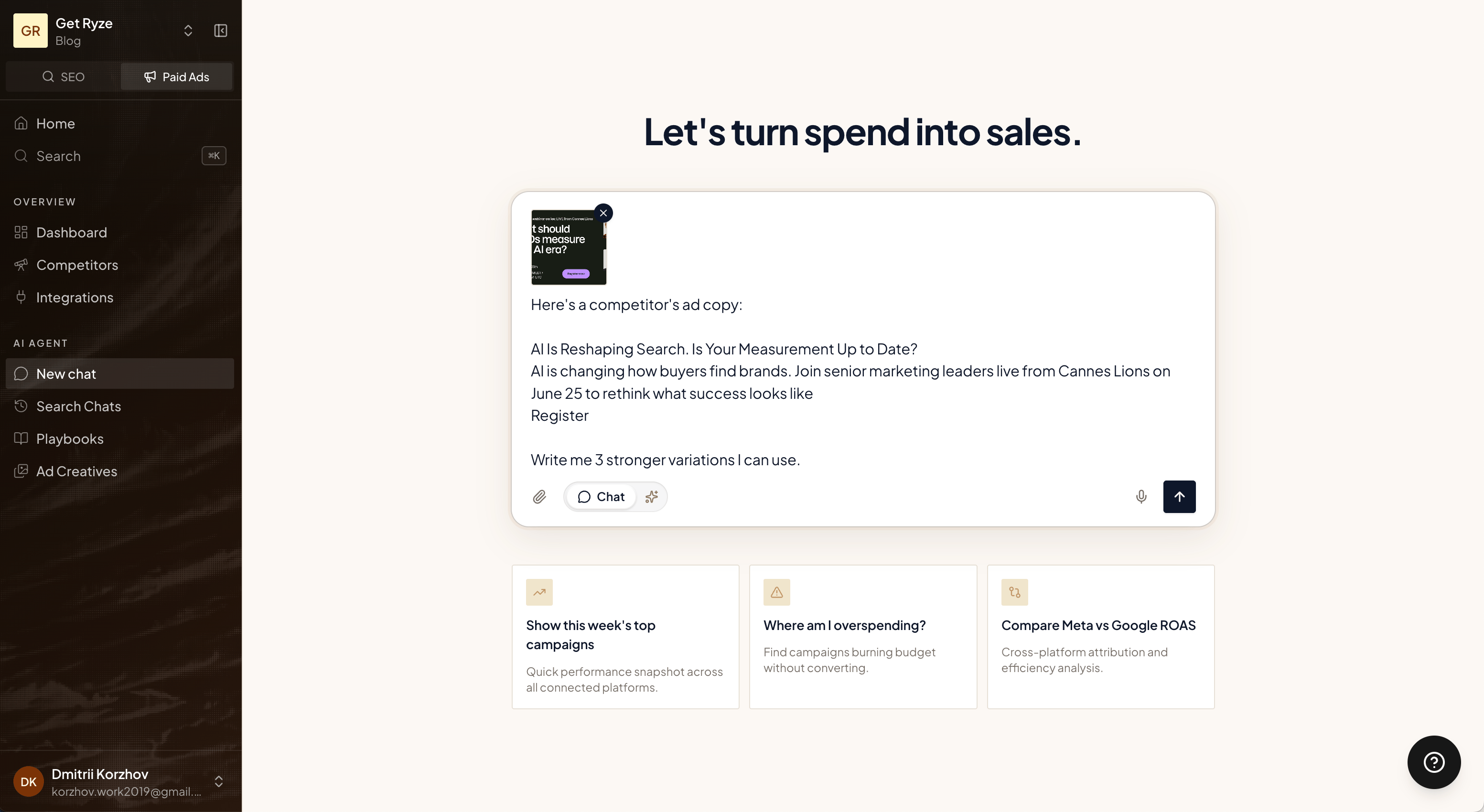 > Here's a competitor's ad copy. Write me 3 stronger variations I can use.
Pair this with [AI Ad Creatives](/paid-ads/ai-creatives) — rewrite the copy, then generate matching visuals on your brand.
## Related
Generate on-brand creatives from a brief.
What Paid Ads can do.
> Here's a competitor's ad copy. Write me 3 stronger variations I can use.
Pair this with [AI Ad Creatives](/paid-ads/ai-creatives) — rewrite the copy, then generate matching visuals on your brand.
## Related
Generate on-brand creatives from a brief.
What Paid Ads can do.