> ## Documentation Index
> Fetch the complete documentation index at: https://help.get-ryze.ai/llms.txt
> Use this file to discover all available pages before exploring further.
# Overview
> An AI copilot for your campaigns — chat with your ad data and act on it.
Paid Ads turns Claude into a copilot for your Google Ads and Meta accounts. Connect once, then just ask.
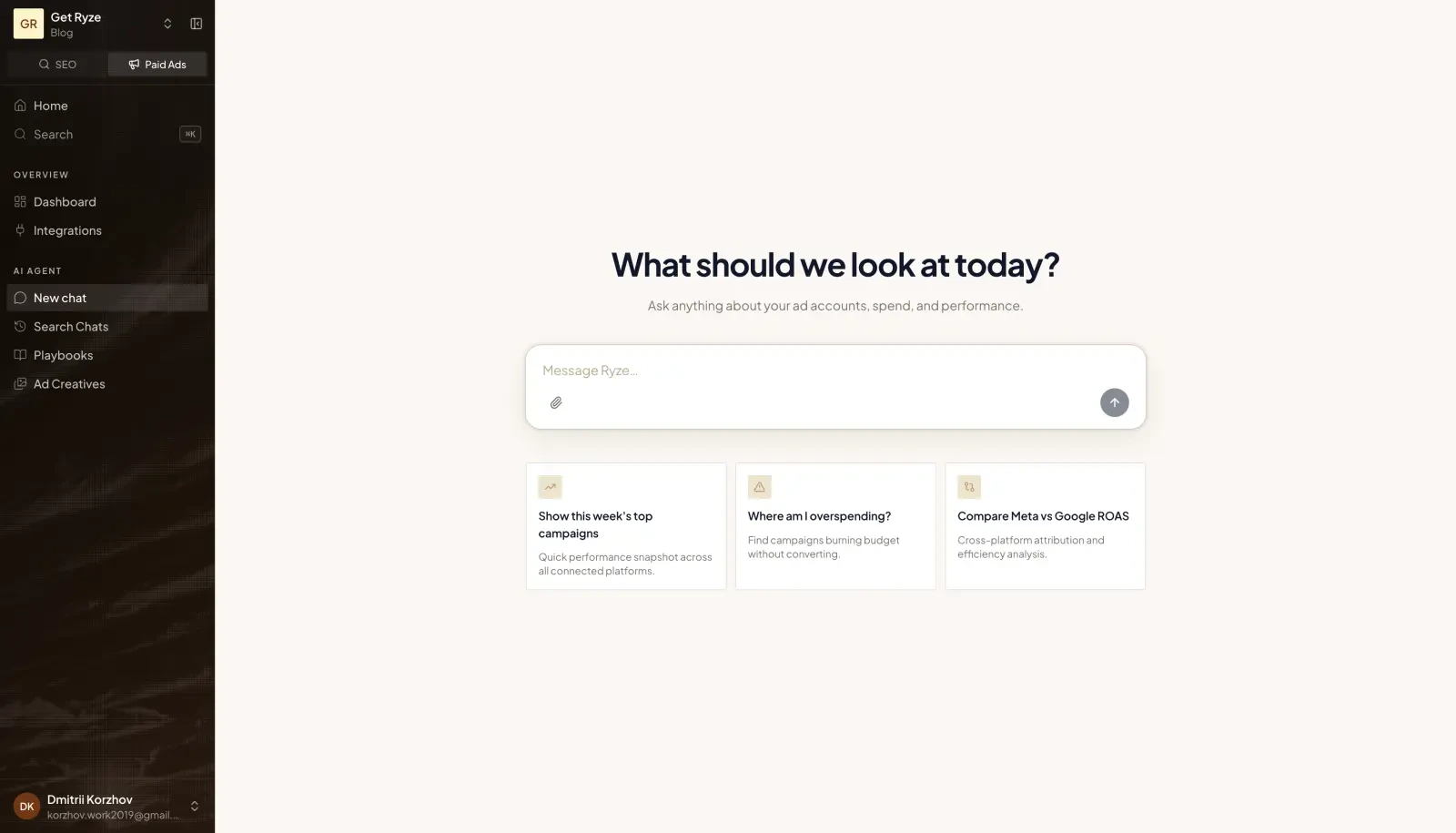 ## What you can do
* **Understand performance** — ask about spend, ROAS, CTR, and trends across accounts.
* **Manage campaigns** — create campaigns, adjust budgets, pause or resume — with your approval.
* **Generate creatives** — produce on-brand ad creatives from a short brief.
## Example prompts
Start a chat and try:
> Pull the last 7 days of Google Ads spend and break it down by campaign.
> Which Meta campaigns have the best ROAS this month?
> Generate 3 modern ad creatives for our spring launch.
## Get started
The 90-second setup.
Generate on-brand creatives.
## What you can do
* **Understand performance** — ask about spend, ROAS, CTR, and trends across accounts.
* **Manage campaigns** — create campaigns, adjust budgets, pause or resume — with your approval.
* **Generate creatives** — produce on-brand ad creatives from a short brief.
## Example prompts
Start a chat and try:
> Pull the last 7 days of Google Ads spend and break it down by campaign.
> Which Meta campaigns have the best ROAS this month?
> Generate 3 modern ad creatives for our spring launch.
## Get started
The 90-second setup.
Generate on-brand creatives.