> ## Documentation Index
> Fetch the complete documentation index at: https://help.get-ryze.ai/llms.txt
> Use this file to discover all available pages before exploring further.
# Press Releases
> Ryze writes press releases and distributes them through a newswire — syndicating to news outlets and earning links back to your site.
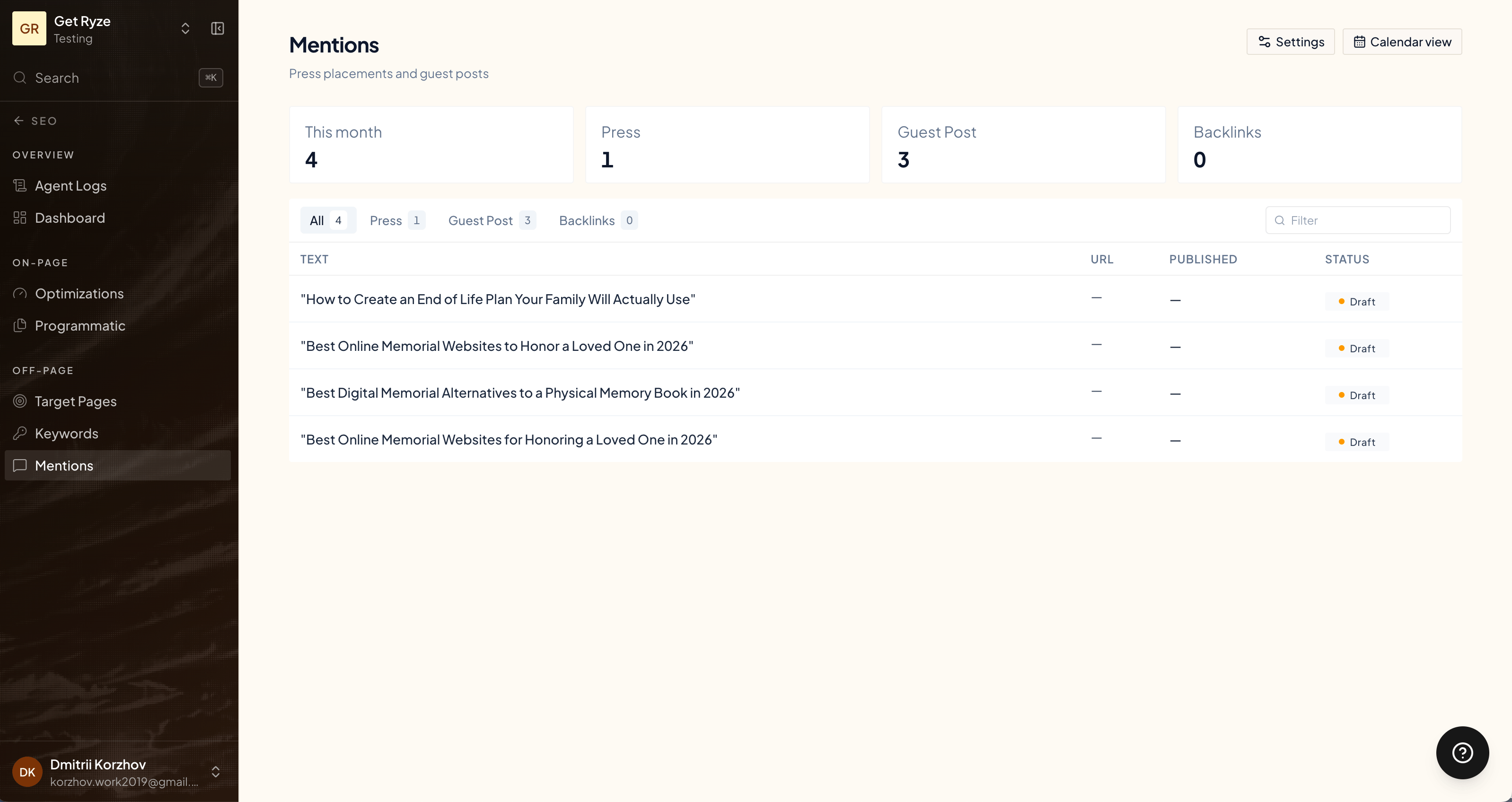
Press releases are Ryze's PR channel. It writes a release, you approve it, and it's distributed through a newswire that syndicates to news outlets — each pickup a mention and a link back to your site.
Find them under **Mentions** in the SEO sidebar, alongside guest posts and backlinks.
 ## How it works
Ryze writes a press release — title, summary, and body — around your company and a key page.
You review and edit the draft, then approve it.
Click **Publish now**. Ryze submits the release to the newswire for distribution.
The newswire syndicates it to news outlets. Ryze tracks the submission and updates the status once it's live.
For distribution, Ryze uses your company details — name, contact, and country — to build the release. Make sure those are set in your workspace so the release goes out clean.
## Why they matter
Press pickups generate backlinks across news sites, which strengthens your domain authority. See [Backlinks](/seo/backlinks).
## Related
Placed articles that earn links.
How press and guest posts build authority.
## How it works
Ryze writes a press release — title, summary, and body — around your company and a key page.
You review and edit the draft, then approve it.
Click **Publish now**. Ryze submits the release to the newswire for distribution.
The newswire syndicates it to news outlets. Ryze tracks the submission and updates the status once it's live.
For distribution, Ryze uses your company details — name, contact, and country — to build the release. Make sure those are set in your workspace so the release goes out clean.
## Why they matter
Press pickups generate backlinks across news sites, which strengthens your domain authority. See [Backlinks](/seo/backlinks).
## Related
Placed articles that earn links.
How press and guest posts build authority.