> ## Documentation Index
> Fetch the complete documentation index at: https://help.get-ryze.ai/llms.txt
> Use this file to discover all available pages before exploring further.
# Client Access
> Give clients a login link under your brand and invite them to a workspace — new emails get an account automatically.
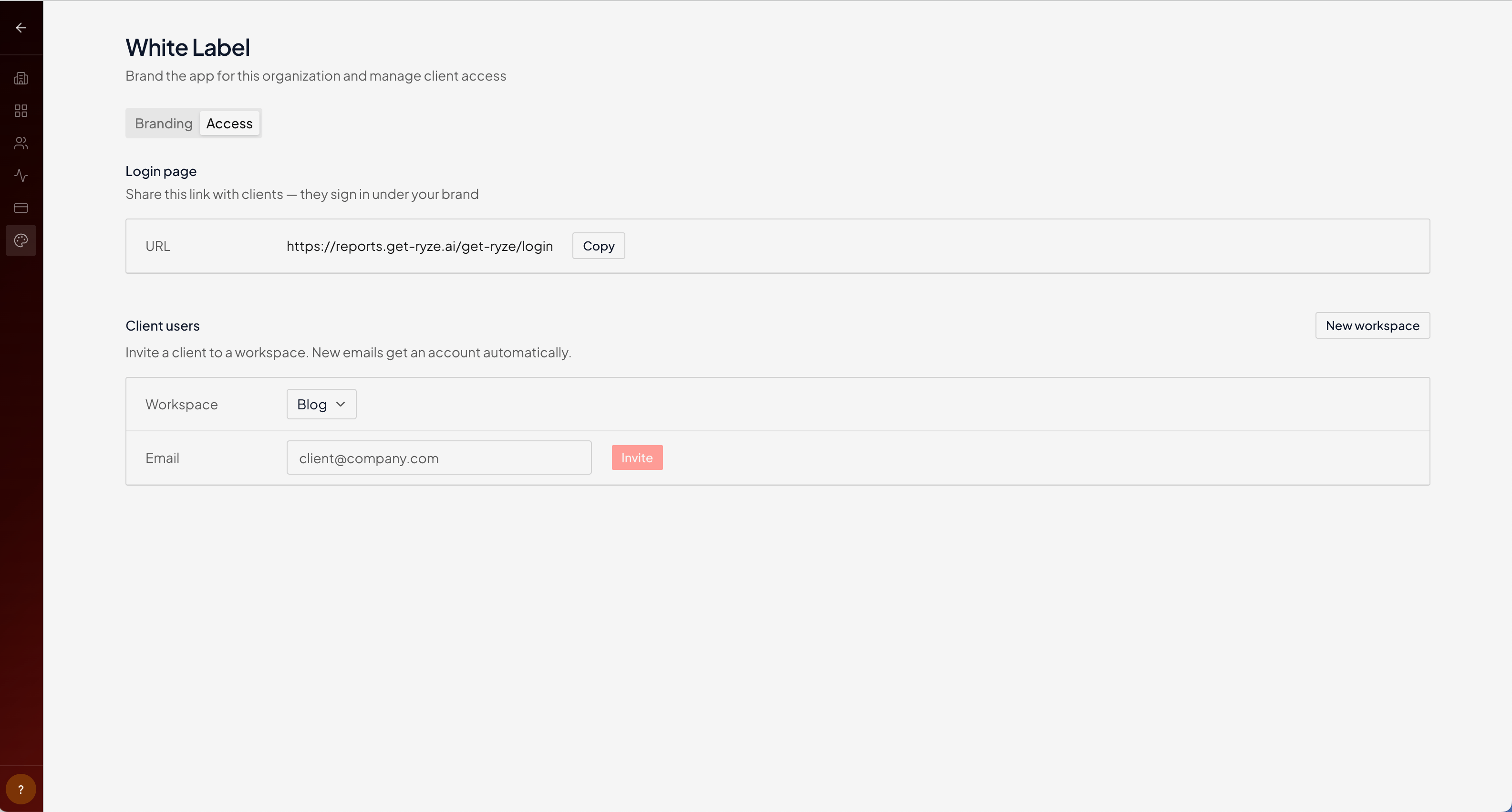
The **Access** tab is where you let clients into your branded app. They sign in at your address and see only your brand — never Ryze's.
Find it under **White Label → Access** in your organization settings.
## Branded login link
Share your branded login URL with clients — they sign in there, under your brand.
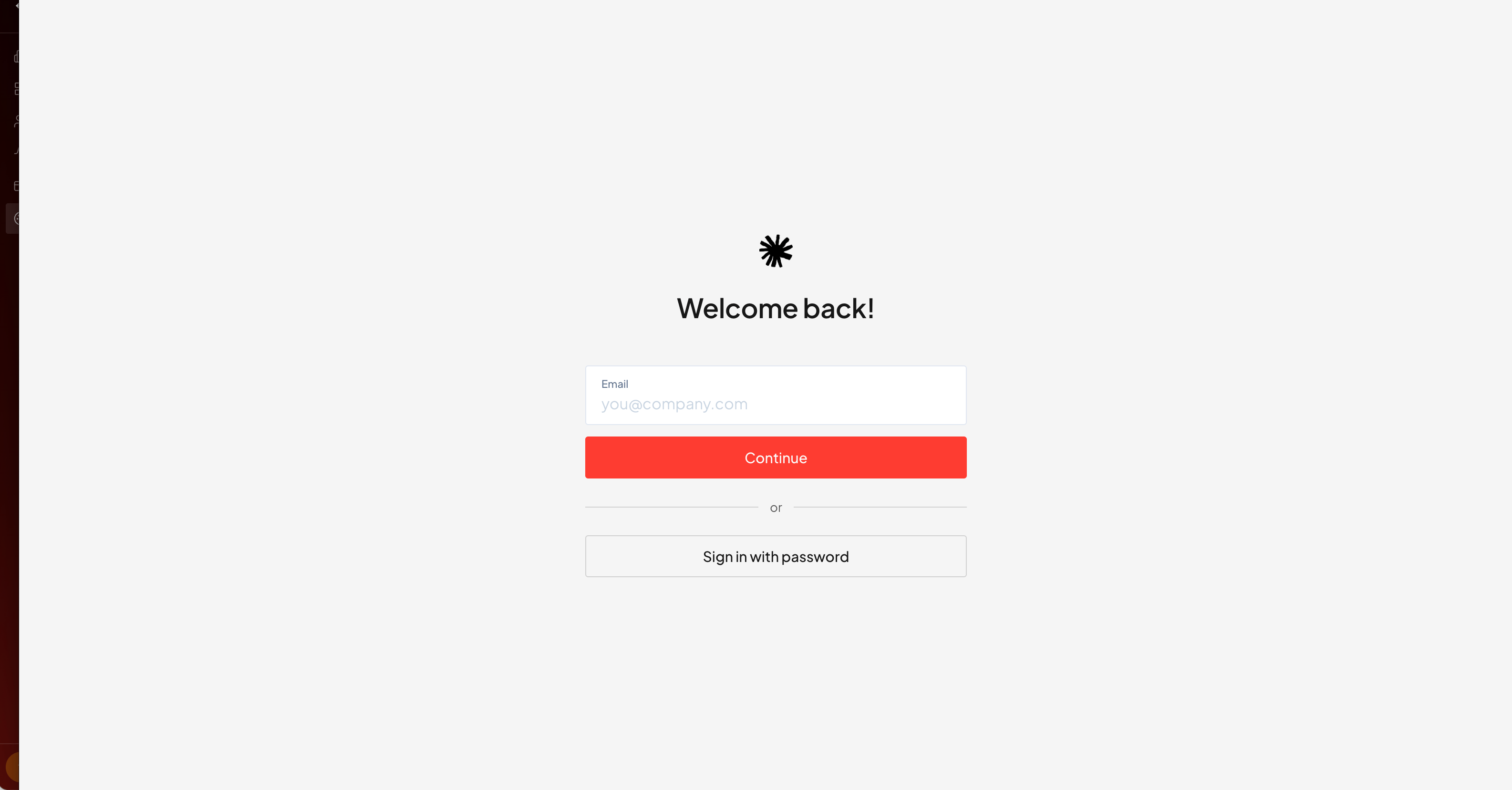
 When a client opens the link, they get your branded sign-in page.
 ## Invite clients
Under **Client users**, pick a **workspace** and enter the client's **email**, then **Invite**. If the email doesn't have an account yet, one is created automatically — the client just follows the link and signs in.
Each client belongs to a workspace. Use one workspace per client so their data, brand, and access stay separate. See [Create a workspace](/workspaces/create-workspace).
## Related
Colors and logo across the app.
Add your own team to the org.
## Invite clients
Under **Client users**, pick a **workspace** and enter the client's **email**, then **Invite**. If the email doesn't have an account yet, one is created automatically — the client just follows the link and signs in.
Each client belongs to a workspace. Use one workspace per client so their data, brand, and access stay separate. See [Create a workspace](/workspaces/create-workspace).
## Related
Colors and logo across the app.
Add your own team to the org.