

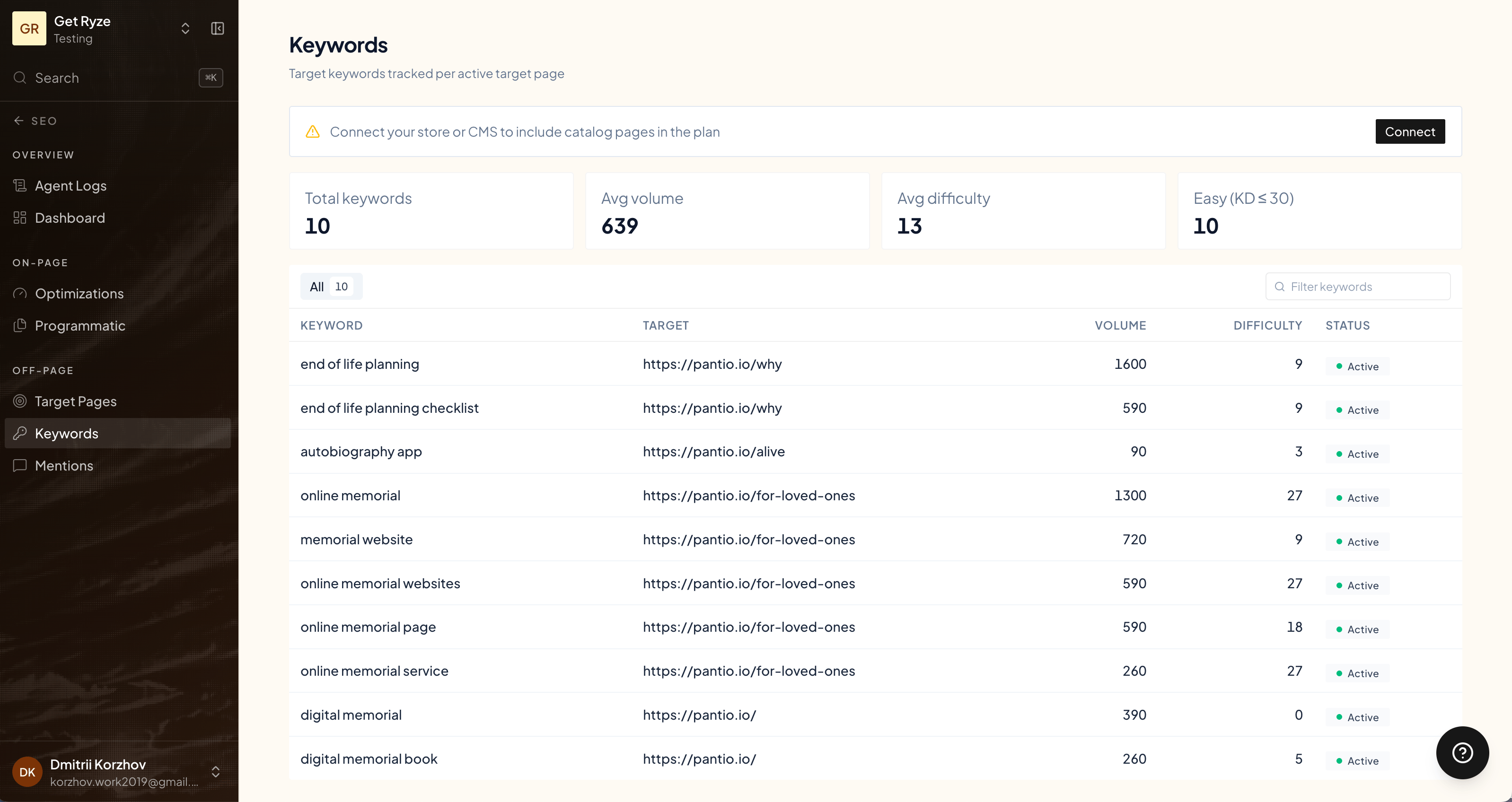
How keywords are generated
It’s a three-stage pipeline:1
Seed
Ryze derives a set of seed phrases from your site — what you sell, your industry, and the buyer vertical you serve — the starting points a buyer might search.
2
Expand
Each seed is expanded through DataForSEO into hundreds of real keyword candidates, each carrying actual search volume, difficulty, intent, and CPC. Obvious noise (jobs, salaries, “how to become”, PDFs) is filtered out, and very low-volume terms are dropped.
3
Select
An AI step picks the final set — the keywords most worth chasing.
How keywords are chosen
The selection isn’t “highest volume wins.” Ryze weighs, in priority order:- Real volume — enough search demand to be worth it.
- On-topic — a searcher would recognize your product as the answer.
- Commercial intent — buying-intent keywords beat purely informational ones.
- Difficulty — lower keyword difficulty preferred, so you can actually rank.
- Diversity — no near-duplicate keywords, and no piling onto one head term.
Status
Keywords are active or inactive. Active keywords drive the content plan for the cycle. The Keywords page lists both without a status marker and has no switch or delete button: activation is decided by Ryze on the next keyword pass, not from the page. Keywords you add through the AI Marketer chat are created inactive and stay suggestions until that pass picks them up. To remove an inactive keyword, ask the chat, for example “delete the keyword shopify marketing agency”. Active keywords can’t be removed by the chat; contact support if you need one swapped.Volume and difficulty are pulled live from DataForSEO and reflect your workspace’s country. Ryze never makes these numbers up.
Related
Agent Context
The brand context keyword seeds are built from.
Programmatic Articles
How keywords turn into articles.