

Prefer video? Watch the Paid ads on autopilot guide.
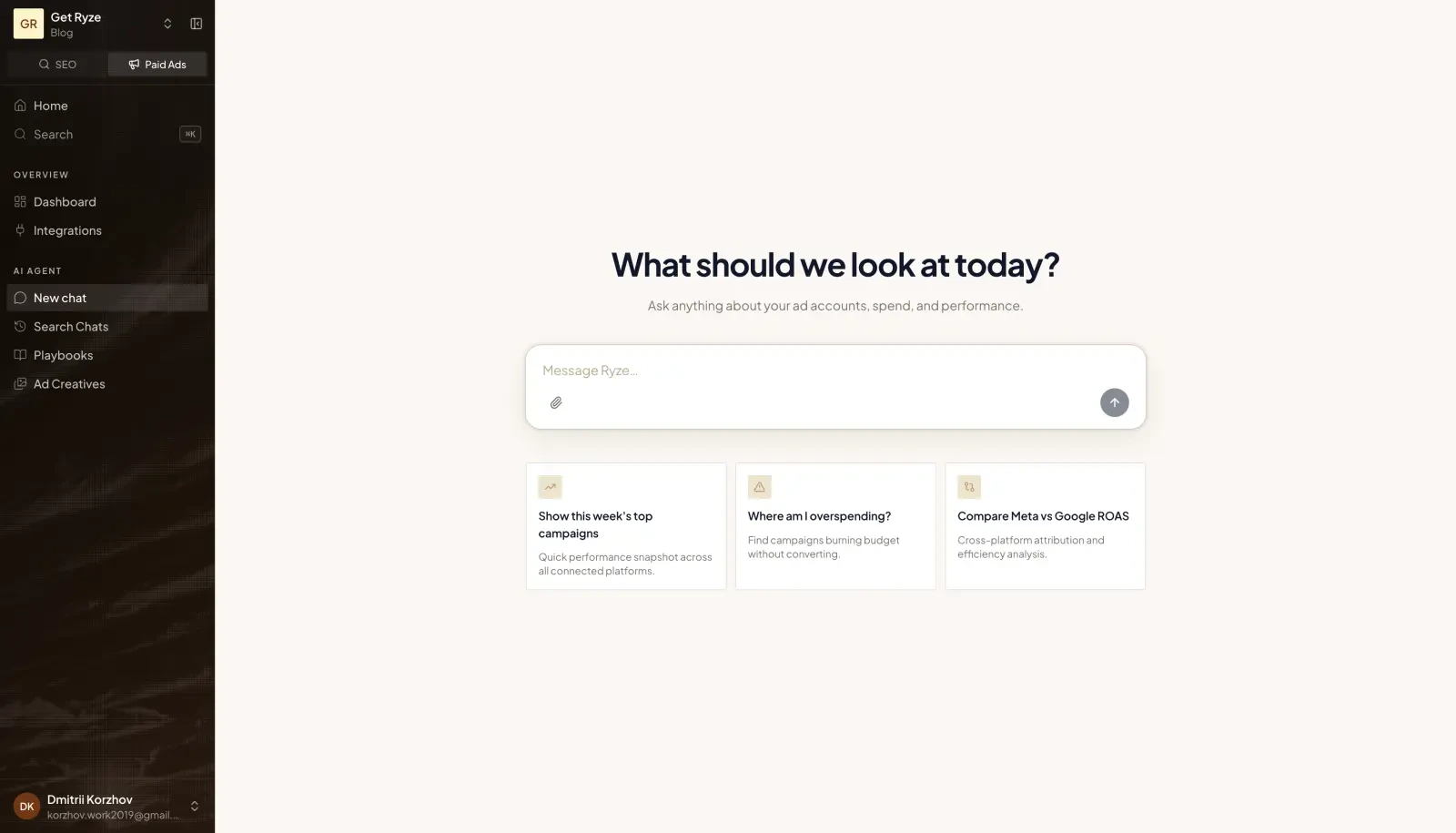
What you can do
- Understand performance — ask about spend, ROAS, CTR, and trends across accounts. Analytics → Ads Performance shows the same numbers as a dashboard. See Search and Ads Performance.
- Manage campaigns — create campaigns, adjust budgets, pause or resume, with the approvals you choose. Or hand a campaign over completely with Managed Campaigns.
- Generate creatives — produce on-brand ad creatives from a short brief. See AI Ad Creatives.
- Watch competitors — see the live ads other brands are running. See Competitor Ads.
- Track your site — install the Ryze Pixel once for first-party web analytics and, if you choose, forward conversions server-side to Meta, Google Ads, TikTok and GA4. It lives under Analytics → Web Analytics.
Where everything lives
- Analytics → Ads Performance — the dashboard of your connected ad accounts.
- Analytics → Web Analytics — the Ryze Pixel and your site’s analytics.
- Ads → Managed Campaigns, Ads → My Creatives, Ads → Ad Templates and Ads → Competitor Ads.
Plan and access
- Paid Ads is a separate plan: 279/month) covers unlimited workspaces. See Plans & pricing.
- Without it, the Ads section and Ads Performance show an Unlock badge.
- Web Analytics (Ryze Pixel) is available on every plan.
- Once your ad accounts are connected, the agent checks them several times a day on its own and sends proposed fixes to your Inbox. This background research doesn’t use your credits.
Example prompts
Start a chat and try:Pull the last 7 days of Google Ads spend and break it down by campaign.
Which Meta campaigns have the best ROAS this month?
Generate 3 modern ad creatives for our spring launch.
Get started
Getting started with Paid Ads
The setup chat, step by step, and what to do first.
Managed Campaigns
Set a budget and a goal — the agent runs the campaign.
AI Ad Creatives
Generate on-brand creatives.
Ryze Pixel
Web analytics from one script, plus optional server-side conversions.

