

Prefer video? Watch the Competitor ads guide.
Track a competitor
Click Track competitor, then add a brand name and its website.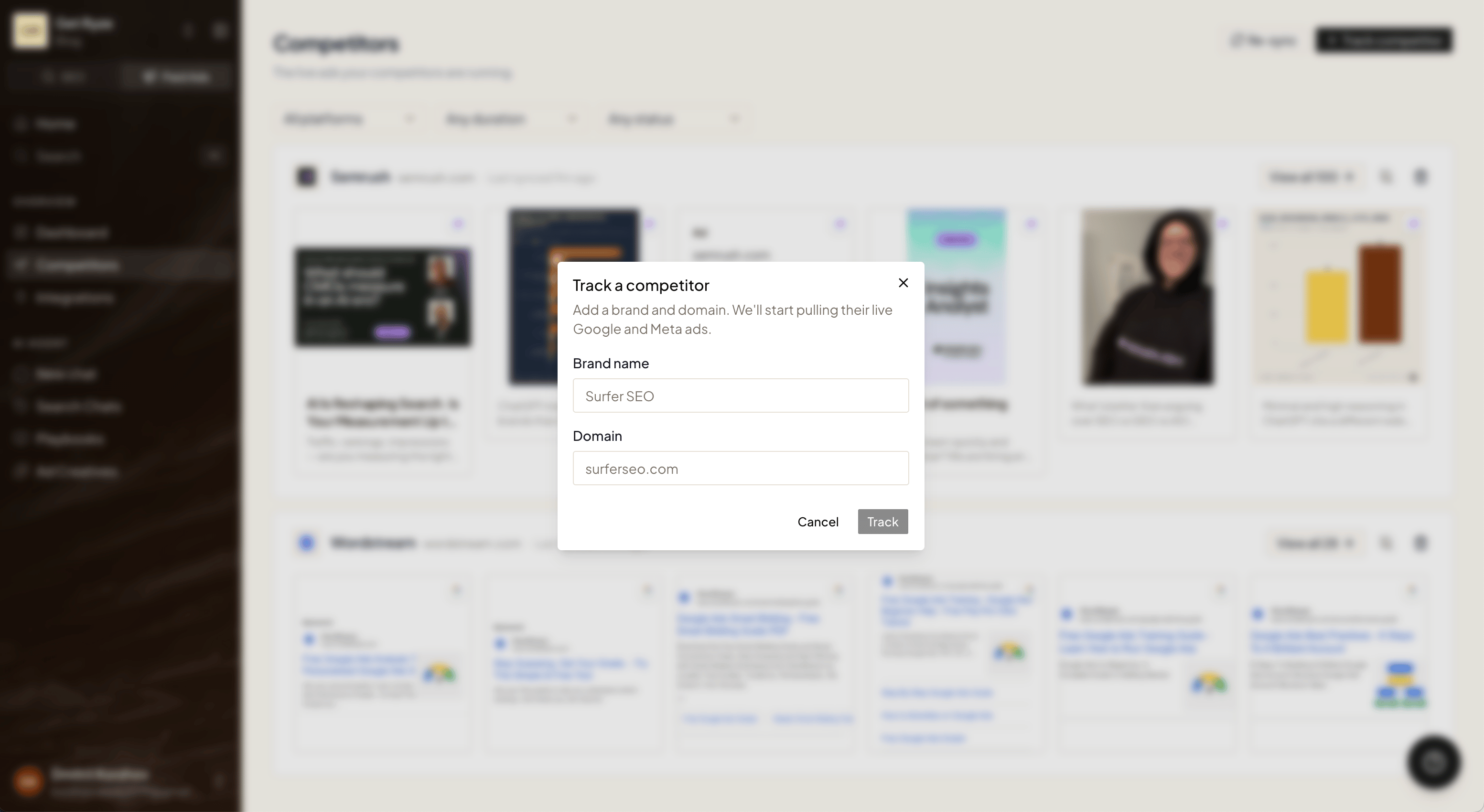
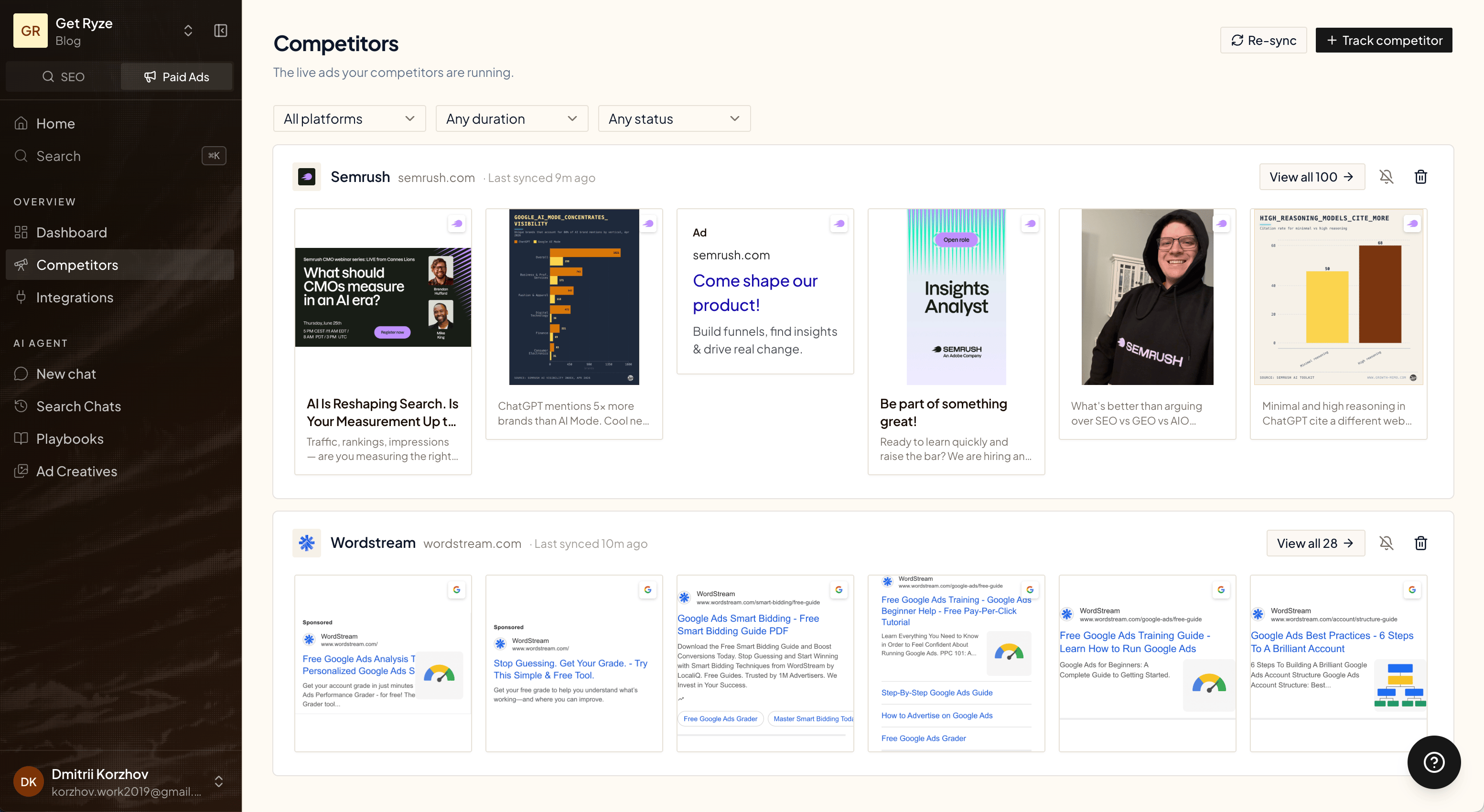
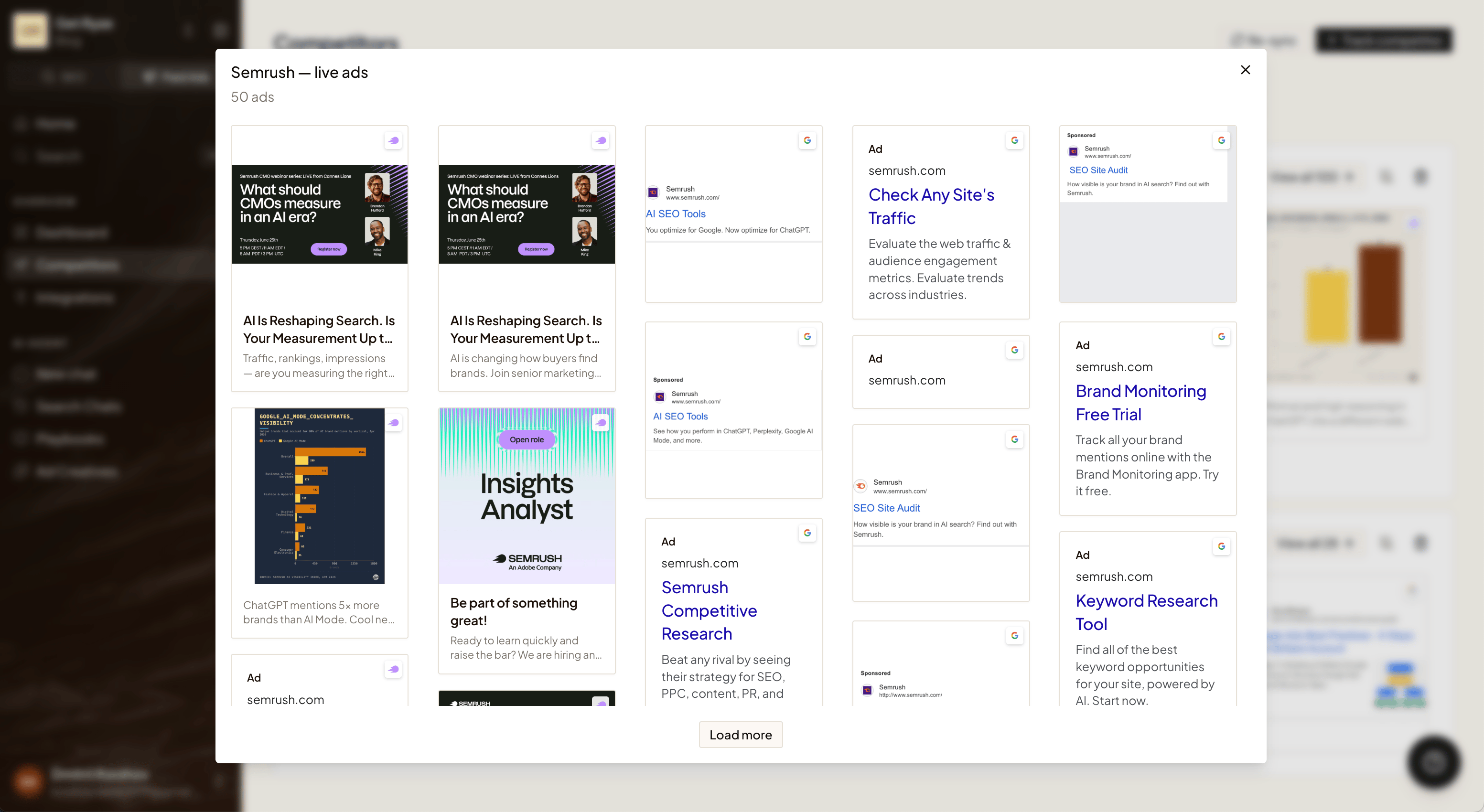
Browse their ads
Each competitor shows a strip of the ads they’re currently running. Use the filters at the top to narrow things down:- Platform — Google, Meta, or LinkedIn.
- Duration — how long an ad has been running. Ads that run a long time are usually the ones that work.
- Status — active or inactive.
Get an email when they launch new ads
Turn on alerts for any competitor and Ryze emails you when they ship new ads — so you don’t have to keep checking.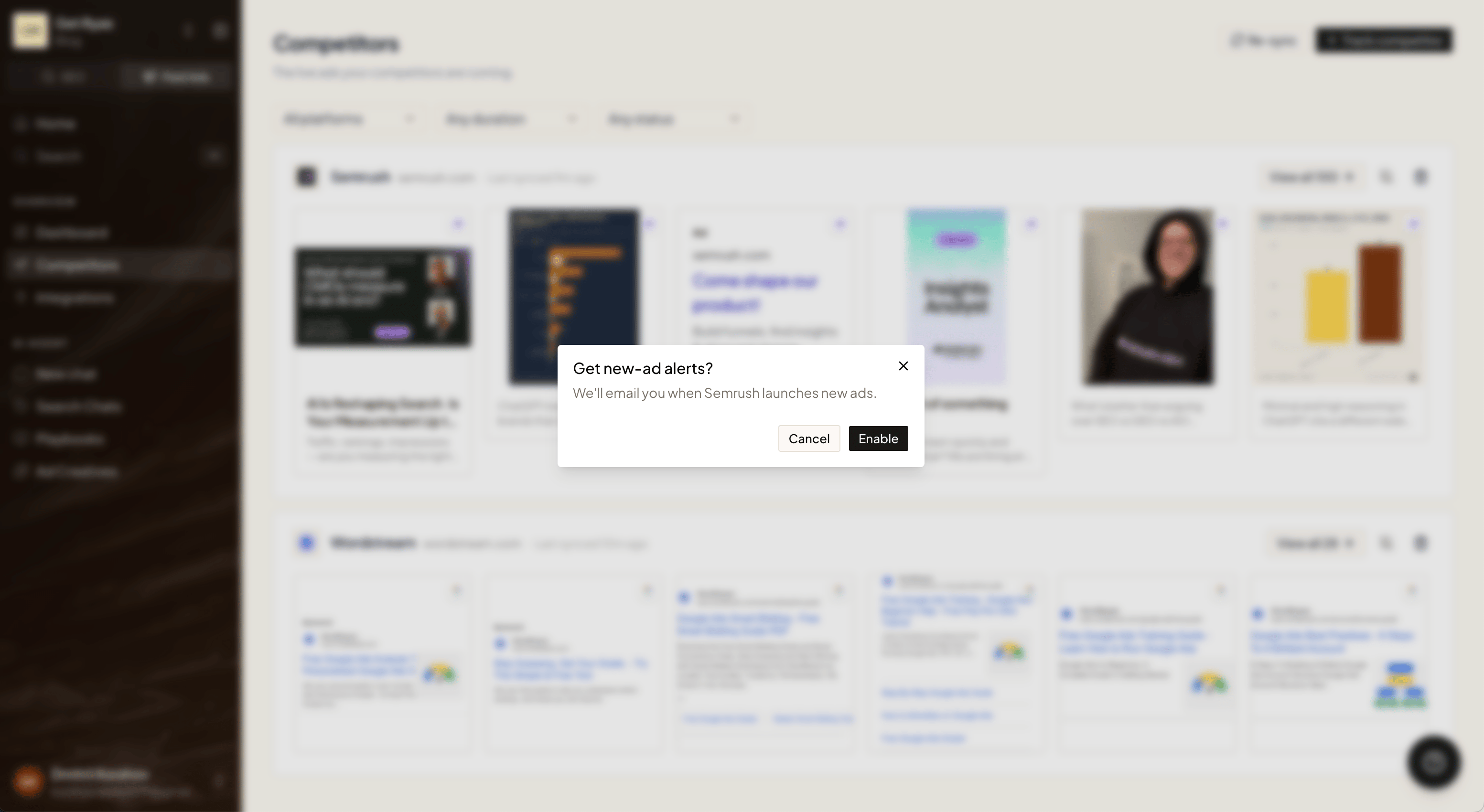
- Ryze refreshes your competitors’ ads once a week. Every Monday it checks each tracked brand for new creatives.
- If a competitor launched new ads, you get one email that morning with a summary of who shipped what, and a link back to this page.
- No new ads, no email. You only hear from Ryze when there’s something new to see.
Alerts are off by default — turn them on per competitor. The alert email goes to your organization’s owner.
Turn an ad into your own
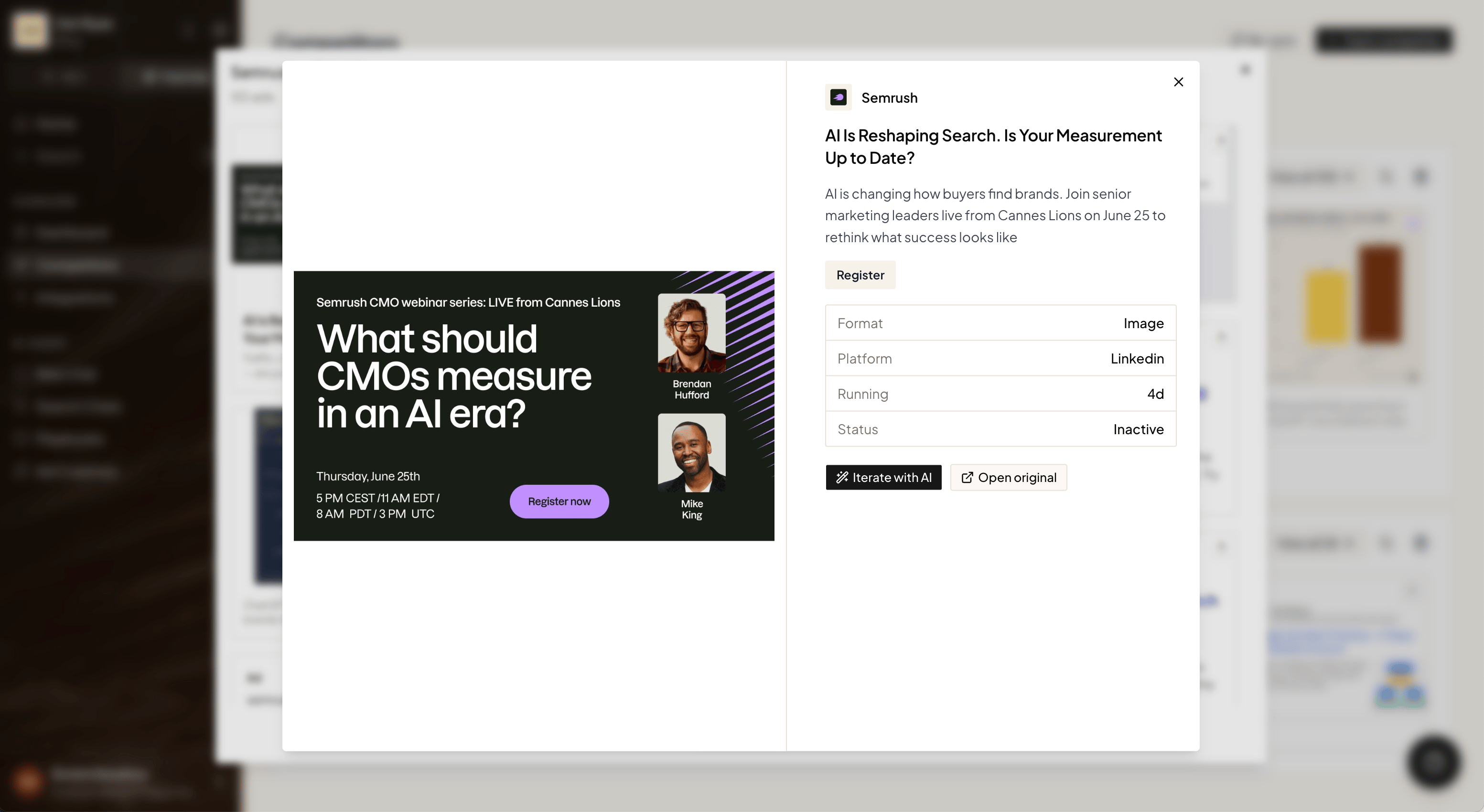
Found an ad worth borrowing? Click Iterate with AI to drop its copy straight into chat, then ask Ryze to rework it for your brand.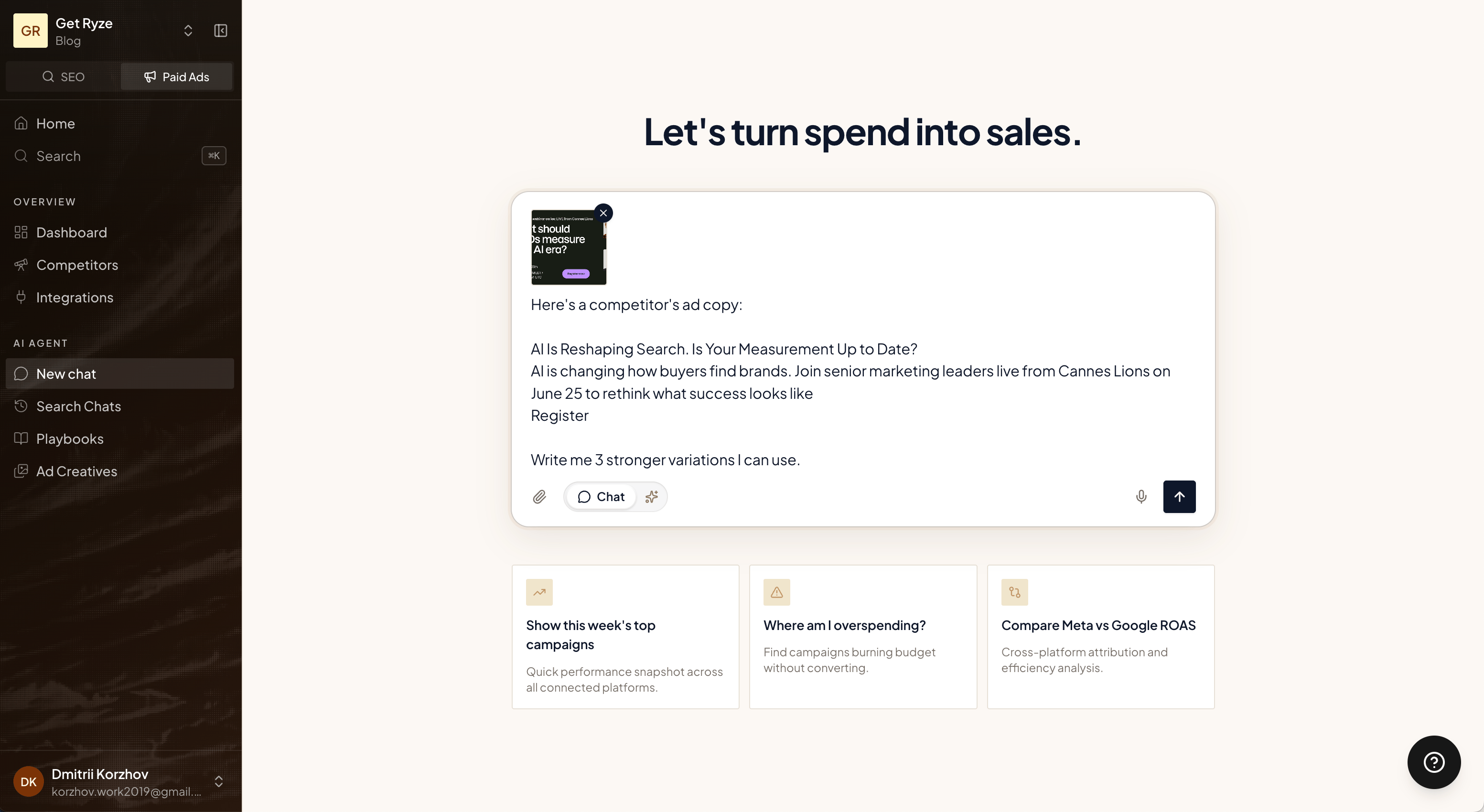
Here’s a competitor’s ad copy. Write me 3 stronger variations I can use.
Related
AI Ad Creatives
Generate on-brand creatives from a brief.
Overview
What Paid Ads can do.