

How a message is charged
Every AI step costs 0.5 credits. There is no model to pick. Ryze chooses the right model for each reply, and the step price is the same whichever one it uses. A simple reply is one step. When the AI pulls data or edits a campaign, it takes an extra step per round of tool results it reads — the tool calls themselves are free. A few tools carry a fixed cost on top, because they do heavy lifting:
Everything else the agent calls is free: Google Ads, Meta, GA4, Search Console, your store and your CMS.
Examples
- “Hey agent!” → one step. 0.5 credits.
- “What’s my Google Ads spend this week?” → pull data, then answer: two steps. 1 credit.
- “Compare ROAS across my Meta and Google campaigns.” → a few rounds of reports, then the comparison: ~4 steps. ~2 credits.
- “Generate 3 ad creatives for our spring launch.” → three creatives (7.5), a few steps, and 0.5 for each photo the agent generates. Usually 9–12 credits.
Agent runs
Work the agent does on its own — scheduled tasks and applying Approvals — is billed the same way: 0.5 credits per AI step, plus the fixed-cost tools above. Background research for Approvals is free. The agent scanning your accounts for opportunities costs nothing — you only pay when you approve a fix and the agent goes to apply it. Failed runs aren’t charged, same as chat.Through Claude or ChatGPT
When you use Ryze through the Claude or ChatGPT connector, the thinking happens in your assistant, on your Claude or ChatGPT plan. Ryze charges no AI steps there. Pulling data and making changes in your ad accounts through the connector is free; only the fixed-cost tools above (an SEO data lookup, a competitor ad search) use credits. Ad creatives and UGC videos are generated inside the Ryze app, not through the connector.See the cost of any reply
Hover the credit icon under any AI message to see exactly what it cost.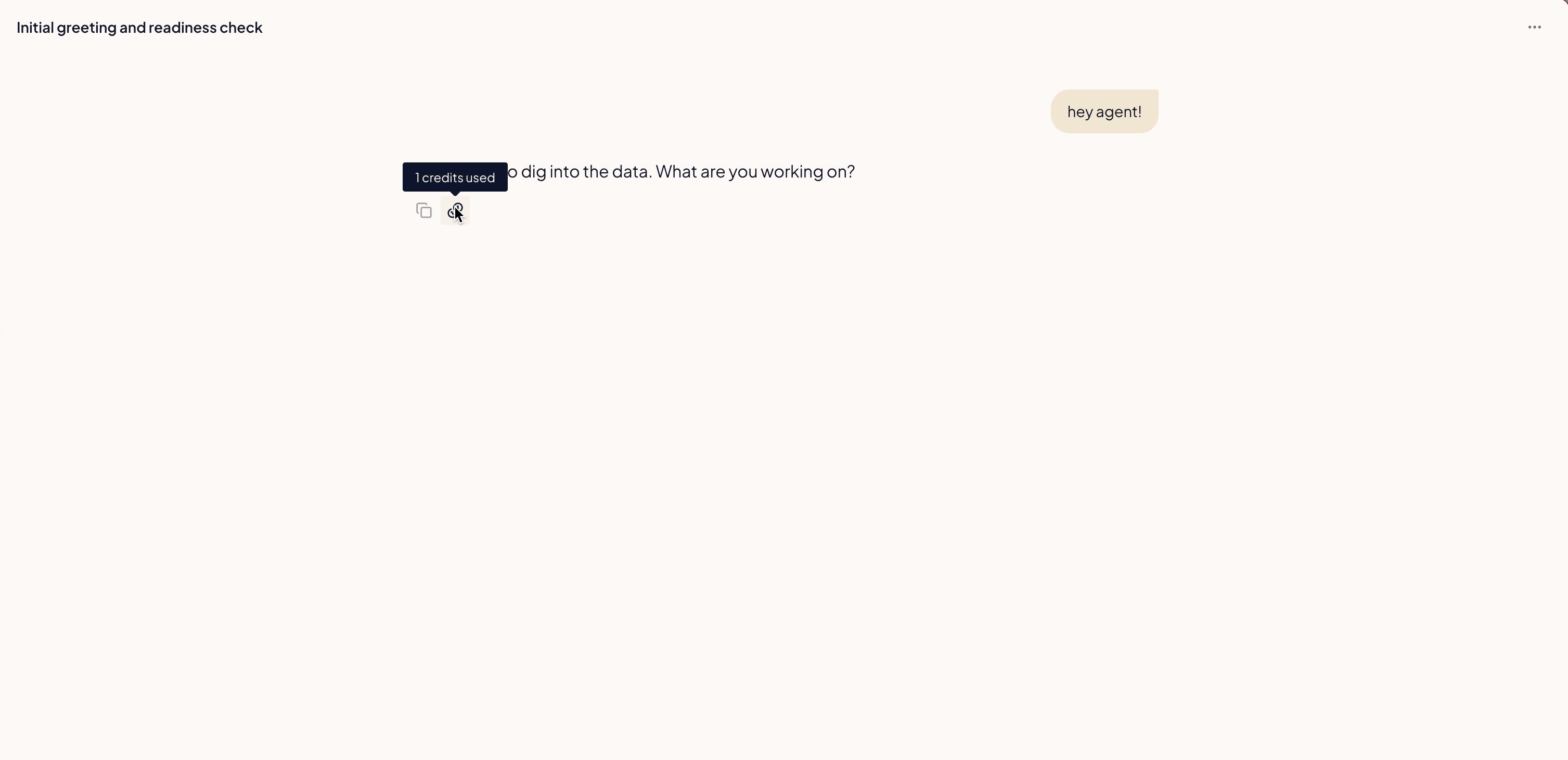
What you’re not charged for
You’re only billed for work that lands:- Failed runs and errors — if a reply hits an error, it doesn’t cost credits.
- Tool calls — pulling data, editing campaigns, publishing content: free. You pay for the AI steps around them, plus the fixed-cost tools above.
- Approvals research — the background scanning that files proposals is on us.
- Managed Campaigns — the agents that set up and manage a Managed Campaign don’t use credits. Those are priced on ad spend.
- Chat on your own Anthropic key — if you connect your own Anthropic key, AI steps cost nothing — only the fixed-cost tools do.
Track your usage
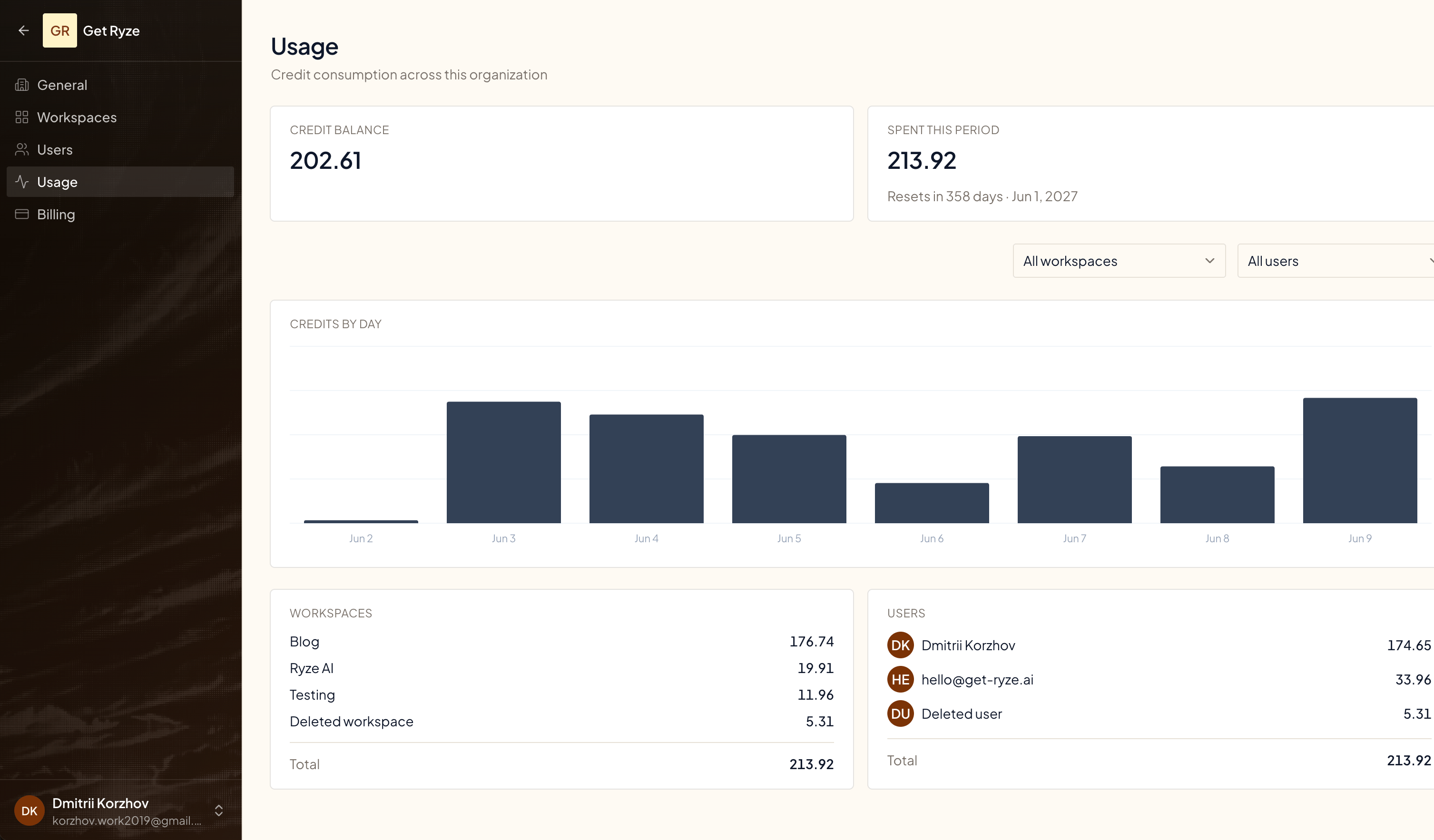
Open Organization Settings → Usage to see consumption across your whole organization.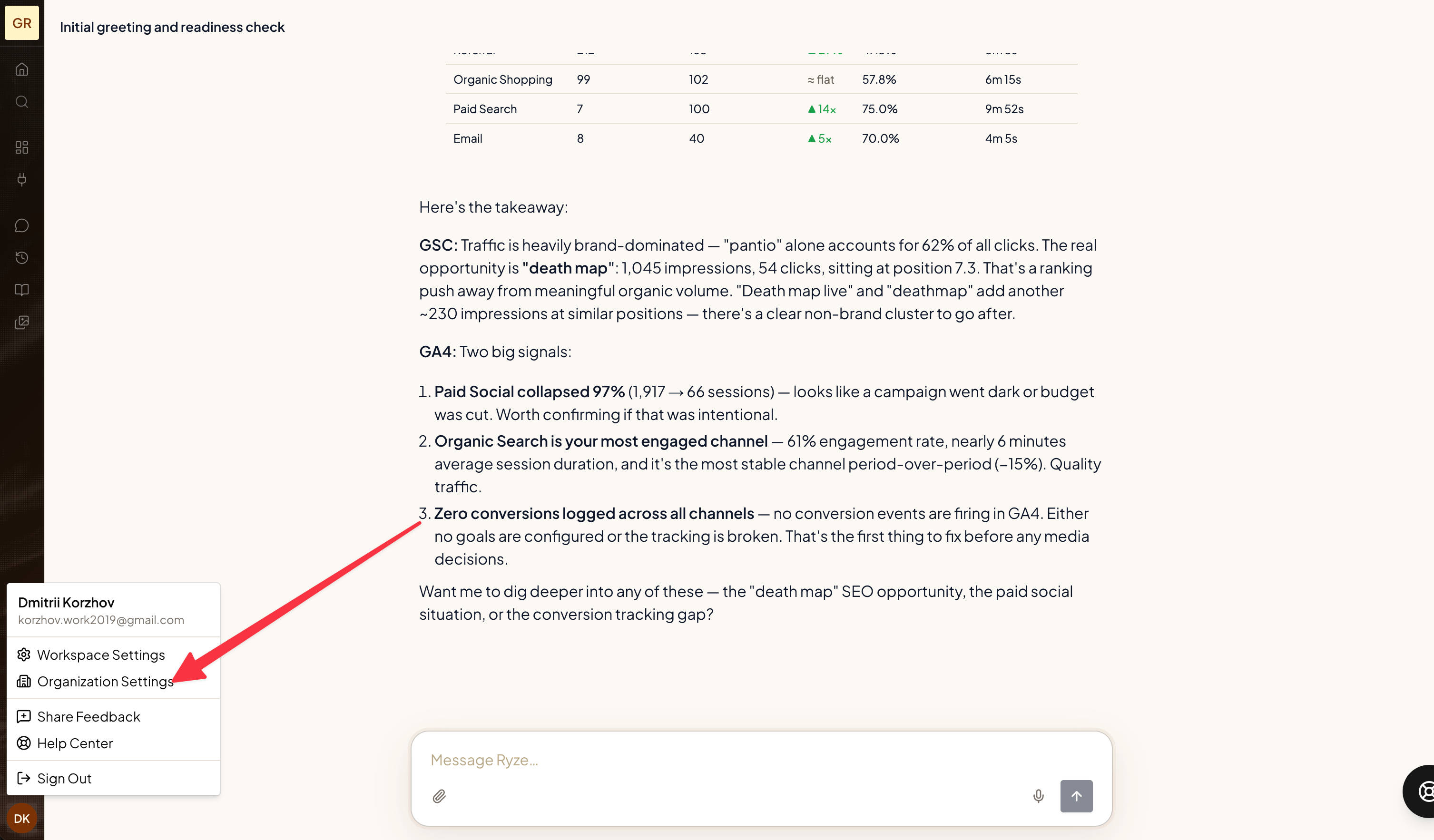
- Credit balance — what you have left.
- Spent this period — used since your billing period started.
- Credits by day — daily consumption trend.
- By workspace and by user — who and what is spending.
Running low? Top up
Buy credit packs anytime from Billing. Top-up credits carry over from period to period for as long as your subscription is active.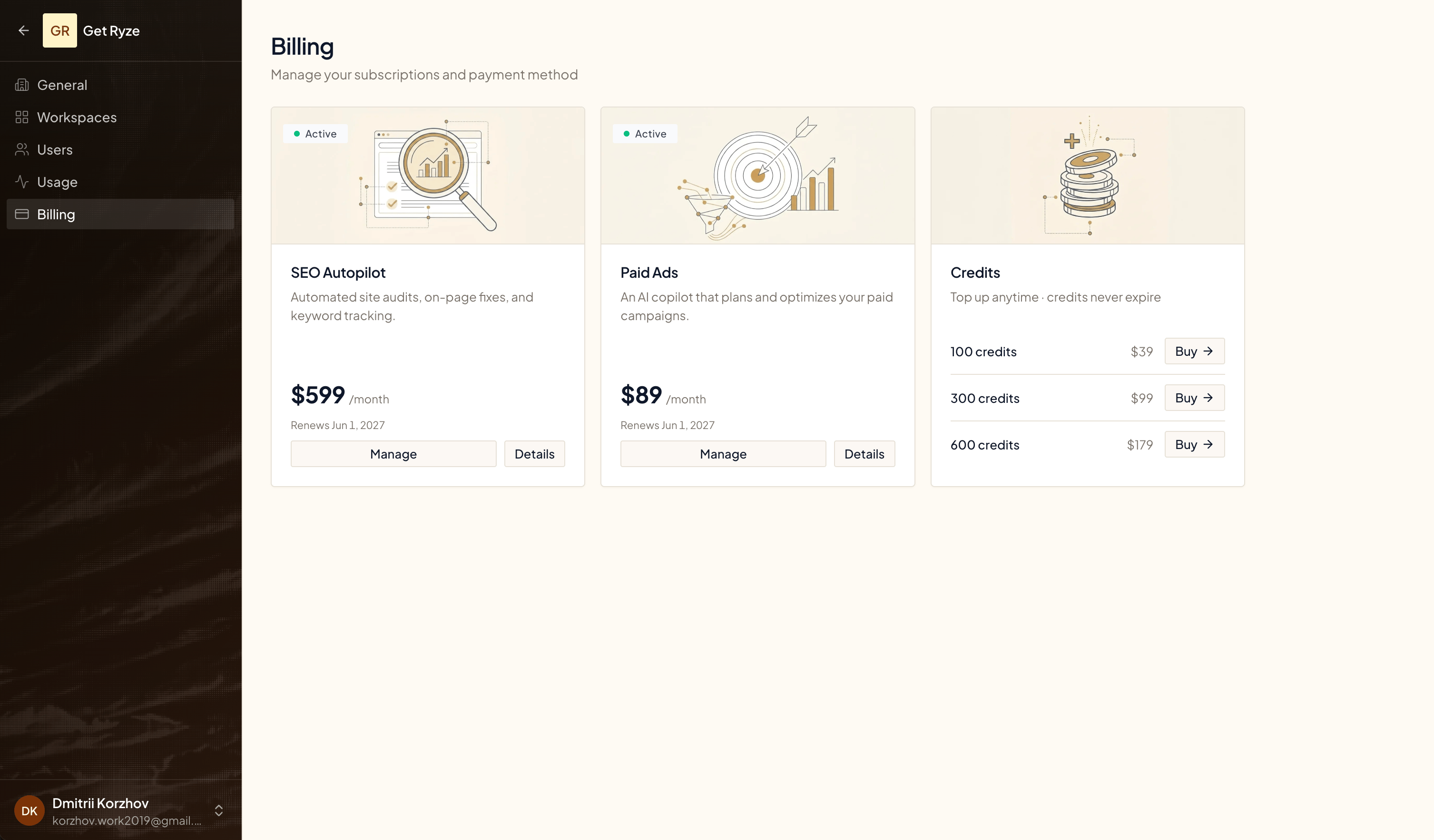
Good to know
- A reply that pulls data does more thinking, so it costs more — hover the credit icon to see the breakdown.
- Credits don’t expire while your subscription is active. Unused plan credits roll over — each billing period’s allowance is added on top of your remaining balance, and top-up credits stay too. All credits expire when the subscription ends (see the Refund and Cancellation Policy).
- The Usage page breaks consumption down by workspace and by user, so you can see who’s spending.
Related
AI Ad Creatives
How the agent builds and renders ad creatives.
Invoices & Payment
Manage your subscription and payment method.