

What your key does (and doesn’t) change
So: chat model tokens come off your Anthropic bill; the tools the agent calls (and any autonomous runs) still draw down credits.
Step 1 — Create an Anthropic API key
1
Open the Anthropic Console
Go to console.anthropic.com and sign in (or sign up).
2
Create a key
Under API keys, click Create Key, give it a name like
Ryze, and copy it. You won’t be able to see it again, so paste it somewhere safe.3
Make sure the account has credit
Your Anthropic account needs billing set up with available balance — chat fails if the key has no funds.
Step 2 — Connect in Ryze
Open the Connect Anthropic dialog, paste your key into the API key field, and click Continue.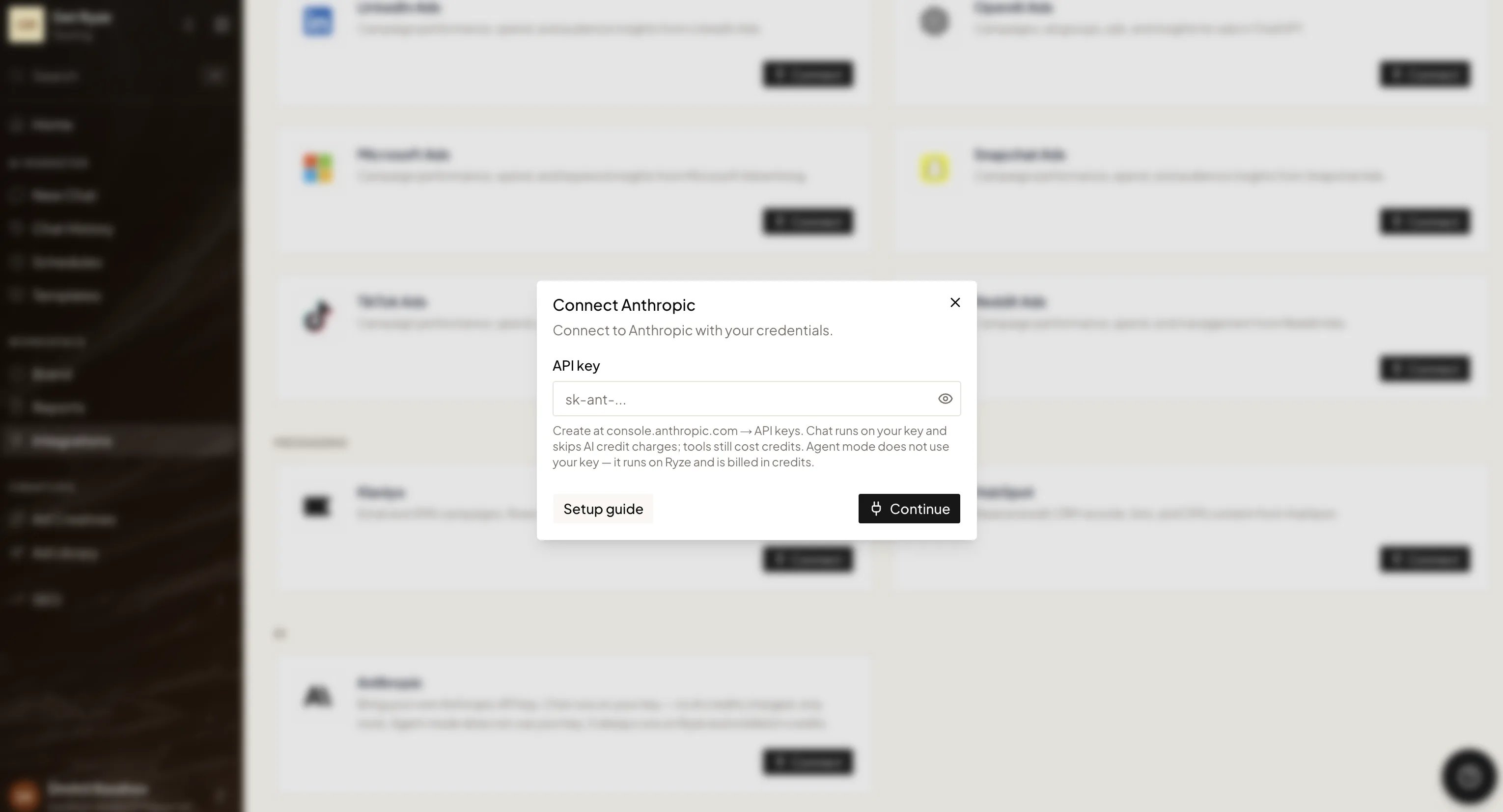
Your key is stored encrypted and used only to run your chat requests. You can disconnect it at any time; chat then falls back to running on Ryze credits.