

Prefer video? Watch the Approvals guide.
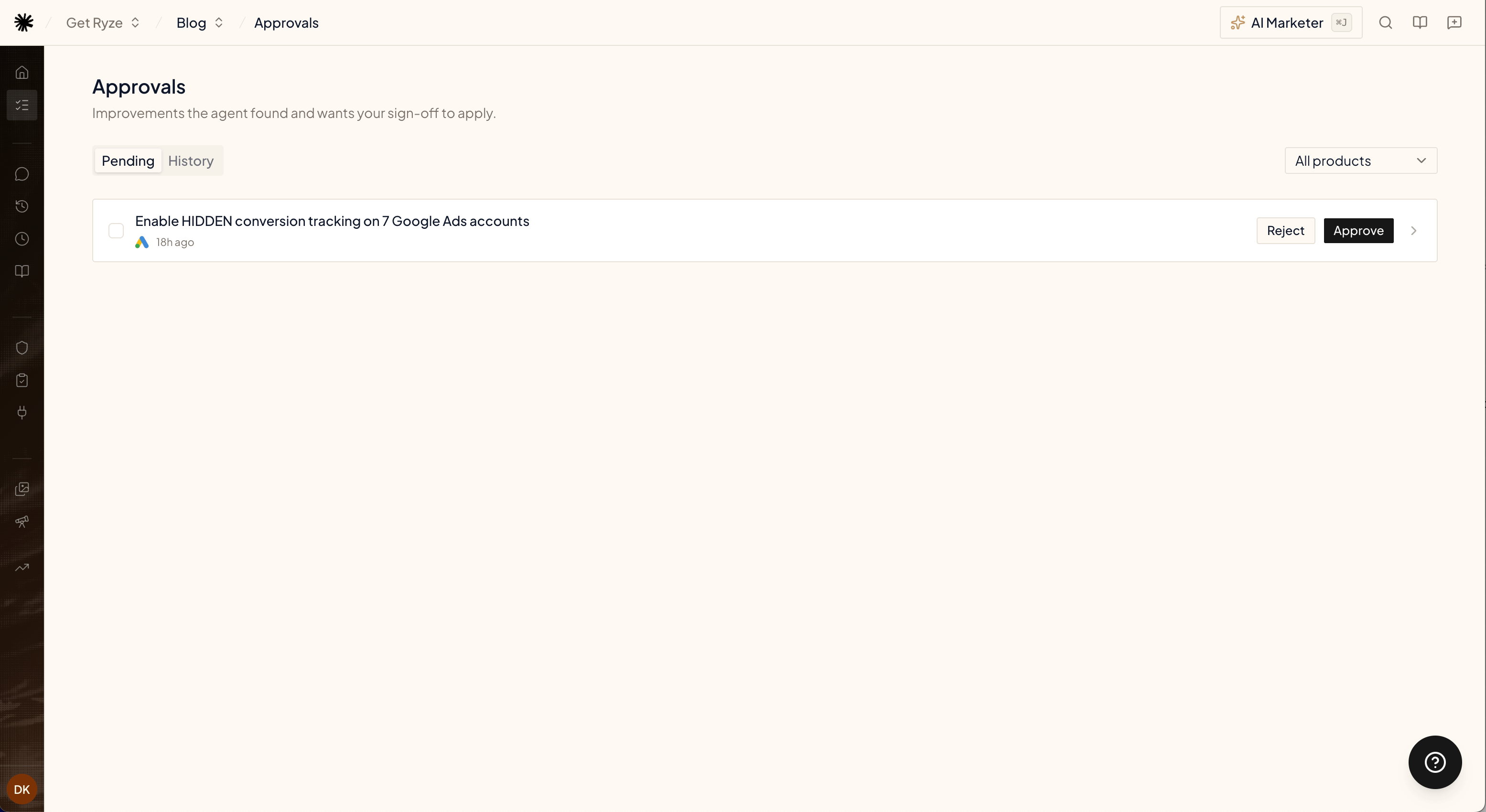
What a proposal looks like
Every proposal is specific and grounded in your data — never “consider improving X”. Open one to see:- Summary — what’s wrong, what it costs you, and why it matters, with real numbers from your accounts.
- Entity — the exact account and campaigns the change touches.
- Proposed changes — a before/after table of every change the agent wants to make.
- Evidence — the data the agent pulled to reach its conclusion.
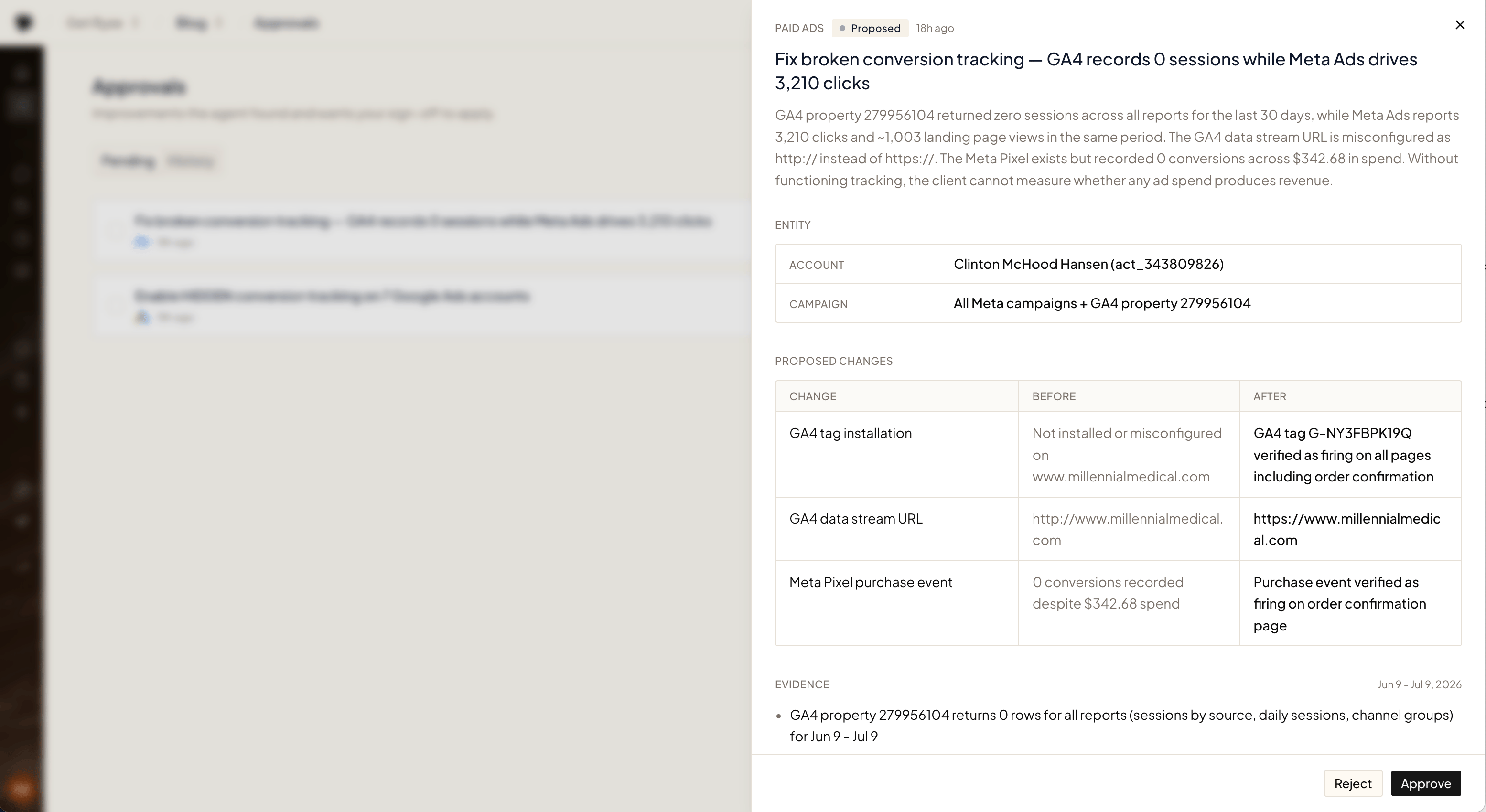
Approve or reject
- Approve — the agent applies the change to your account and verifies it landed. The proposal moves to History.
- Reject — nothing is touched. The agent takes the hint and won’t re-file the same proposal.
Blocked proposals
Sometimes the agent finds a real problem but can’t fix it from its side — a tag that must be installed on your website, a pixel that needs verifying, a platform it has no access to. Those proposals arrive as Blocked: the same evidence and proposed changes, plus a blocker note that tells you exactly what to do and where.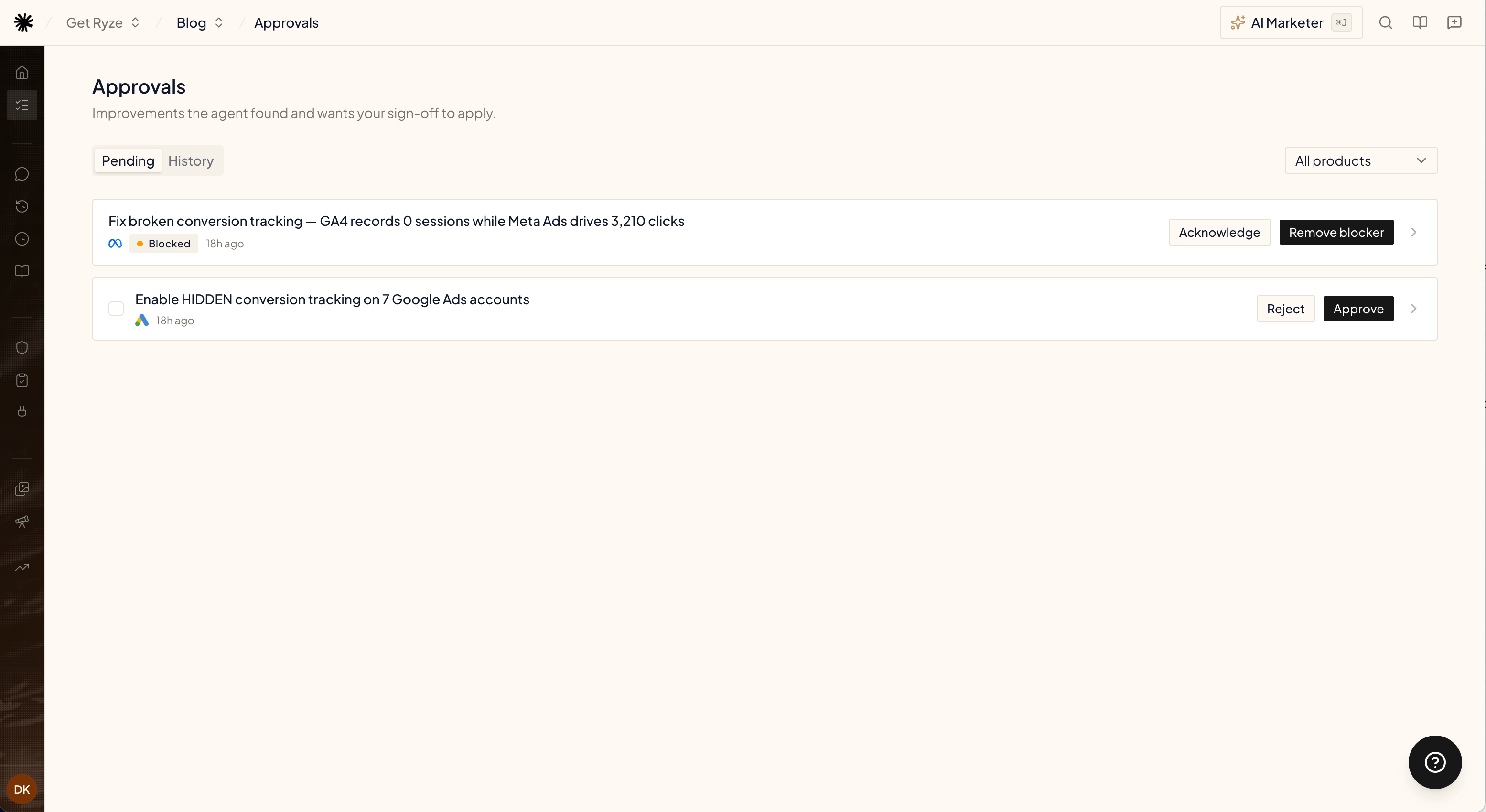
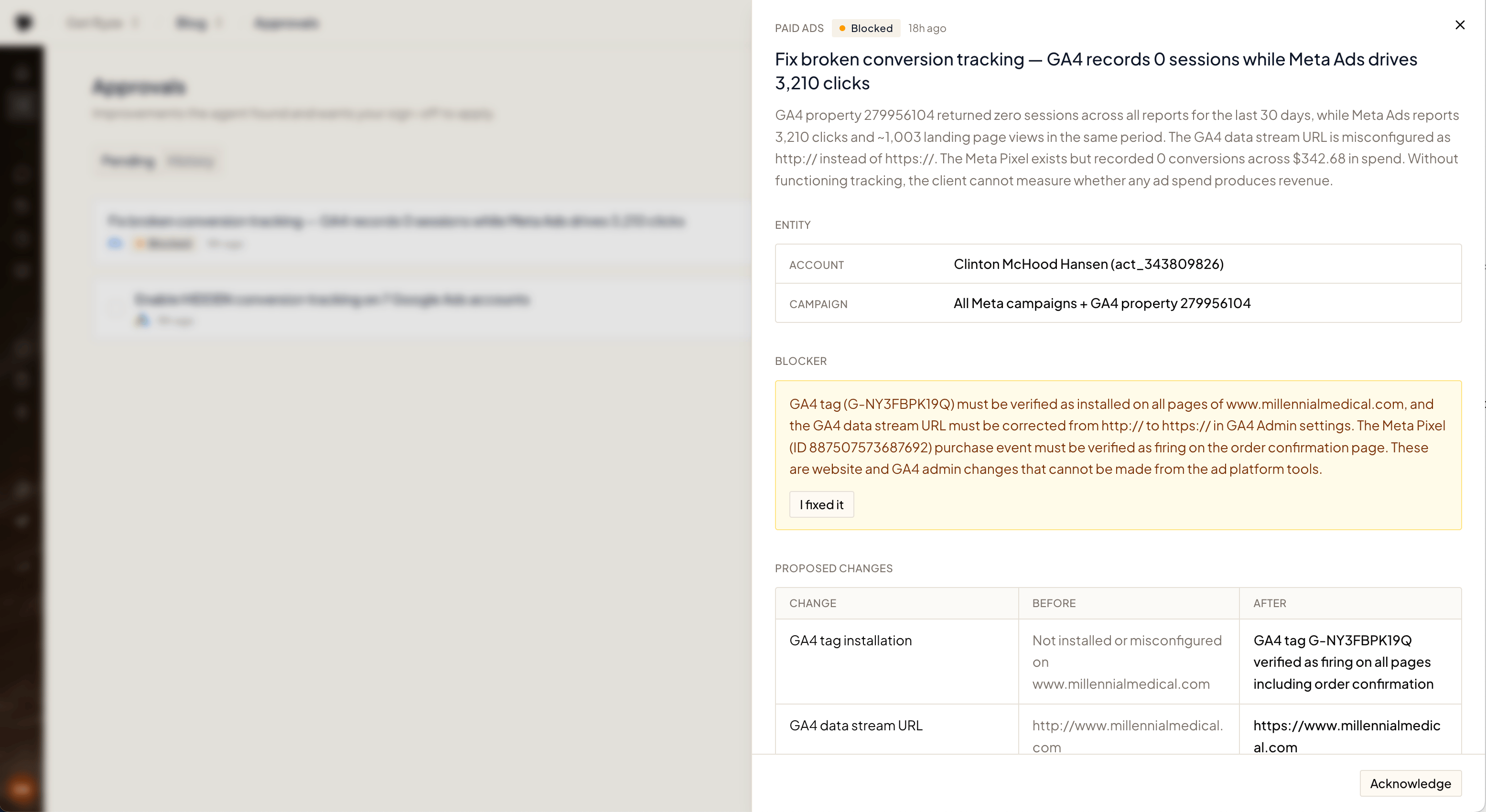
- Remove blocker — tell the agent you’ve resolved the blocker. It re-checks reality before proceeding — if the fix is actually live, the proposal moves forward; if not, it stays blocked and tells you what’s still missing.
- Acknowledge — you’ve seen it and will handle it later.
Opportunities
Besides fixes, the agent files a second kind of proposal: an opportunity — demand you aren’t capturing yet rather than something that’s broken. Examples: a search query with volume and no page on your site, an ad set running a single creative, a thread where competitors are named and you aren’t. An opportunity has no “before”, so instead of a before/after table it shows a draft of the new thing:- Body — long text ready to use, such as a reply, a thread, or a pitch email, with a copy button.
- Fields — the settings for the new thing: budget, audience, page path, title.
- Assets — generated ad creatives, where relevant.
How proposals are found
The agent runs research on a regular cadence per product, in the background — no setup needed. It only files a proposal when it finds something concrete and worth your attention; quiet accounts produce no noise. Research runs are free — you only spend credits when you approve a fix and the agent applies it (see Credits & Usage).Related
Scheduled Tasks
Point the agent at your own recurring checks.
Credits & Usage
How agent runs are billed.