

Open billing
Go to Billing in your organization settings. You’ll see a card for each subscription with its status and renewal date.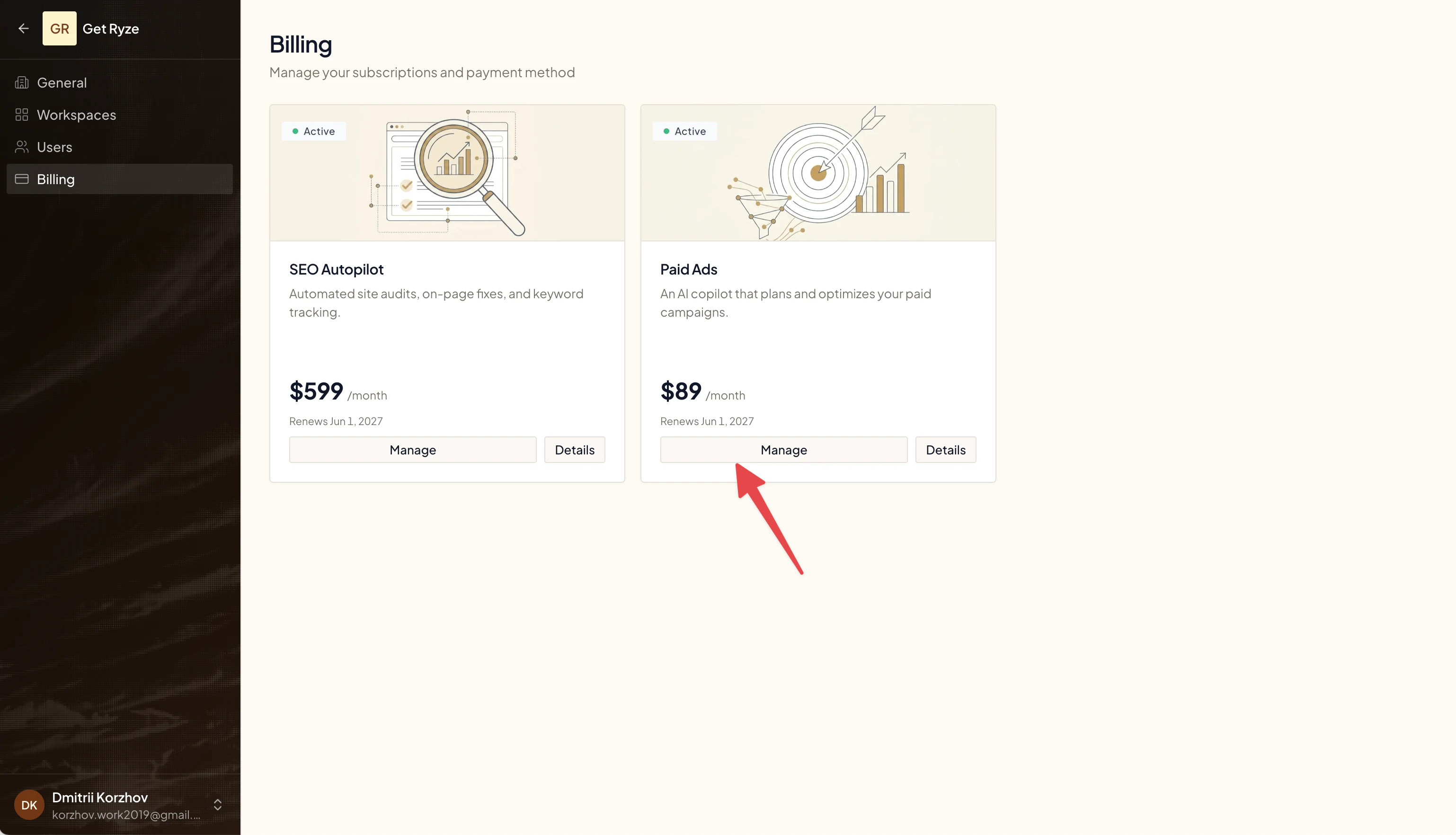
Download invoices
- Click Manage on a subscription.
- The billing portal opens.
- View and download any invoice or receipt as a PDF.
Update your payment card
Click Manage, then update your payment method in the billing portal. The new card applies to your next charge.Add company or VAT details
In the billing portal, edit your billing details to add a company name, address, or VAT / tax ID. These appear on all future invoices.Related
Manage Your Subscription
Change your plan or cancel.
FAQ
Common billing questions.