

Open the billing portal
Go to Billing and click Manage on the subscription you want to change.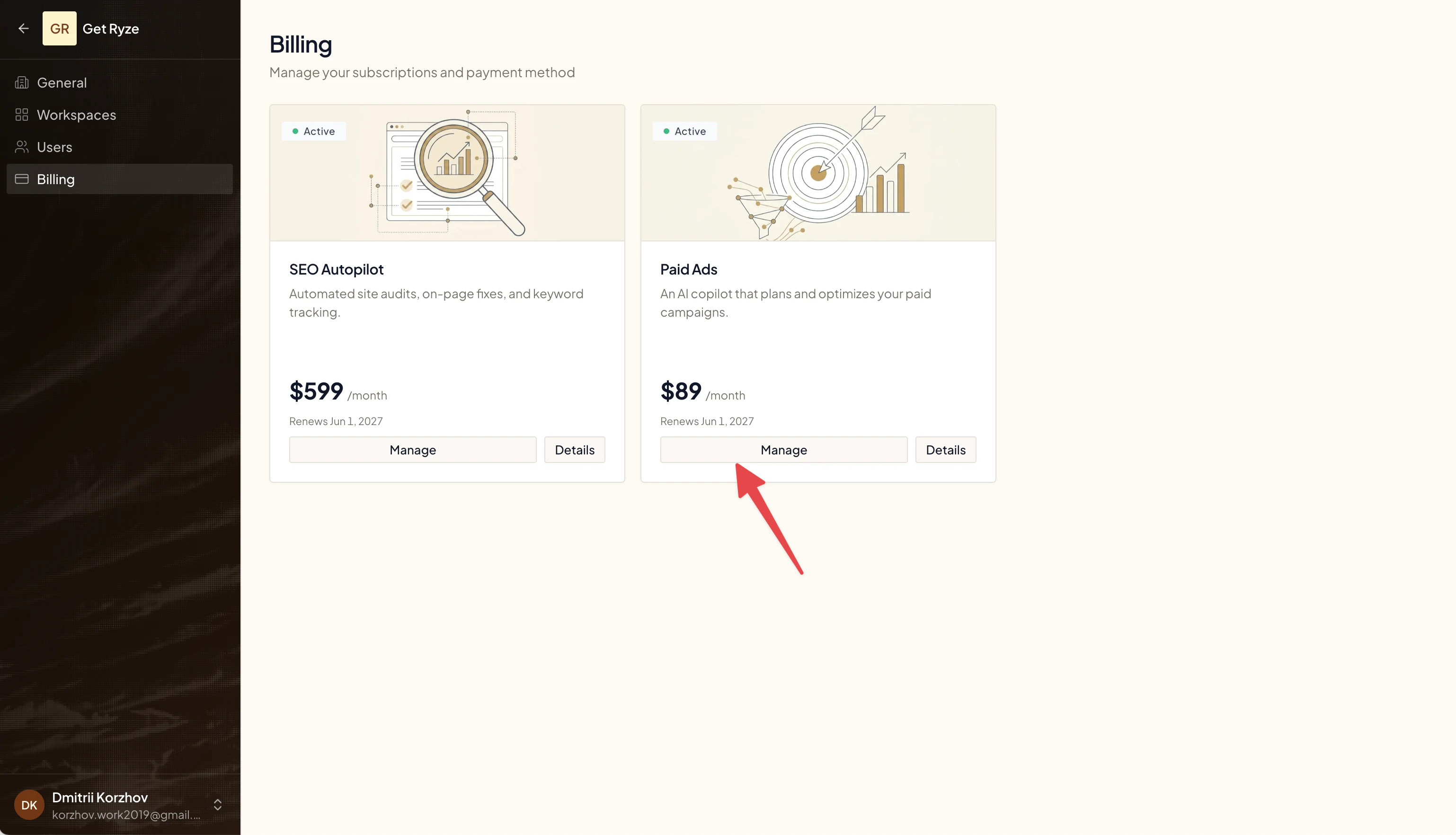
Change your plan
In the portal, switch your plan or update quantities. Upgrades take effect immediately and are prorated for the rest of the current period; downgrades take effect at your next renewal.Cancel your subscription
- Click Manage on the subscription.
- In the billing portal, cancel the plan.
- Your subscription stays active until the end of the current period — the Billing page then shows Cancels .
Canceling keeps your access until the paid period ends. You won’t be charged again after that. Not sure? Monthly plans can be paused once, for 1, 2 or 3 months, from the same flow (Pause my plan for) — nothing is billed while paused, everything stays saved, and billing resumes automatically when the pause ends.