

White label comes with the Agency plan. Only the organization owner sees the White Label section. If you do not see it, check that your organization is on Agency under Billing.
Turn it on
The Enable white label switch sits at the top of the White Label section. Until it is on, your clients still see Ryze, so you can set up colors, logo, domain, and sender first and switch everything live at once. Turning it off brings Ryze back for your clients. Your saved colors, logo, and domains stay, and come back when you turn it on again. If the Agency plan ends, white label turns off the same way.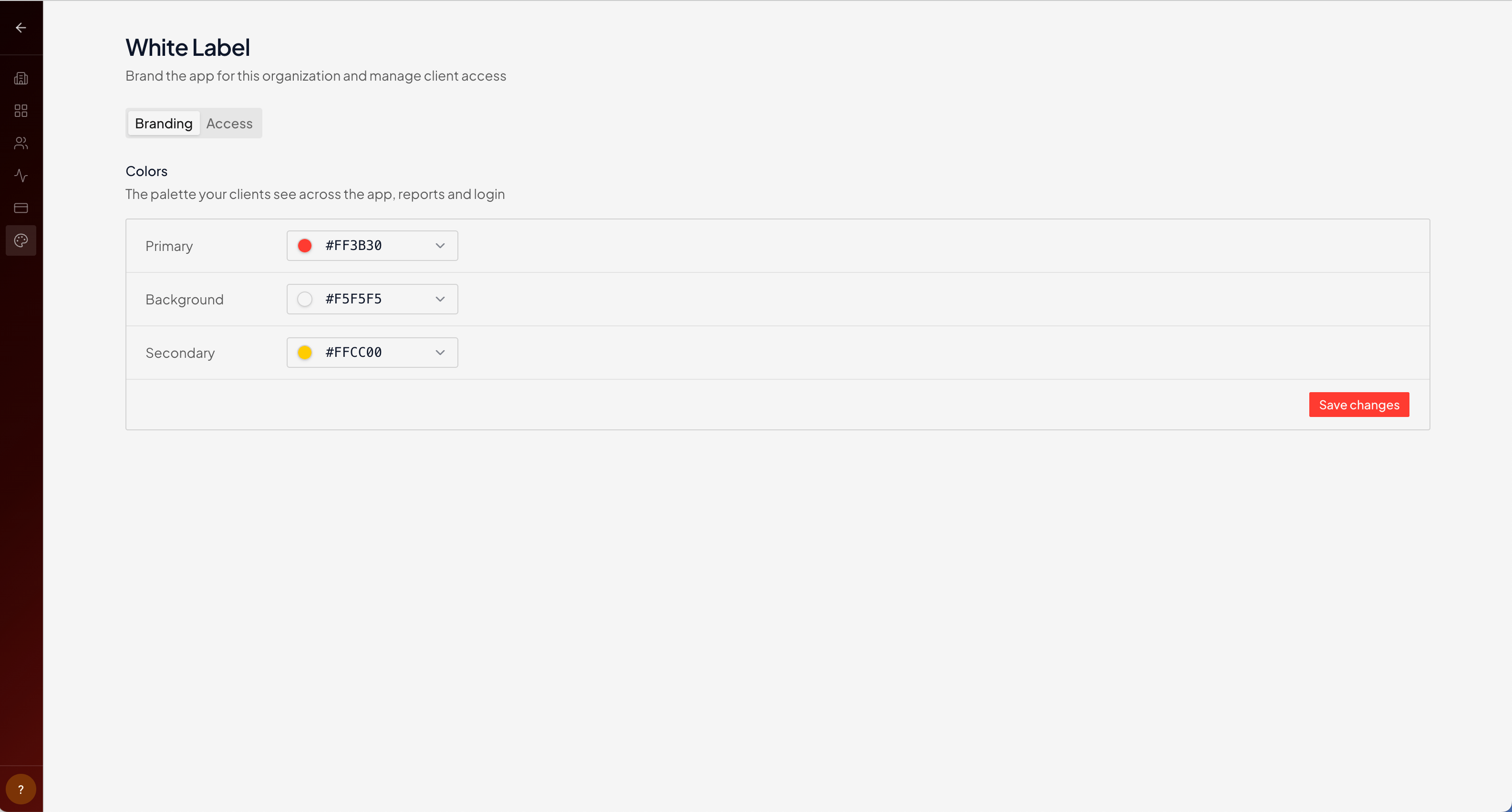
Colors
Set three colors and Ryze derives the rest of the theme from them:- Primary — your brand color, used for buttons, links, and accents.
- Background — the app’s base background.
- Secondary — a supporting accent.
Logo
Upload your logo at the top of the Branding tab: click Upload logo and pick a PNG, JPEG, or WebP file up to 5 MB. Once white label is on, it replaces the Ryze logo in the app, in the browser tab, on the login page, and in emails.Related
Client Access
Branded login link and inviting clients.
Workspaces
One workspace per client.