

White label comes with the Agency plan, and clients see your brand only after the owner turns on Enable white label. See Branding.
Branded login link
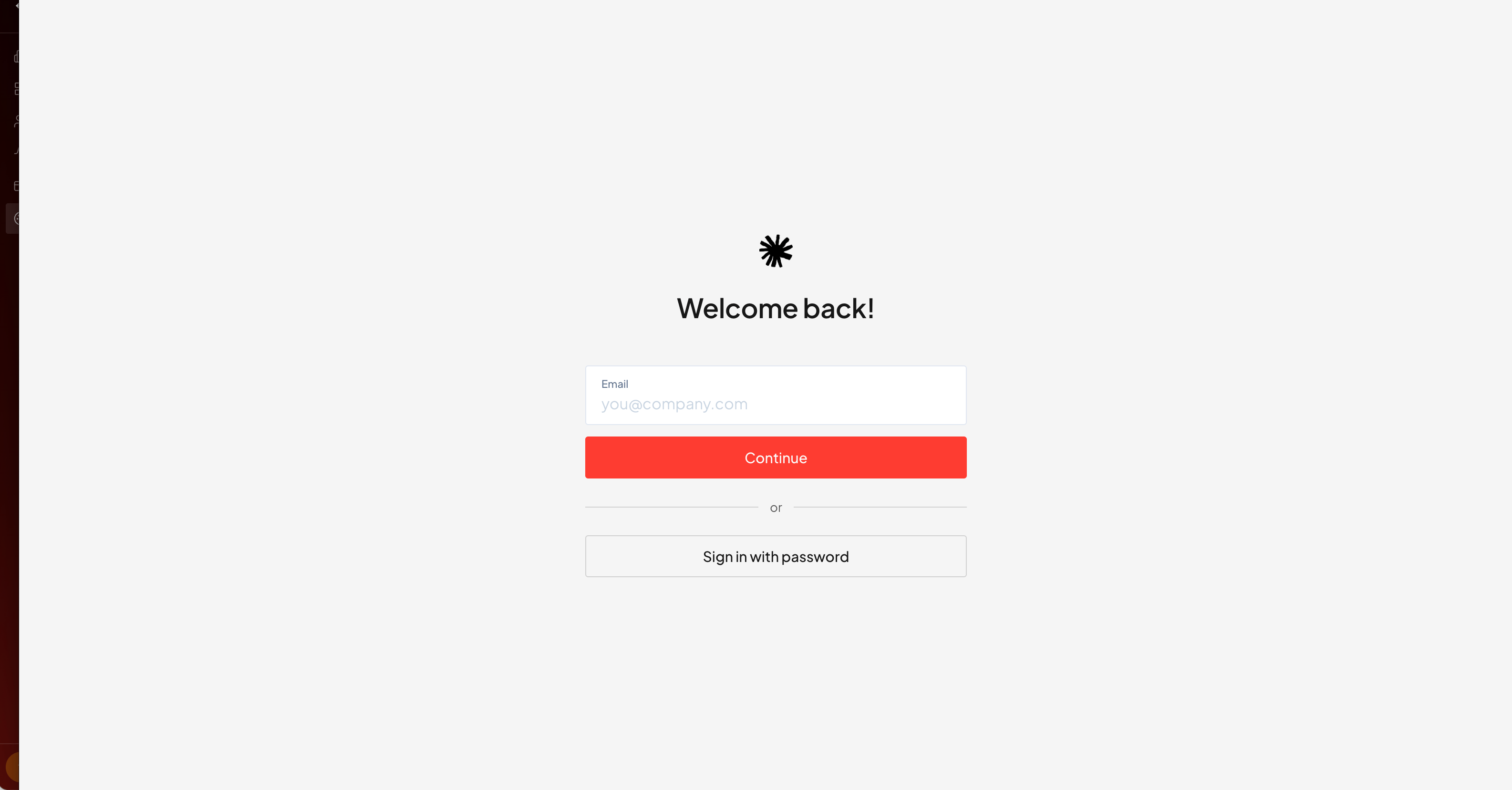
Share your branded login URL with clients — they sign in there, under your brand.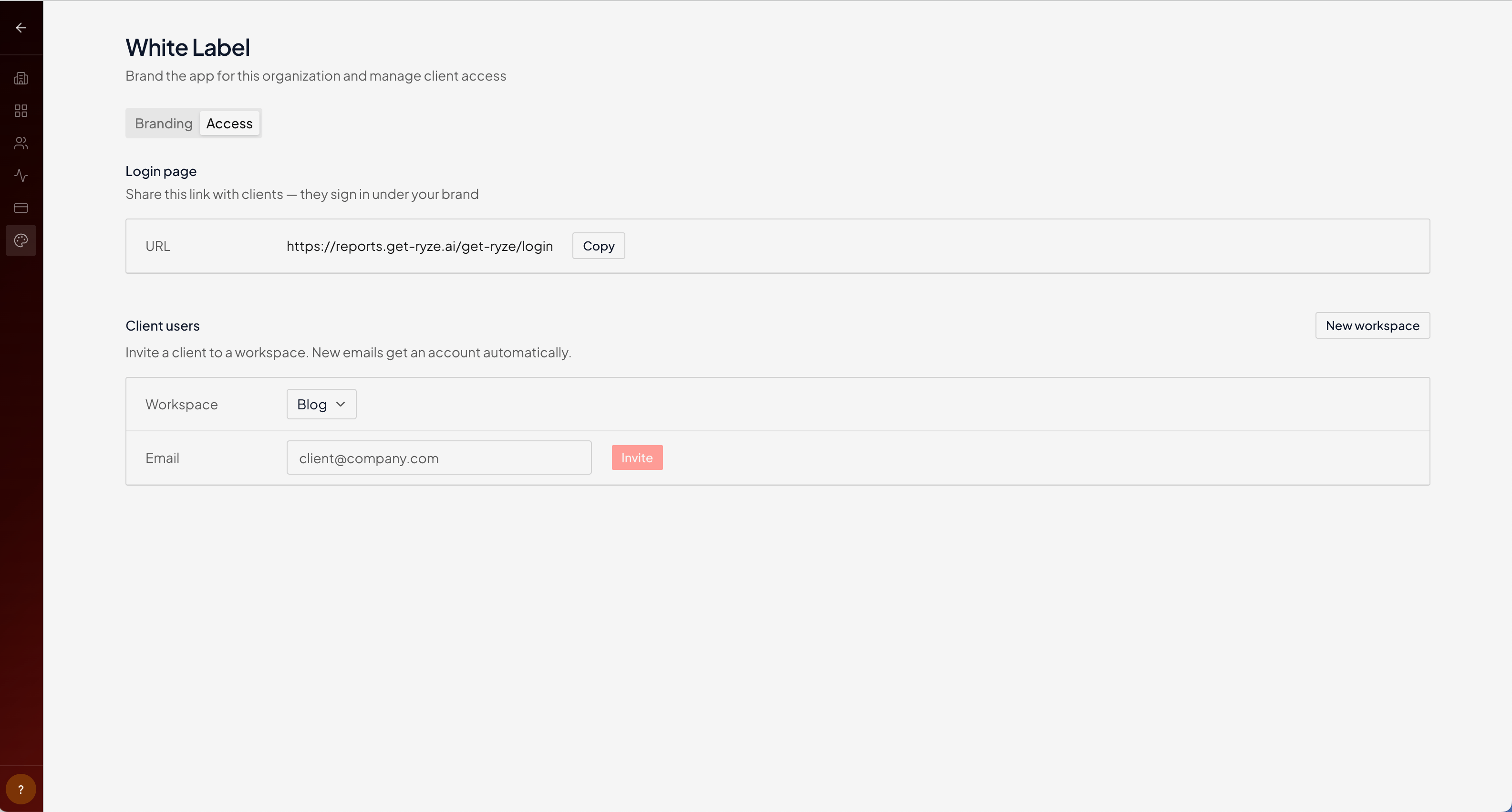
Invite clients
Under Client users, pick a workspace and enter the client’s email, then Invite. If the email doesn’t have an account yet, one is created automatically — the client just follows the link and signs in.Each client belongs to a workspace. Use one workspace per client so their data, brand, and access stay separate. See Create a workspace.
Related
Branding
Colors and logo across the app.
Domains
Your own app domain and email sender.
Invite teammates
Add your own team to the org.