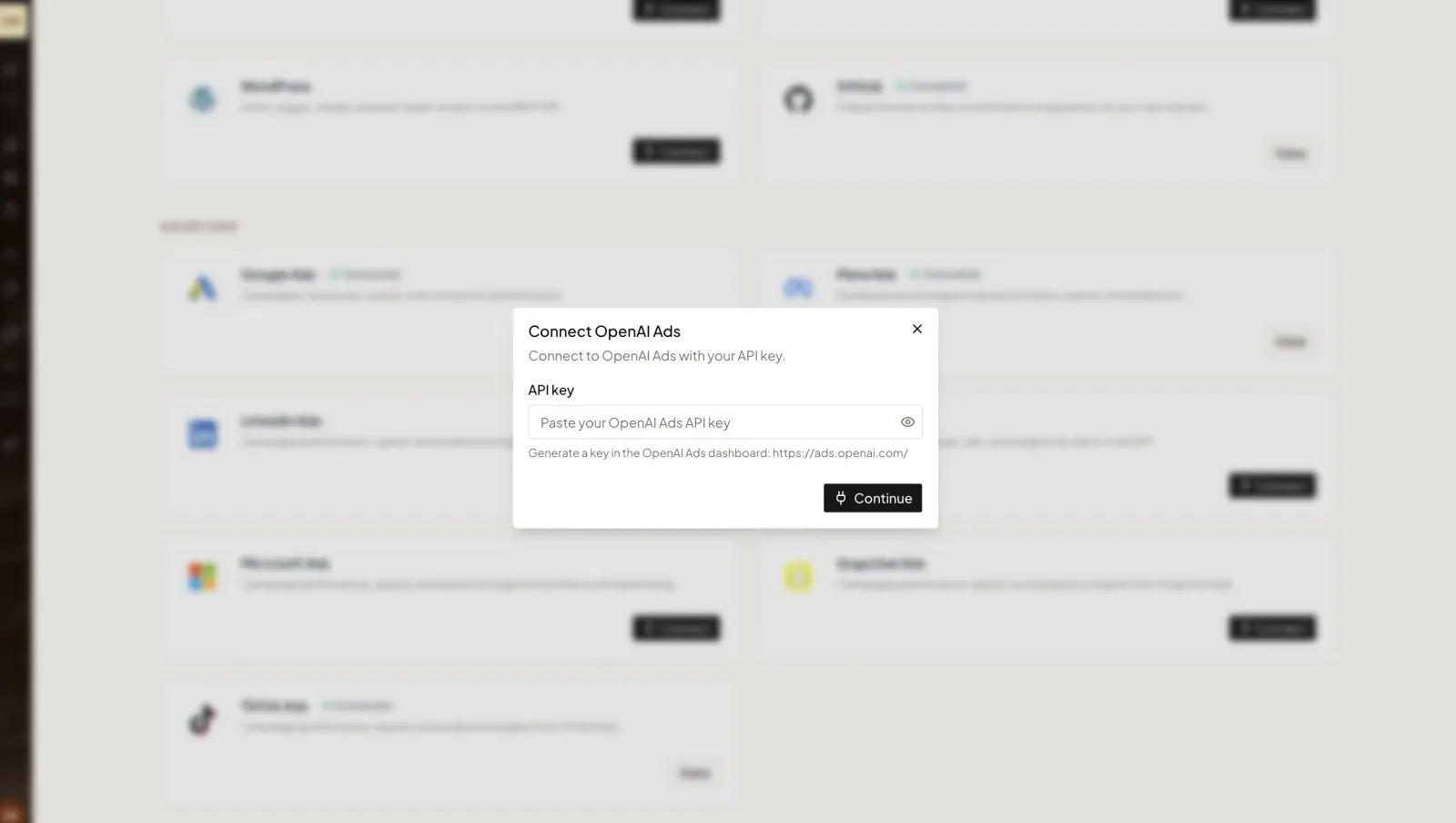

Step 1 — Get your API key
1
Open OpenAI Ads
Go to ads.openai.com and sign in (or sign up) to the Ads Manager.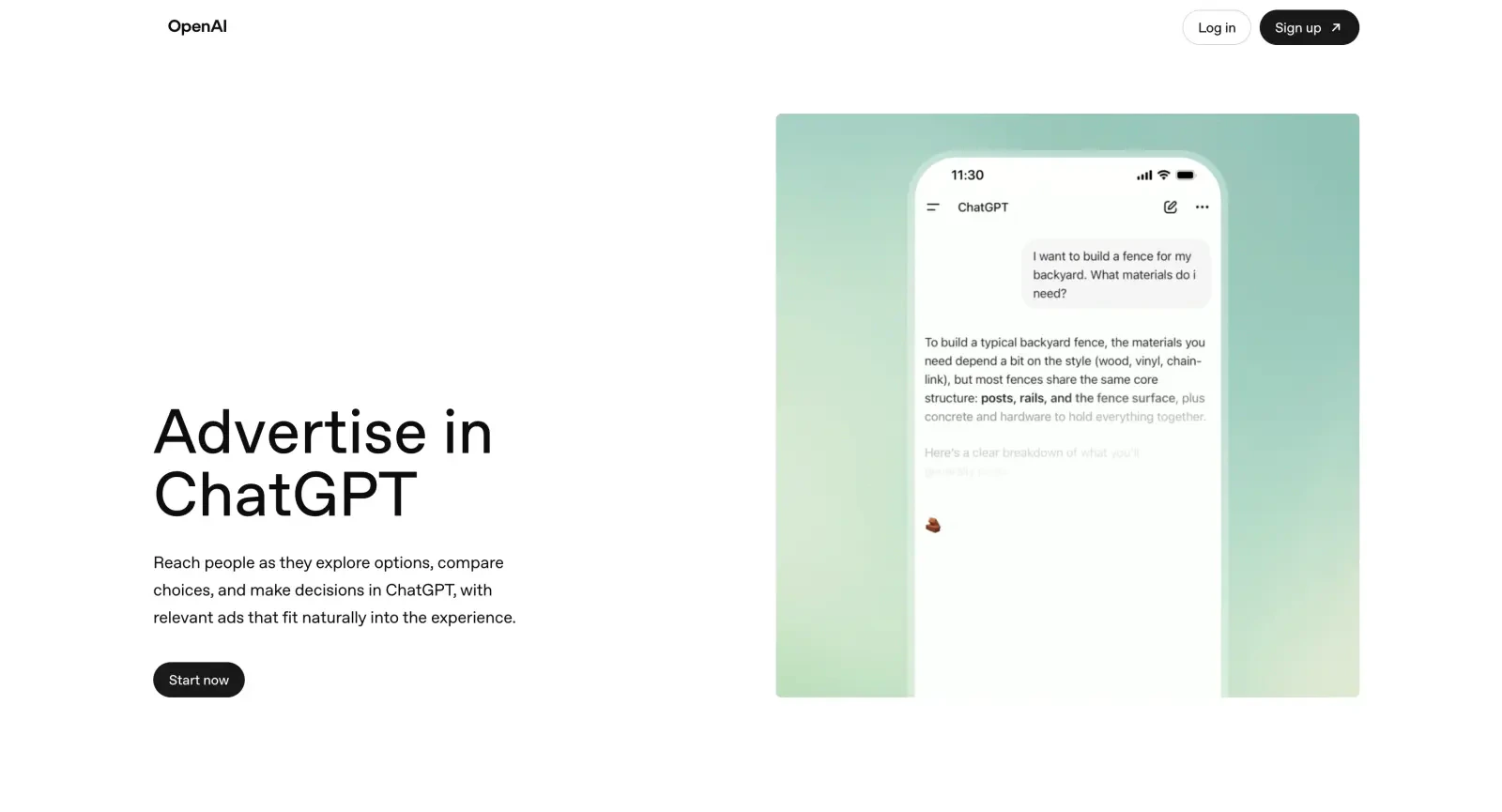
2
Open Settings
In the Ads Manager, open Settings from the left menu.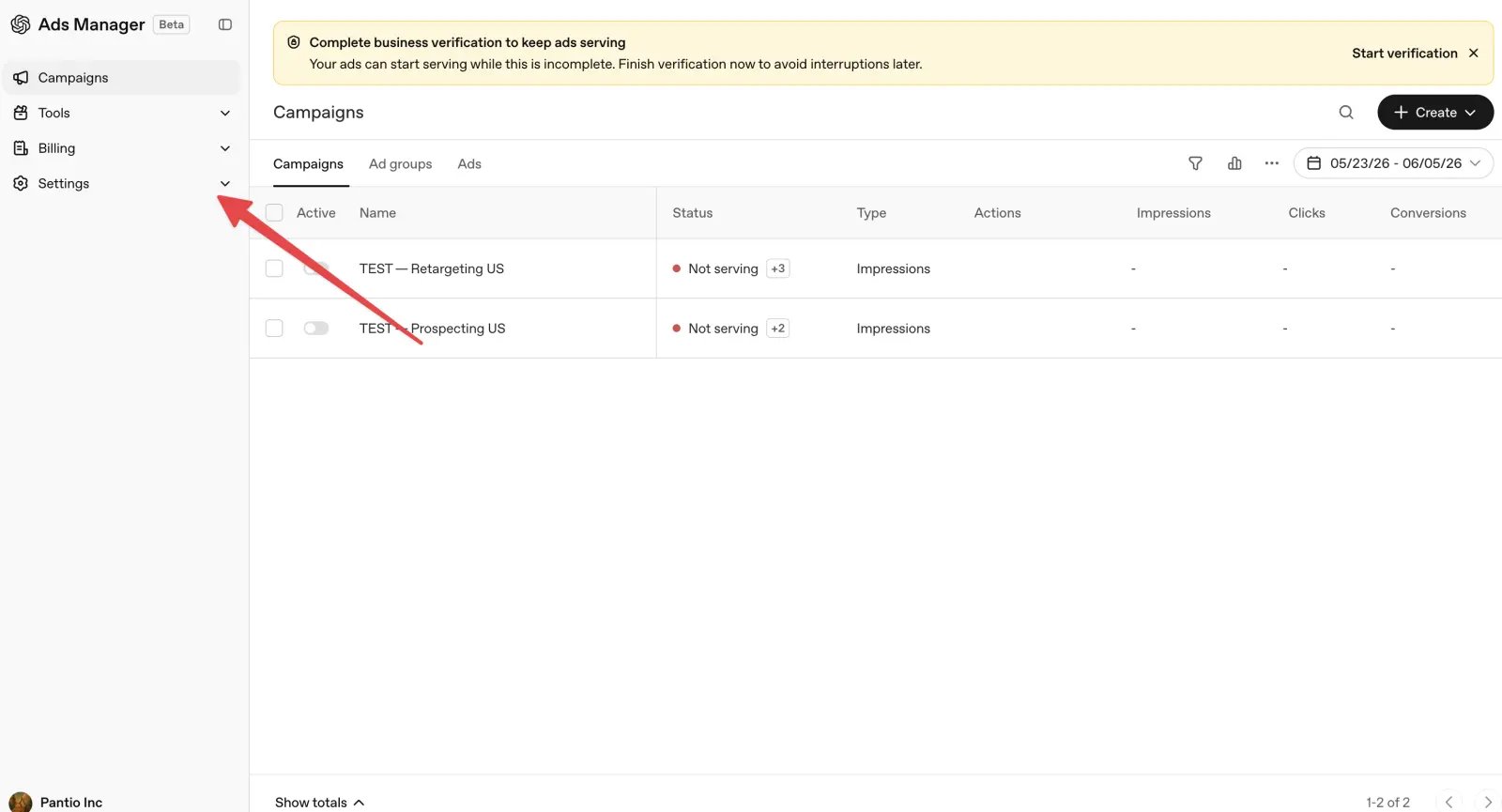
3
Create a new API key
Under Settings → General → Account Info, click Create New Key. Give it a name like 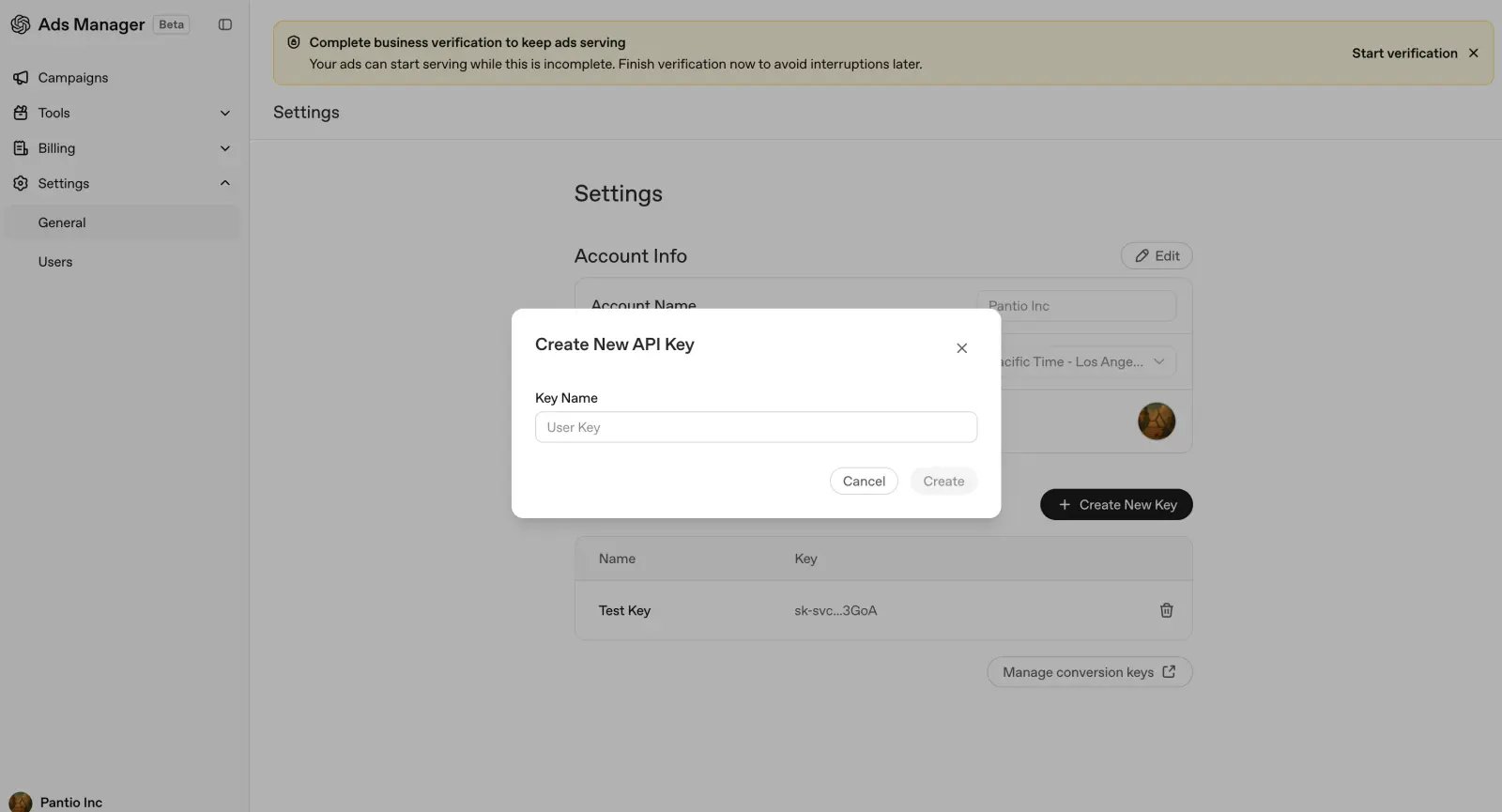
Ryze, then click Create. Copy the key — you’ll need it next.Step 2 — Connect in Ryze
In Workspace Settings → Integrations, click Connect on the OpenAI card and paste your API key, then click Continue.