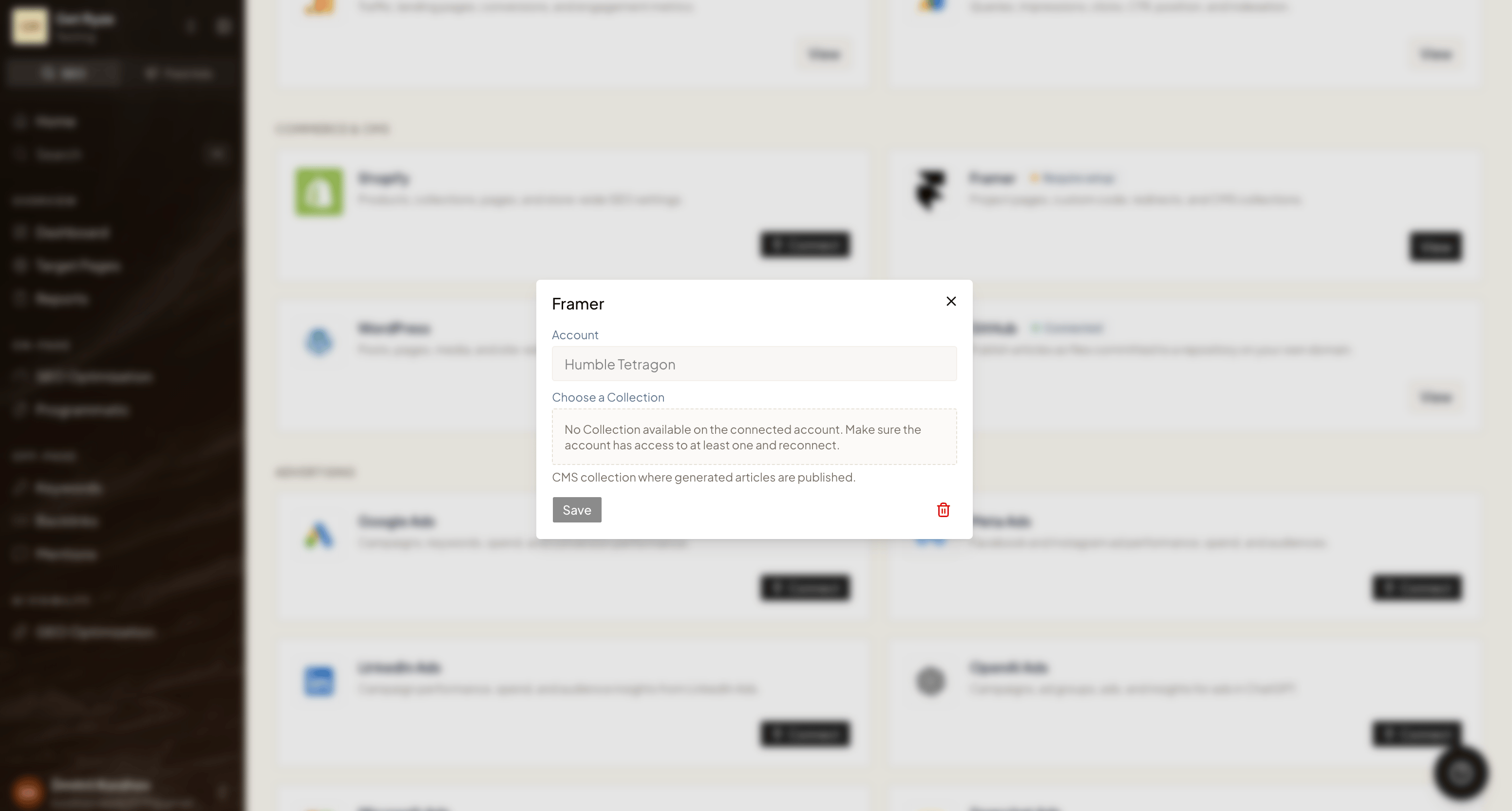

Step 1 — Create an API key in Framer
1
Open your project
Open your project in Framer.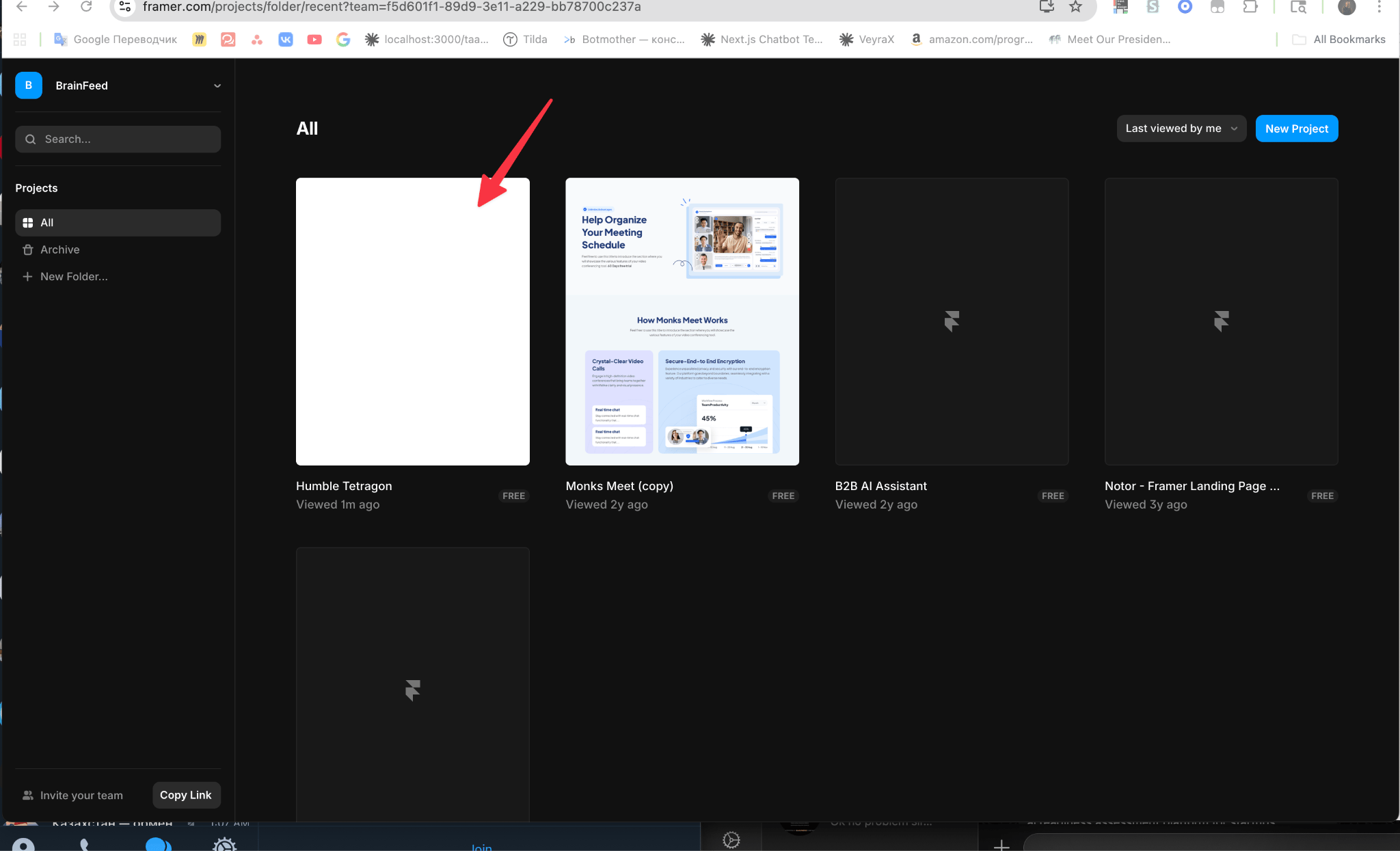
2
Open project settings
Click the settings icon in the top-right corner to open project settings.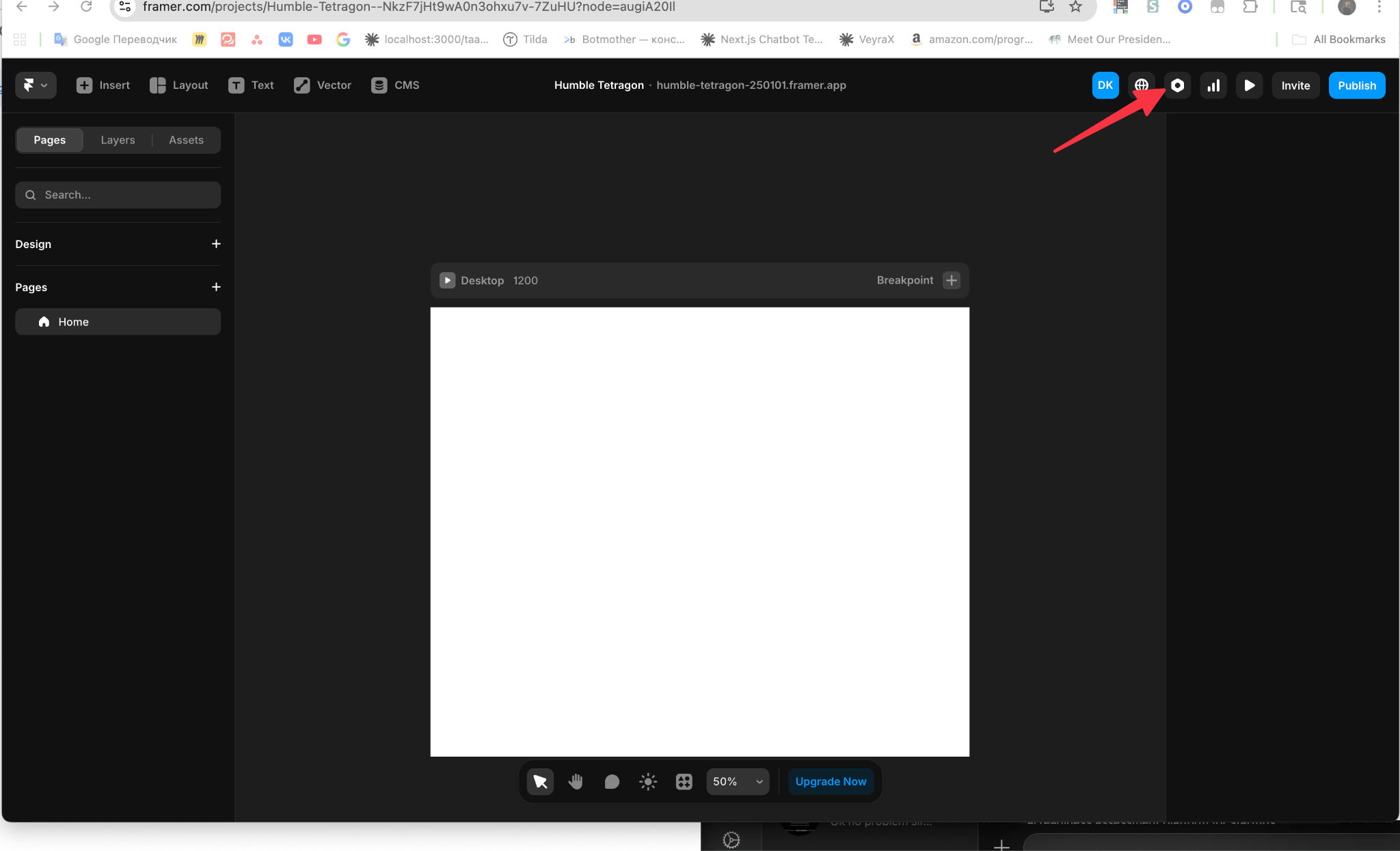
3
Go to General settings
In General settings, scroll down to the end.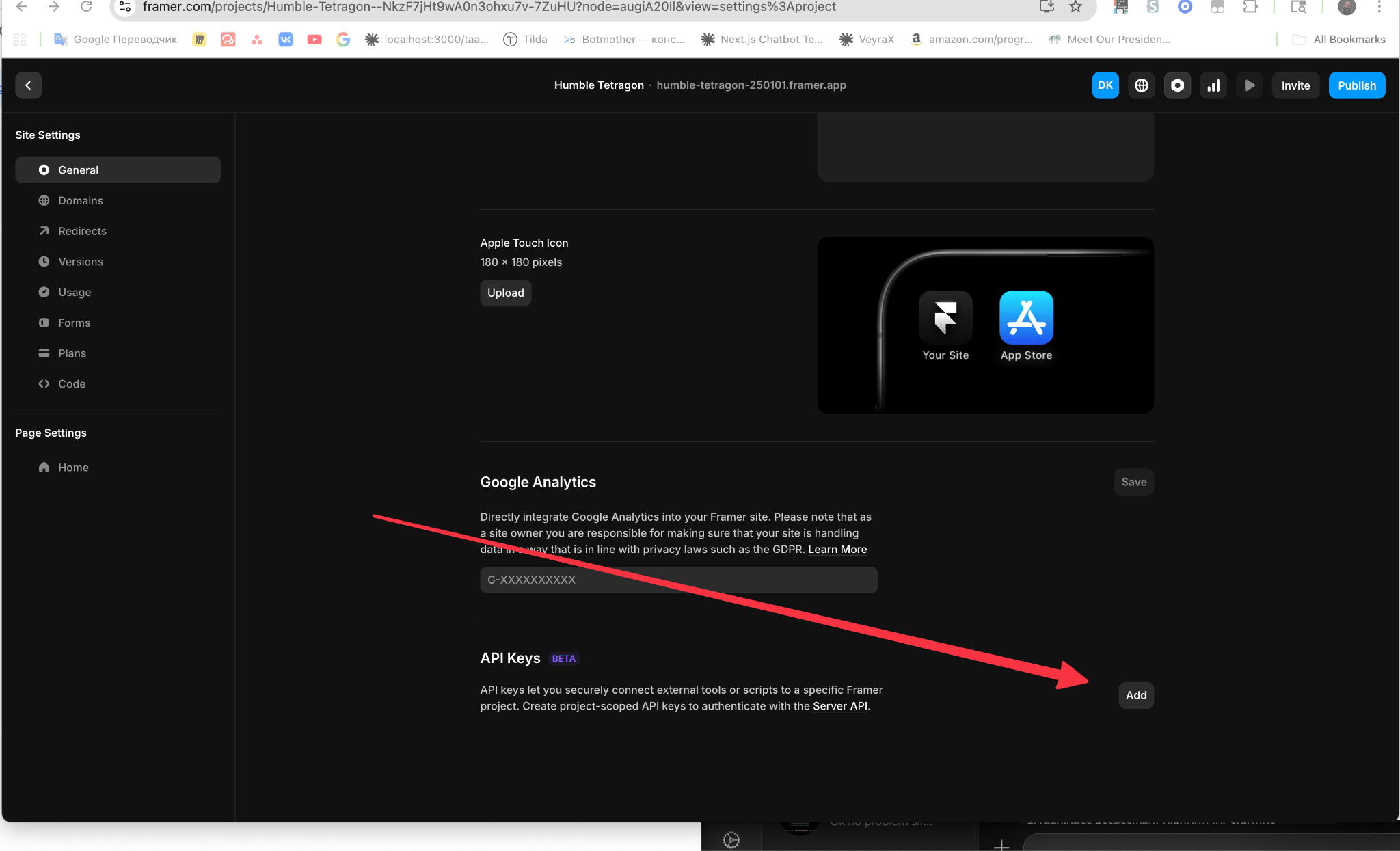
4
Create and copy the API token
Create an API token and copy it. You’ll paste it into Ryze next.
Step 2 — Connect in Ryze
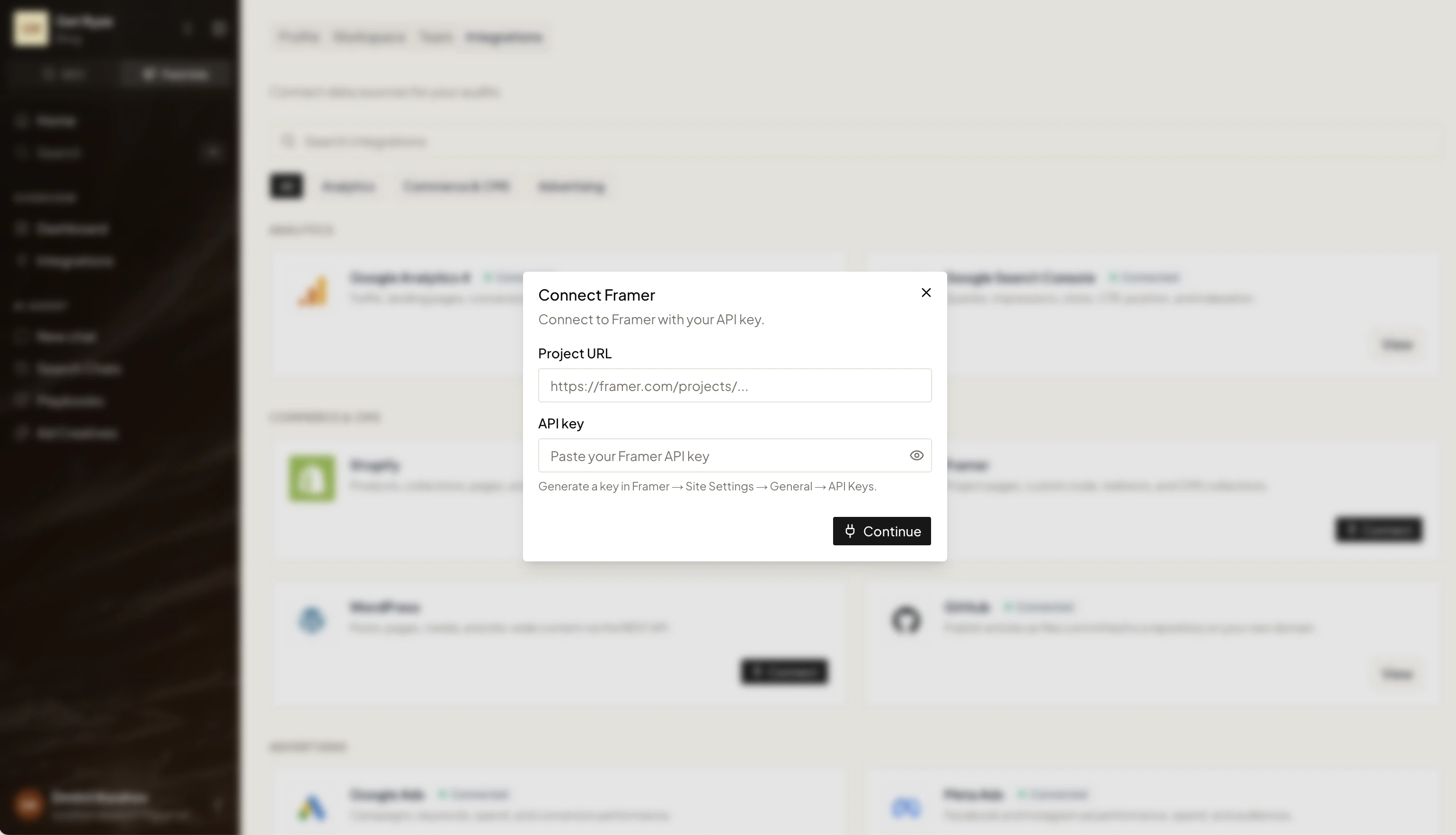
In Workspace Settings → Integrations, click Connect on the Framer card and fill in:- Project URL — e.g.
https://framer.com/projects/... - API key — the token you copied from Framer
Step 3 — Choose a Collection
After connecting, open the Framer integration settings and pick a Collection — the CMS collection where generated articles are published.