

Prefer video? Watch the Technical audit guide.
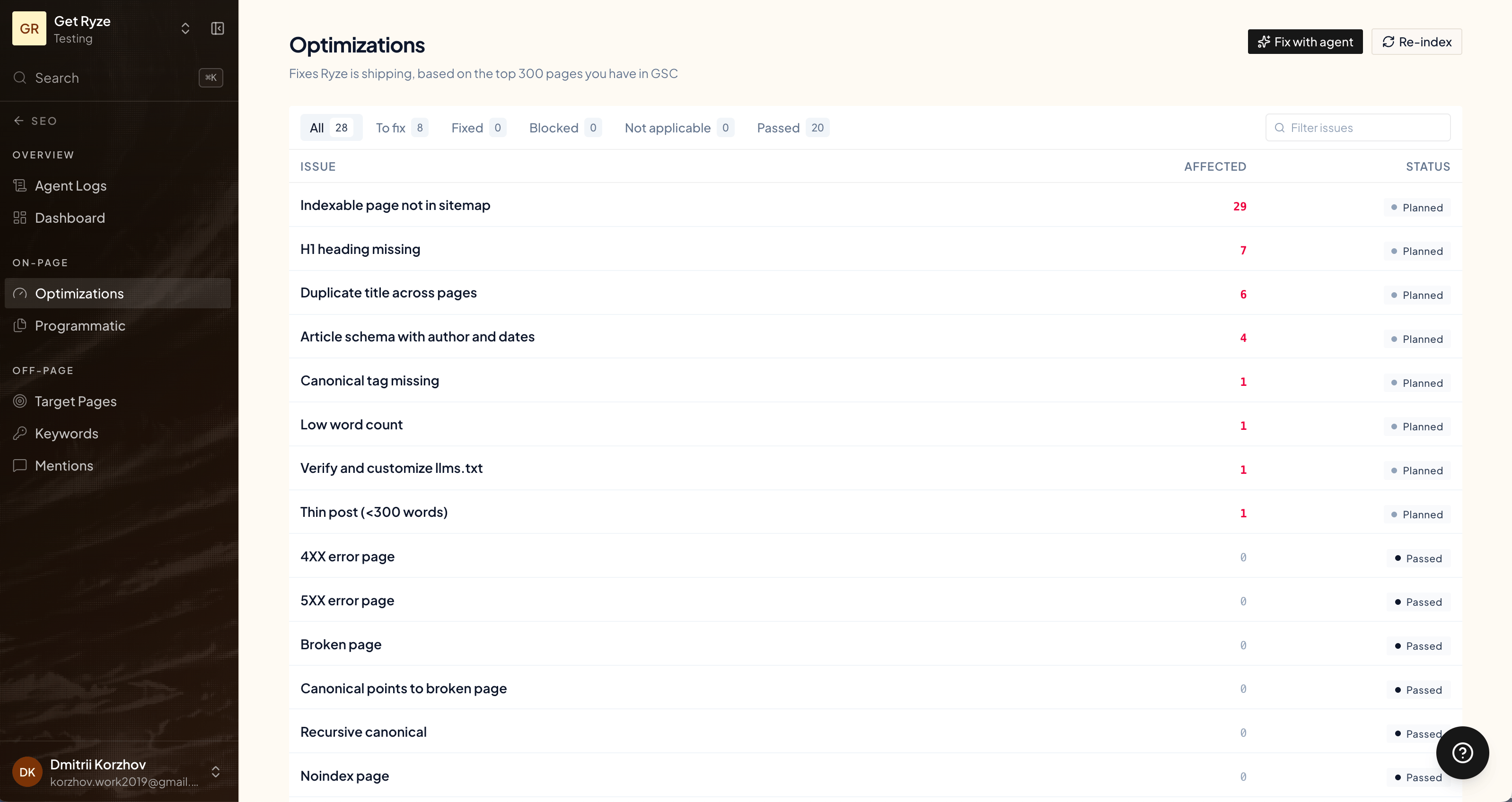
Two kinds of fixes
- SEO Optimization (technical) — classic on-page issues: meta tags, headers, crawlability, and other technical fixes for your store.
- GEO Optimization — fixes that improve how AI engines (ChatGPT, Claude, Perplexity) read and cite your site.
Run a crawl
Click Run crawl to scan your site and surface issues. It takes a few minutes — you can close the page while it works. Detected issues land in the list, grouped by type and showing how many URLs each one affects.Fix with the agent
Each issue has a Fix with agent button. Click it and the agent applies the fix for you, across the affected URLs — no manual editing.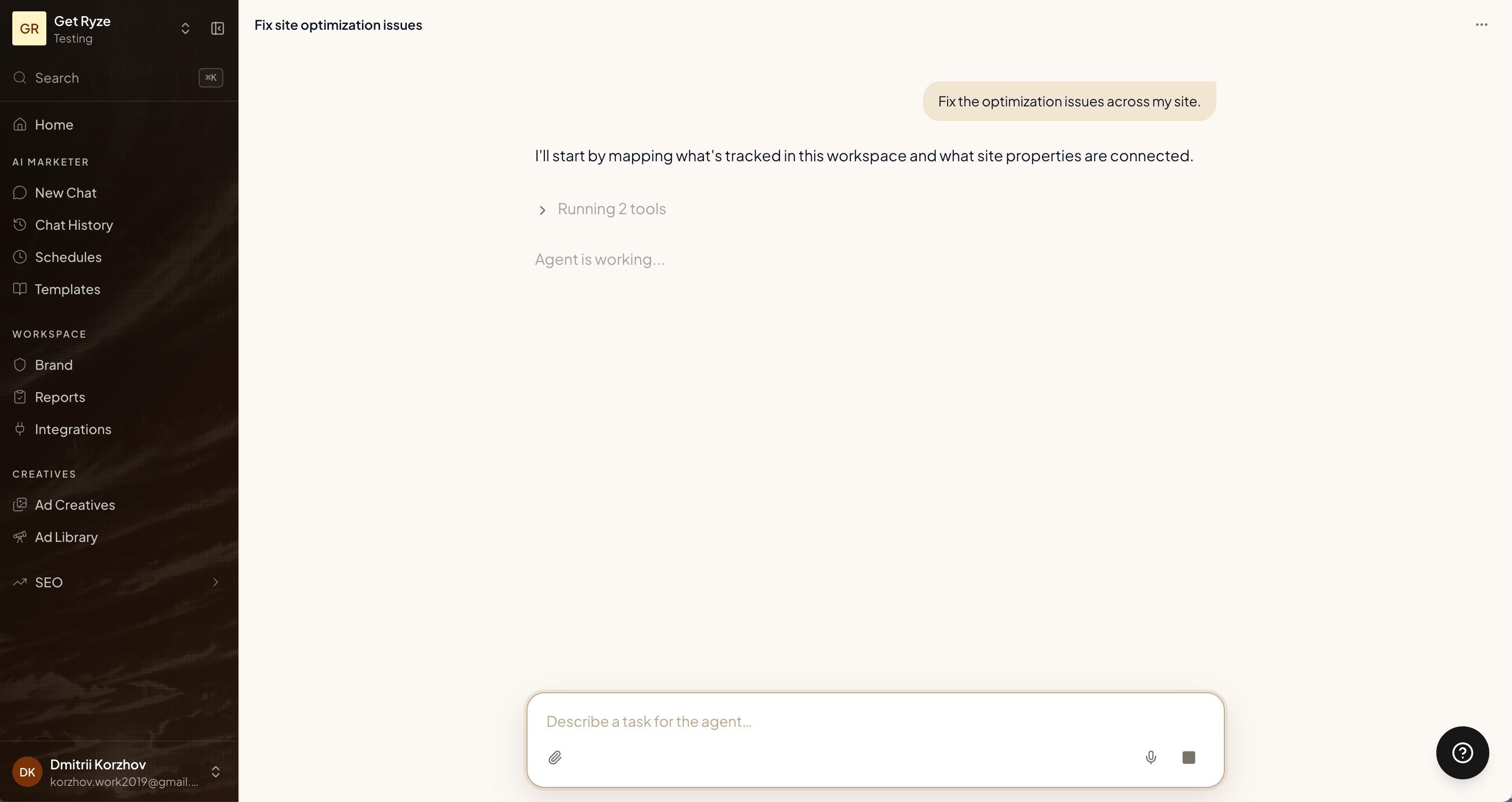
You can also Export CSV of the issue list, or Re-index a page to ask Google to re-crawl it after a fix.
Related
Programmatic Articles
The other half of on-page: content.
How it works
Where fixes sit in the engine.