

How a message is charged
Every AI step costs 0.5 credits. There is no model to pick. Ryze chooses the right model for each reply, and the step price is the same whichever one it uses. A simple reply is one step. When the AI pulls data or edits a campaign, it takes an extra step per round of tool results it reads — the tool calls themselves are free. A few tools carry a fixed cost on top, because they do heavy lifting:
Everything else the agent calls is free: Google Ads, Meta, GA4, Search Console, your store and your CMS.
Examples
- “Hey agent!” → one step. 0.5 credits.
- “What’s my Google Ads spend this week?” → pull data, then answer: two steps. 1 credit.
- “Compare ROAS across my Meta and Google campaigns.” → a few rounds of reports, then the comparison: ~4 steps. ~2 credits.
- “Generate 3 ad creatives for our spring launch.” → three creatives (7.5), a few steps, and 0.5 for each photo the agent generates. Usually 9–12 credits.
Agent runs
Work the agent does on its own — scheduled tasks, applying Approvals, and agent tasks you start with Fix with agent — is billed the same way: 0.5 credits per AI step, plus the fixed-cost tools above. Background research for Approvals is free. The agent scanning your accounts for opportunities costs nothing — you only pay when you approve a fix and the agent goes to apply it. Research does pause while your organization’s credit balance is at zero, so if proposals stop arriving, check your balance first.Through Claude or ChatGPT
When you use Ryze through the Claude or ChatGPT connector, the thinking happens in your assistant, on your Claude or ChatGPT plan. Ryze charges no AI steps there. Pulling data and making changes in your ad accounts through the connector is free; only the competitor ad search (Ad Library) uses credits. Ad creatives, UGC videos, SEO data lookups and web search run inside the Ryze app, not through the connector.See the cost of any reply
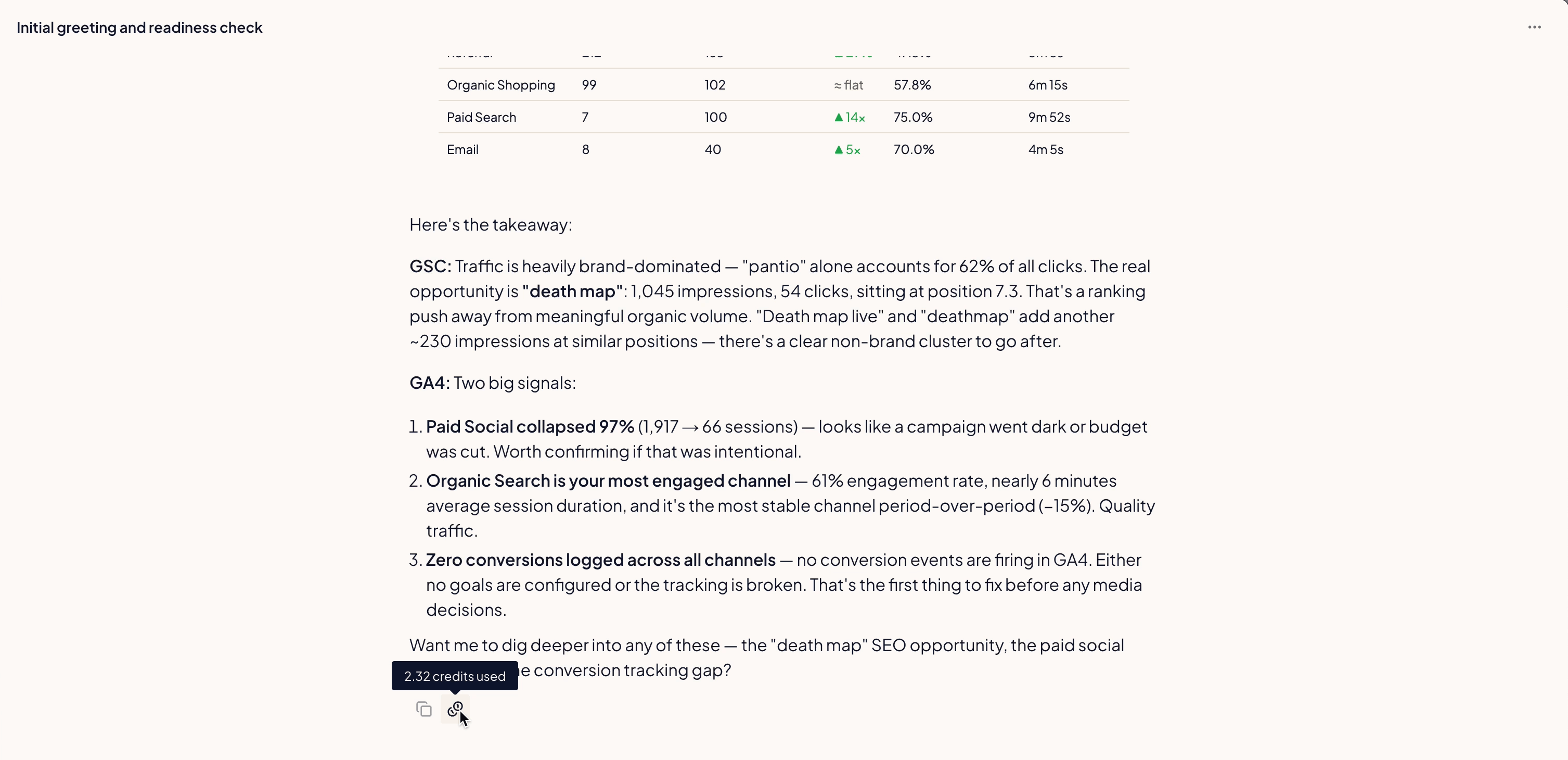
Hover the credit icon under any AI message to see exactly what it cost.What you’re not charged for
These don’t use credits:- Tool calls — pulling data, editing campaigns, publishing content: free. You pay for the AI steps around them, plus the fixed-cost tools above.
- Approvals research — the background scanning that files proposals is on us.
- Managed Campaigns — the agents that set up and manage a Managed Campaign don’t use credits. Those are priced on ad spend.
- Chat on your own Anthropic key — if you connect your own Anthropic key, AI steps in chat cost nothing — only the fixed-cost tools do. Agent tasks and other work the agent does on its own always run on Ryze credits.
Your balance at a glance
The coin counter in the top bar shows how many credits you have left. It turns amber below 100 credits and red at zero. If the workspace has a monthly credit cap, it shows what’s left under the cap. Click it to see:- credits remaining
- Next top-up and a date — when your plan adds its next allowance
- Buy credits — buy a credit pack (in a workspace with a cap, only the organization owner sees this button)
- This workspace: N of M this month — the workspace’s credit cap and how much of it is used, if a cap is set
- Connect to Claude — run the AI on your Claude subscription instead of Ryze credits (see Through Claude or ChatGPT)
When credits run out
- The chat shows Out of credits with Buy credits, or Add your key to chat on your own Anthropic key.
- If the workspace hit its monthly cap, the chat shows Workspace credit cap reached. The organization owner can raise the cap in Organization Settings → Usage → Credit caps.
- Scheduled tasks skip their runs, with a note on the task, until you top up.
- Approvals research pauses until your balance is above zero.
Track your usage
Open Organization Settings → Usage to see consumption across your whole organization. The Usage page shows:- Credit balance — what you have left.
- Spent this period — used since your billing period started.
- Credits by day — daily consumption trend.
- By workspace and by user — who and what is spending.
- Credit caps — a monthly credit limit per workspace, counted from your billing day. Leave it empty for no limit.
Running low? Top up
Buy credit packs anytime from Billing. Top-up credits carry over from month to month.Good to know
- A reply that pulls data does more thinking, so it costs more — hover the credit icon to see the breakdown.
- Unused plan credits roll over — each billing period’s allowance is added on top of your remaining balance, and top-up credits stay too.
- The Usage page breaks consumption down by workspace and by user, so you can see who’s spending.
- Inviting your first teammate adds 200 bonus credits to your organization, once per organization. You’ll see the offer as Invite a team member, get 200 credits in the chat. See Invite teammates.
Related
AI Ad Creatives
How the agent builds and renders ad creatives.
Invoices & Payment
Manage your subscription and payment method.